Bug - Projects related to Internal Controls

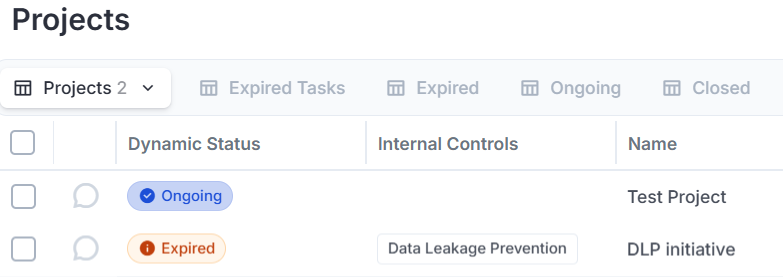
Hi, on Eramba SaaS Enterprise we used to link Projects to Internal Controls (see example below), but currently:

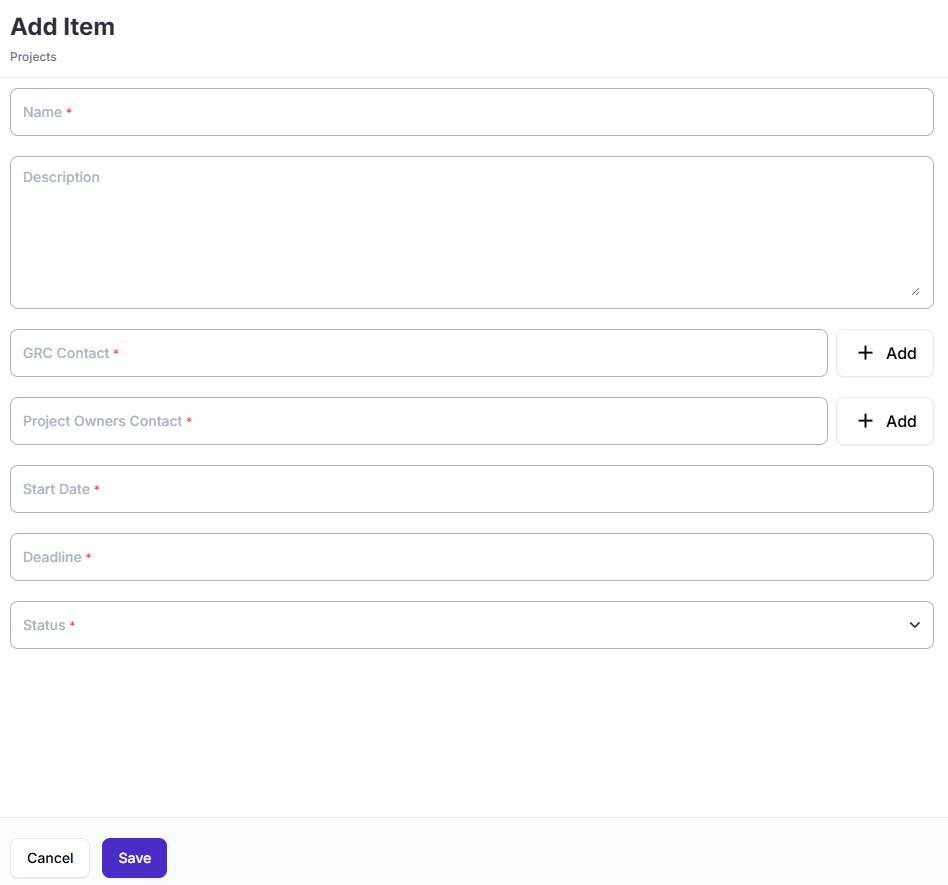
  1. When trying to edit an existing Project, the form doesn’t show the related Internal Control at all, so I cannot edit it.
  2. In addition, when creating new Project, since I don’t have the Internal Control attribute in the form, I cannot set the necessary link.

image

Thank you.

i think you will need to do this from the internal control side, the project field might be hidden by default tough

Thanks but the field was not hidden, the problem is another one, in the Security Operations > Project Management module: when I create a new Project I can’t select the related control. In previous releases I could do it, but now when editing that old project I don’t have the field anymore, in the screenshot below you can see a new test project, and an old one with the linked internal control.

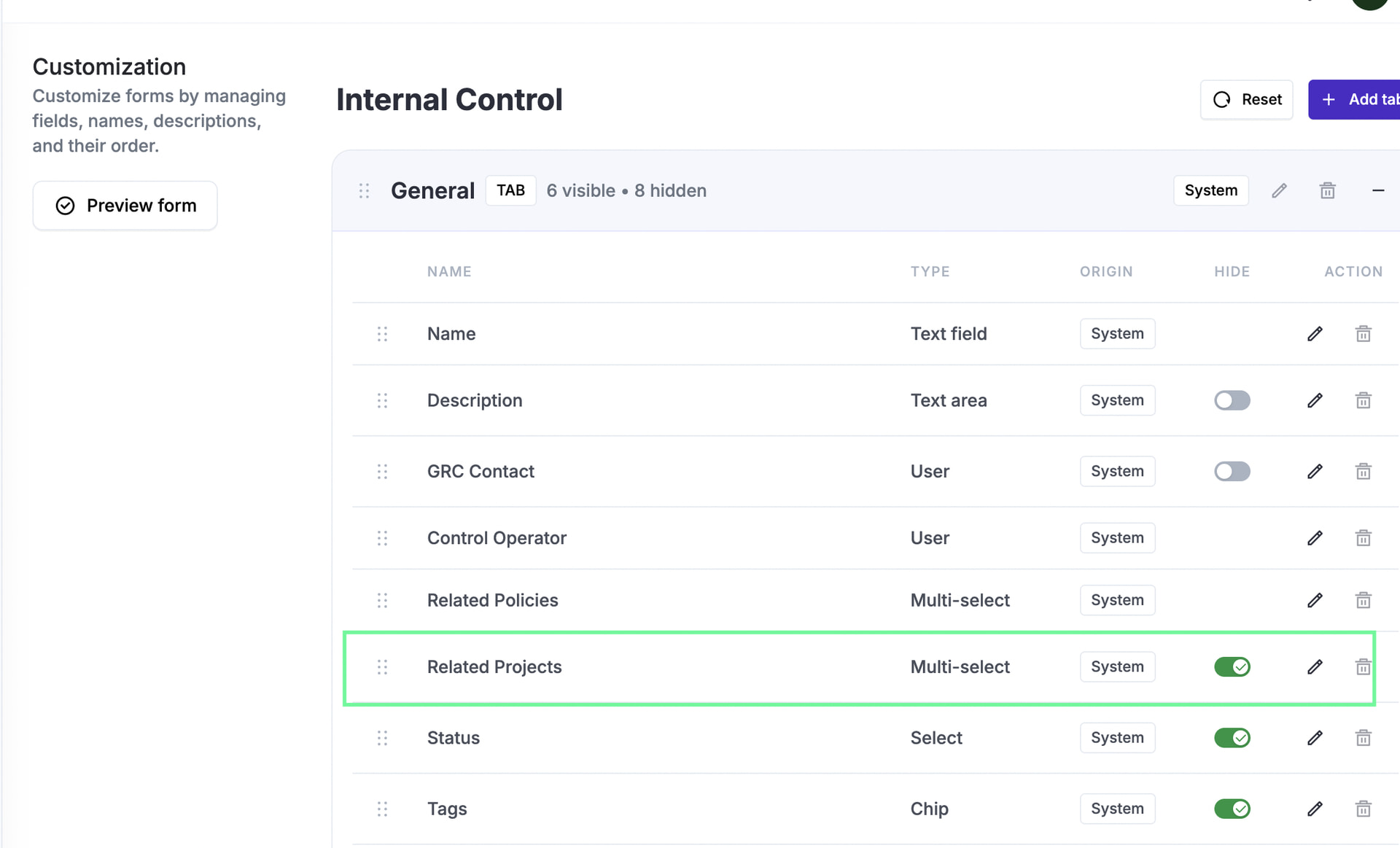
Perhaps you had a custom module relationship? The linking is Internal Controls → Projects, so editing the internal control to assign the projects

Thanks Adrian and Kisero, yes it was hidden, my bad, I confused the green colour in the toggle as visible. I can now create the projects within the Internal Control.