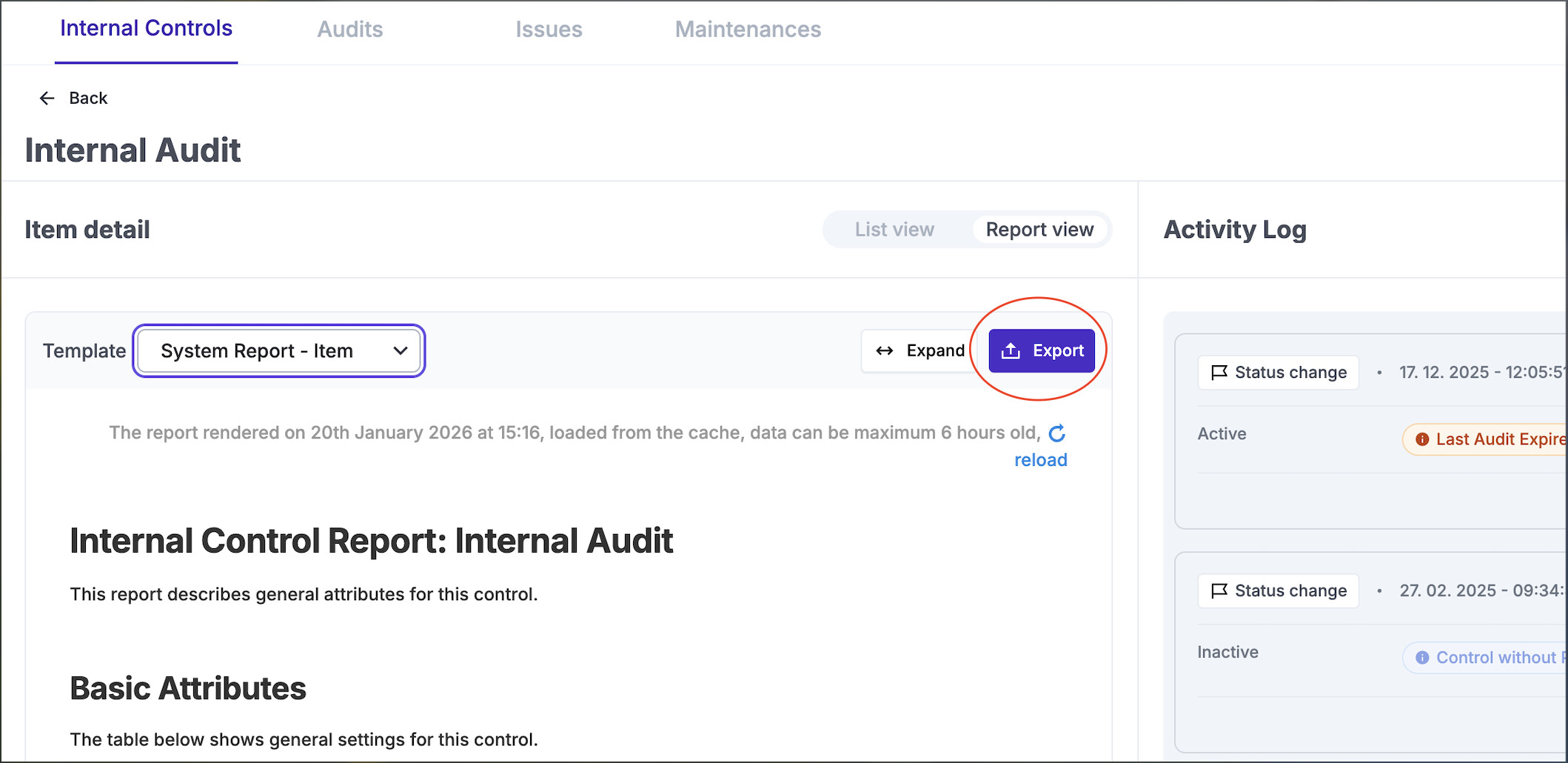
1, If I go to say a control and tick it to select it and then click the Reports menu item at the bottom (Item Report) I cannot then download the report from there once it has loaded. The only option to download a report is to go to the Reports button at the top of the page, but this only allows me to select a System Report.
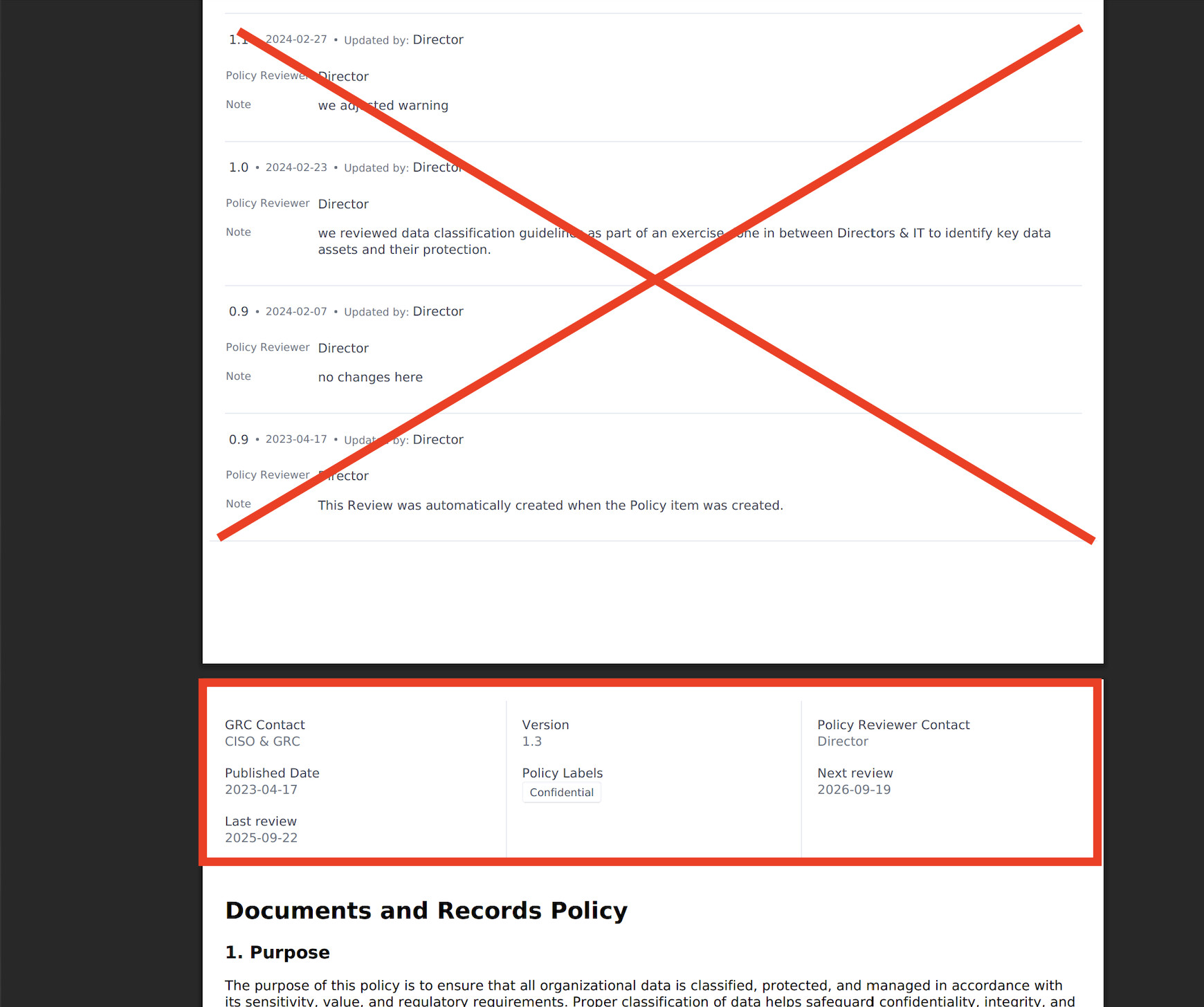
2, Could we have the Policy Reviews at the bottom of the Policy Documents when downloaded from the Policy Portal, this also goes for the Document View when a document has been selected and downloaded? If a document has loads of reviews, you have to scroll past them to read the document and doesn’t look good.
@sam, just been testing the new hotfix (3.28.1) before I upgrade our production server and noticed that when policies are downloaded they are still showing the review metadata at the top of the document. Obviously if you have only done a couple of reviews, this may not be a problem, but if a document has had a lot of reviews you have to scroll past them all to actually read the document itself which doesn’t look good! This is a major blocker for me to upgrade unfortunately. All of the options to view the documents are ok, it’s just when they are downloaded. Are you going to fix this?
Also, it seems like the option to set the public address has vanished… is this by design?
I’m not sure I understand this part of your message:
Will the audit data also be moved to the bottom of the reports as part of the update?
Regarding the review data, you are correct. We should display only the current review information, and all historical reviews will be moved to the end of the document, as it was before.
Regarding the public address, yes — this was removed because the majority of customers are running a Docker installation, where it is configured in the .env file. I would strongly recommend migrating to Docker as well.
Yes sorry. It should display only the current review information at the top, and all historical reviews should be moved to the end of the document, as it was before.