Introduction
Most vendors offer Integrations. They are easy to use, but they are boxed: fixed logic, fixed configuration, fixed outcomes. You get what the vendor decided you should get — nothing more.
Automation is different. It lets users define their own logic, their own data sources, and their own outcomes. You can connect to any system (or none), pull any data you want, analyse it however you want, and update any system you choose. The only way to achieve that level of flexibility is by allowing users to write and execute their own code.
With automations, you can:
-
Run code on every Risk save, calculate risk scores using your own methodology, and update custom fields automatically.
-
Analyse Online Assessment responses using an LLM of your choice, decide whether a finding is needed, and create Jira tickets for follow-up.
-
Pull evidence directly from AWS, validate backup configurations, upload evidence into eramba, and close audit records automatically.
None of this is possible with traditional integrations. They simplify setup, but they fundamentally limit what you can do. Automation removes those limits.
The reason other vendors do not allow you to do this is because they do not wan’t to teach you to fish, they need to sell you the fish. As simple as that.
Solution Building Blocks
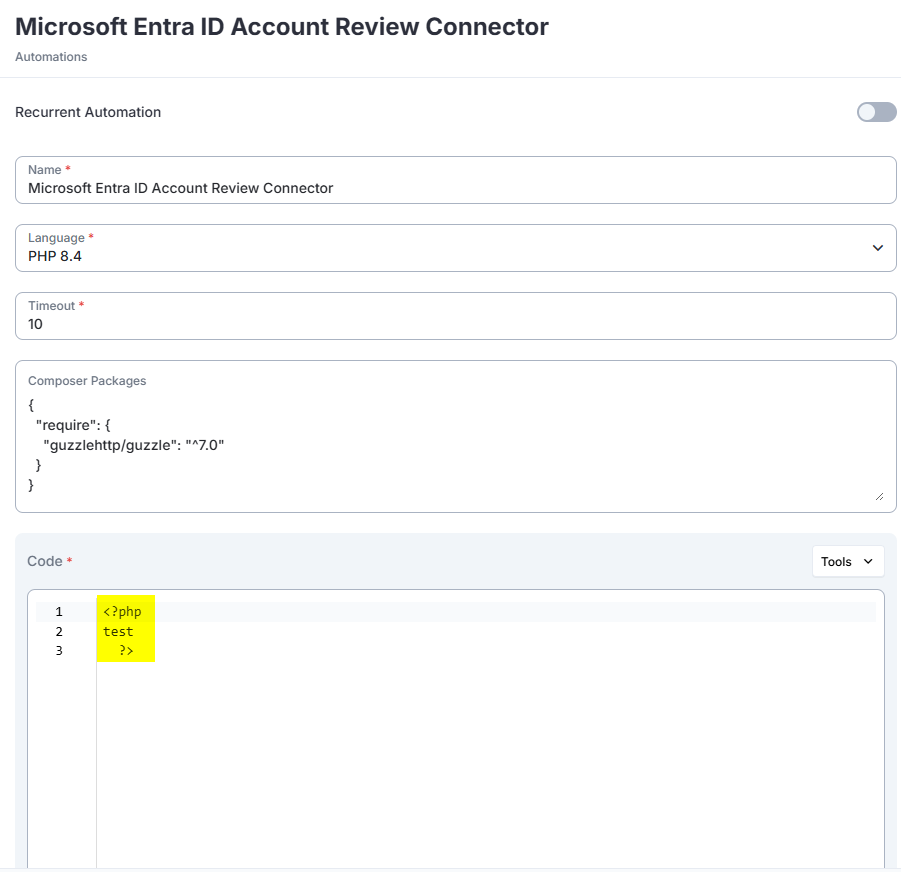
Within the Automation feature, users can **Create, Read, Update, and Delete (CRUD)** automations.
- Each automation consists of:
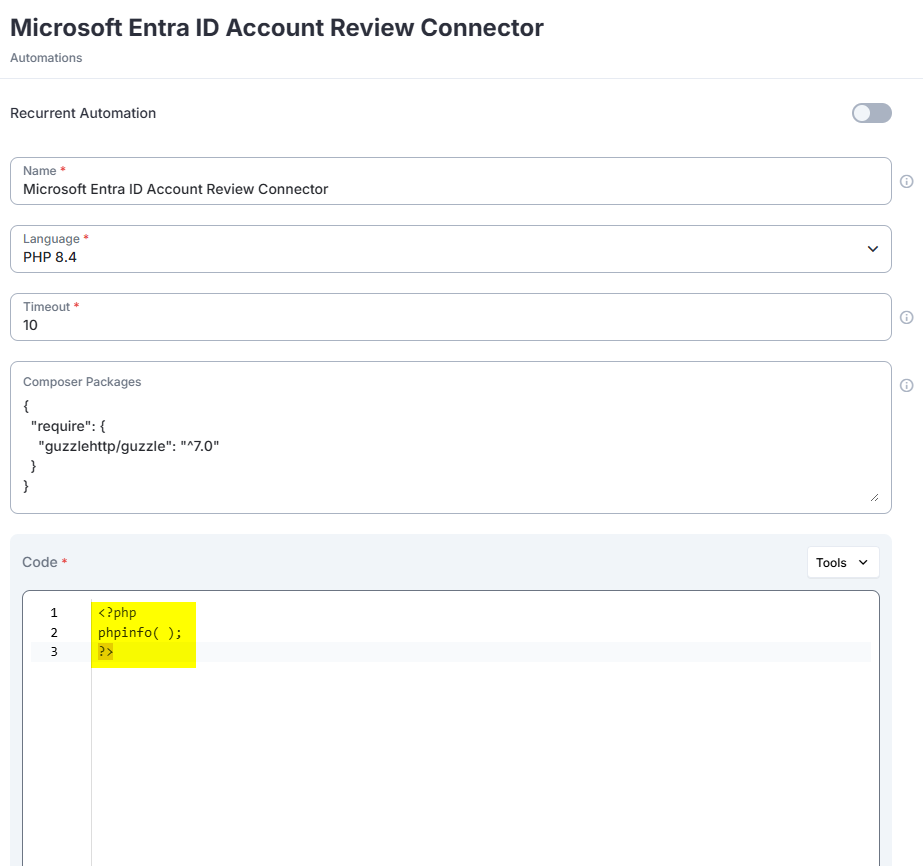
- A single-file PHP script (latest stable PHP version)
- A Composer file defining dependencies
- A timeout setting (currently hardcoded by default)
- A “Type”, with two options:
- “Recurrent”: runs automatically every hour or every day
- “Triggered”: runs only when triggered by a Notification
When automation scripts execute:
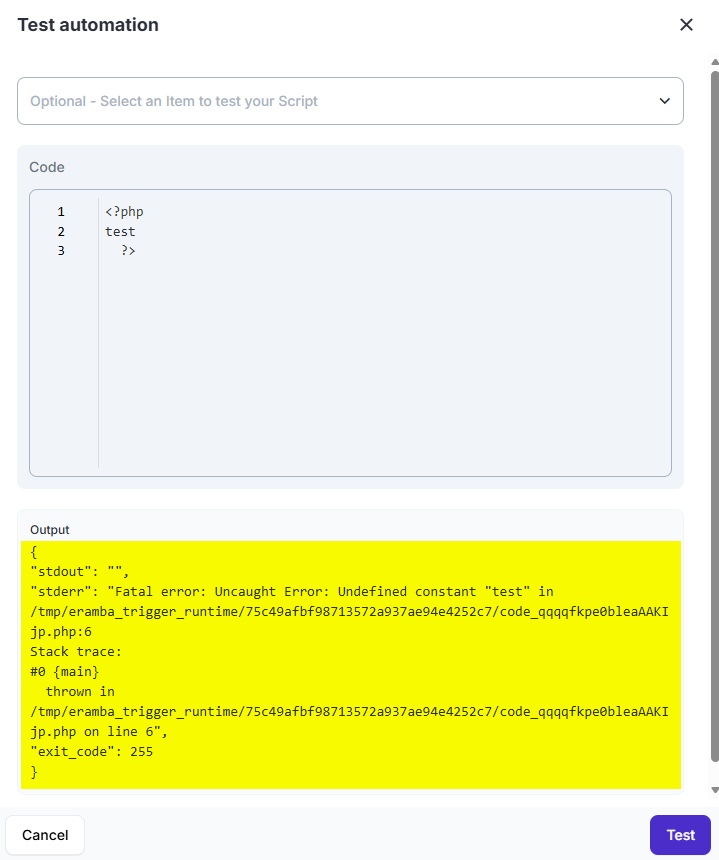
- Automations can be tested before being enabled in production.
- Each execution generates a full execution trail, including: execution time, execution result code, STDOUT, STDERR, Execution timestamp and a unique hash derived from the script and Composer file, used to detect and track code changes
This ensures automations are auditable, repeatable, and fully traceable.
Recurrent vs Triggered
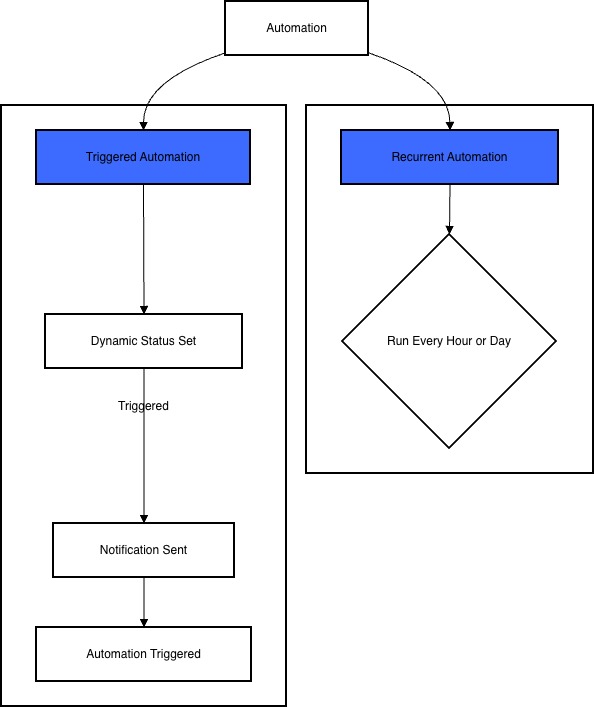
There are two ways to trigger each automation you create, “Triggered” and “Recurrent”.
-
Triggered automations are used when you need to execute actions in very specific scenarios. Examples include when a Risk exceeds a certain threshold, when a Policy is saved, or when any other condition you define is met. The process starts by creating a Dynamic Status, where you can define almost any logic you need. That status is then linked to a Notification. Instead of sending emails or webhooks (as notifications traditionally do), the notification triggers the selected automation, executing your custom code at the exact moment the condition is met.
-
Recurrent automations are used when tasks need to run continuously. Typical use cases include keeping an up-to-date employee roster for access reviews or regularly checking policies against compliance requirements using an LLM. These automations run on a fixed schedule — every hour or every day, depending on your choice. If you need more granular timing (for example, every Thursday at 5pm CET), you can schedule the automation to run hourly and handle the exact execution timing directly in the automation code by ignoring all runs except the one you need.
Security & Monitoring
A few considerations:
- Automations run on a separated, isolated container
- This container has internet access (outgoing 80/443) but no access to anything else (other containers, etc).
- Monitor: all dropped connections logged to diagnostic file
- The actual execution is handed by PHP and executed by a privilege account (you fall back into Linux security controls)
- New TCP network connections will be rate/limited (100kb/sec and 5 tcp connections)
- Monitor: all dropped connections logged to diagnostic file
- PHP Execution is limited in duration (120 seconds)
- File writes by scripts is limited to a single file with a limited size (1Mb)
- STDERR from all Automation
- Monitor: all dropped connections logged to diagnostic file
- Automation Scripts every time is saved/edited
- Monitor: all dropped connections logged to diagnostic file
We are working with a security company to review this in more detail.
Liability
We have no way to control what users do with this code, if the want to implode their eramba installation so be it. Is their decision (and is up to them to deal with consequences).
Whenever (in particular in the begining as this feature is beta tested) users manage automation they will need to accept additional terms and conditions. In particular administrator won’t be allowed to use automations for:
- Anything but well-intentioned purposes
- Any elicit purpose (hacking, service disruption, etc)
- Store any code that breaches any third-party license
Is important for users to know:
- The code uploaded and their execution outcome is logged by eramba and will be used to prosecute anyone doing anything stupid.
- Anything strange will lead to immediate service cancelation.
- eramba takes no liabilty whatsoever for any damage the user might generate to them or to others.
Needless to say, all this will be writen by our solicitors not us, we just try sharing here a general idea of what we do not what users to do and what happens if they do.