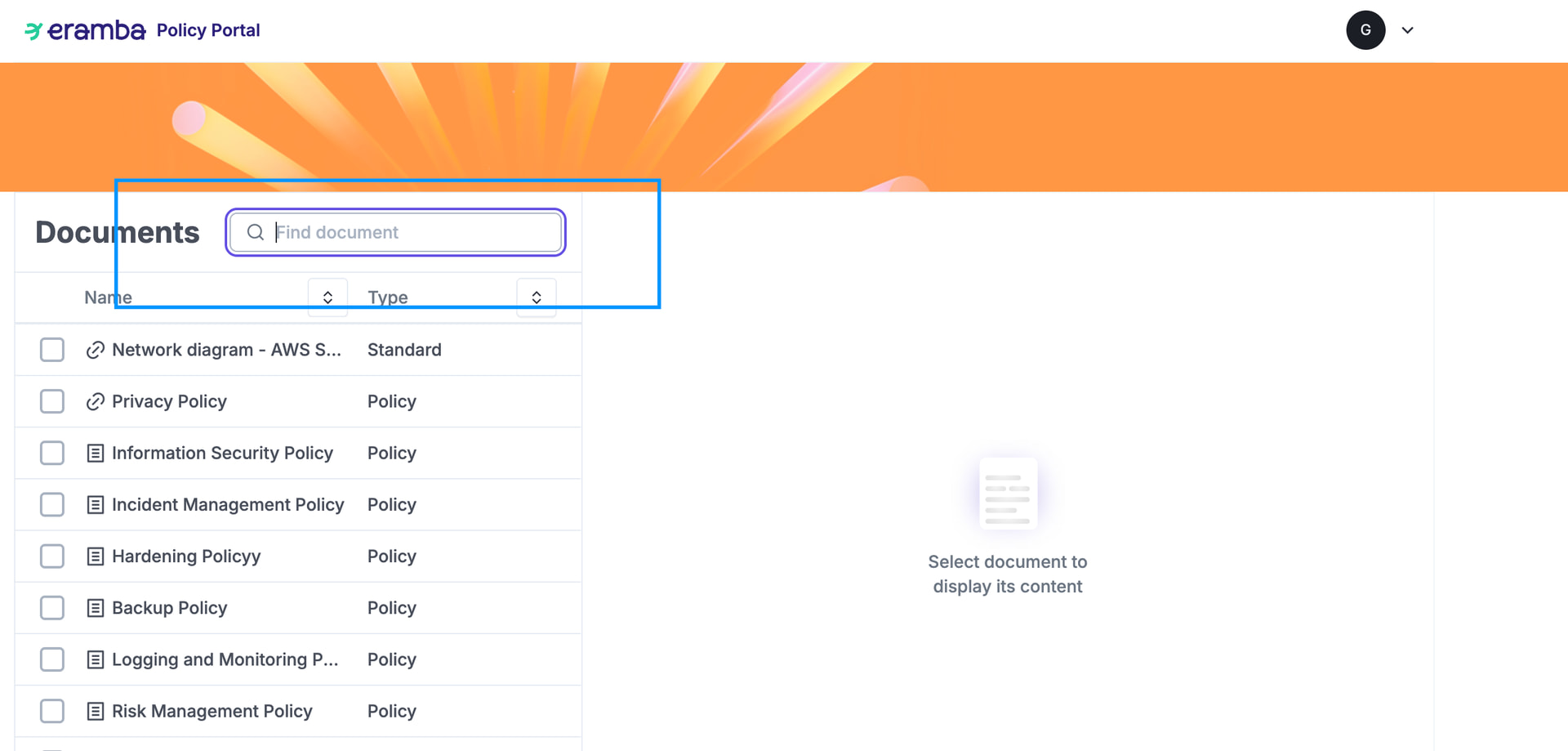
The Policy Portal allows users, and optionally guests, to access published policies from eramba.
Access to the portal should be controlled globally through portal settings, not through a separate per-account portal attribute.
Portal Access
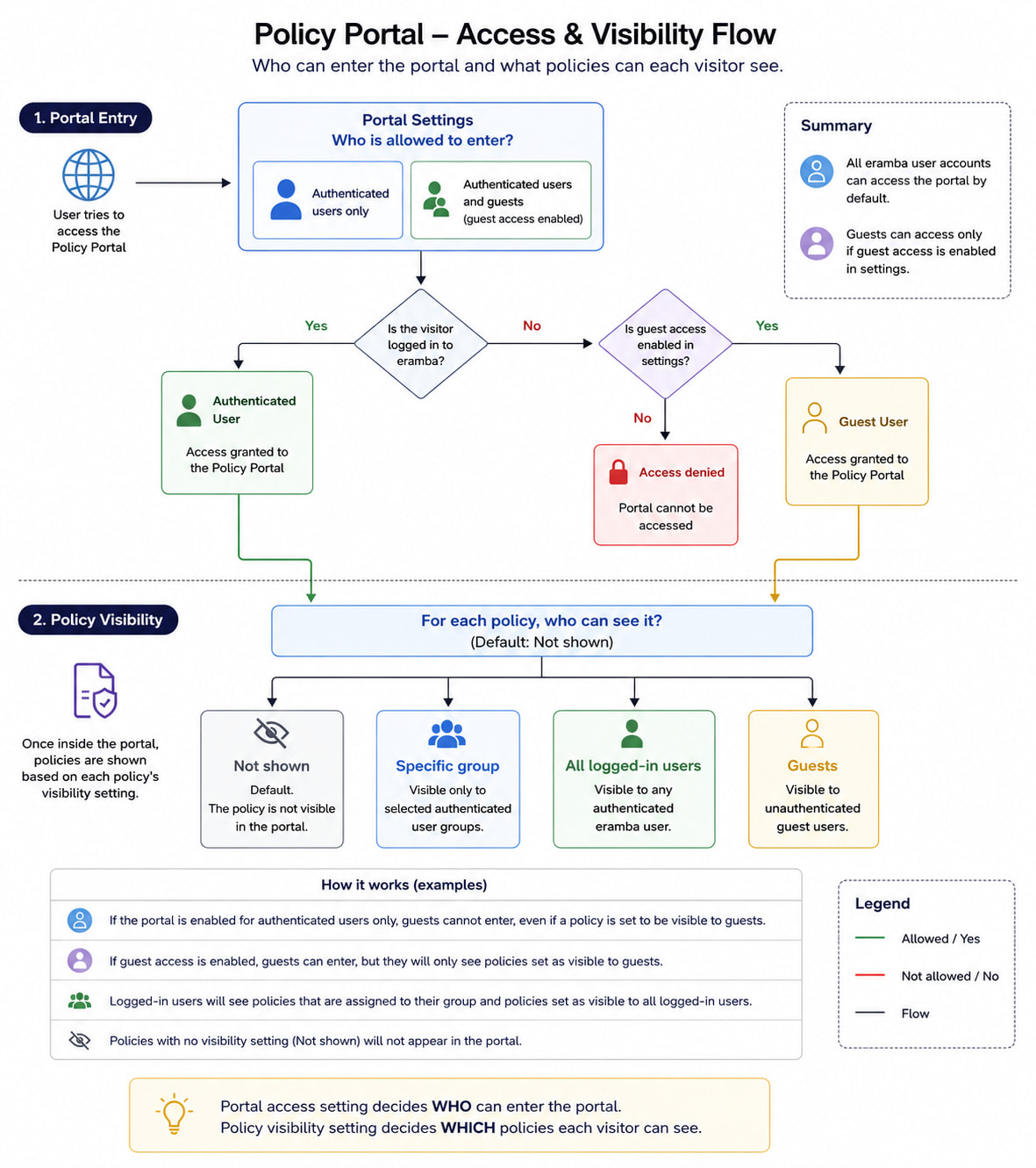
The portal can be enabled so that either:
- Only authenticated eramba users can access it
- Authenticated users and guests can access it, if guest access is enabled in settings
Every user account in eramba should be allowed to access the Policy Portal by default. There should not be a separate portal attribute required on user accounts.
Access Rules
| User type | Portal access |
|---|---|
| eramba user with an account | Allowed by default |
| Guest user | Allowed only if guest access is enabled |
| User without an account and guest access disabled | Not allowed |
Policy Visibility
Once a user is inside the portal, each policy should define who can see it.
By default, a policy should not be visible in the portal unless explicitly configured.
A policy should support the following visibility options:
| Visibility option | Meaning |
|---|---|
| Not shown | Default. The policy is not visible in the portal |
| Specific group | Visible only to selected authenticated user groups |
| All logged-in users | Visible to any authenticated eramba user |
| Guests | Visible to unauthenticated guest users |
Expected Behavior
The portal access setting answers this question:
Who is allowed to enter the Policy Portal?
The policy visibility setting answers this question:
Which policies can each visitor see once they are inside?
These two controls should be independent.
Examples
- If the portal is enabled for authenticated users only, guests cannot enter, even if a policy is marked as visible to guests.
- If guest access is enabled, guests can enter, but they should only see policies explicitly marked as visible to guests.
- Logged-in users should be able to see policies assigned to their group and policies marked as visible to all logged-in users.
- Policies with no visibility setting should not appear in the portal.
Search must include “Content”
When someone “searches” on the portal, the search can not be limited to “Titles” but also look in teh content of the documents (when content is built in editor)