Here’s a short update on the sections we’ve recently migrated to the new user interface.
Migrated sections:
• Program and all subsections (excluding Goals)
• Organization and all subsections
• Asset Management
• Policy Exceptions
• Support Contracts
• Risk Exceptions
• Compliance Exceptions
When a section is marked as migrated, it means it now uses the updated interface. This includes:
- a refreshed main form
- updated default/pinned views (column order, sorting, and other view settings)
- updated or new dynamic statuses and notifications (including commonly requested CRUD notifications)
- a new UI for customization
- a new UI for bulk edit
- an improved import mechanism: the logic and UI stay the same, but processing runs in the background, so you no longer wait on a loading spinner
- the Detailed View modal (this applies across all sections and isn’t tied to migration)
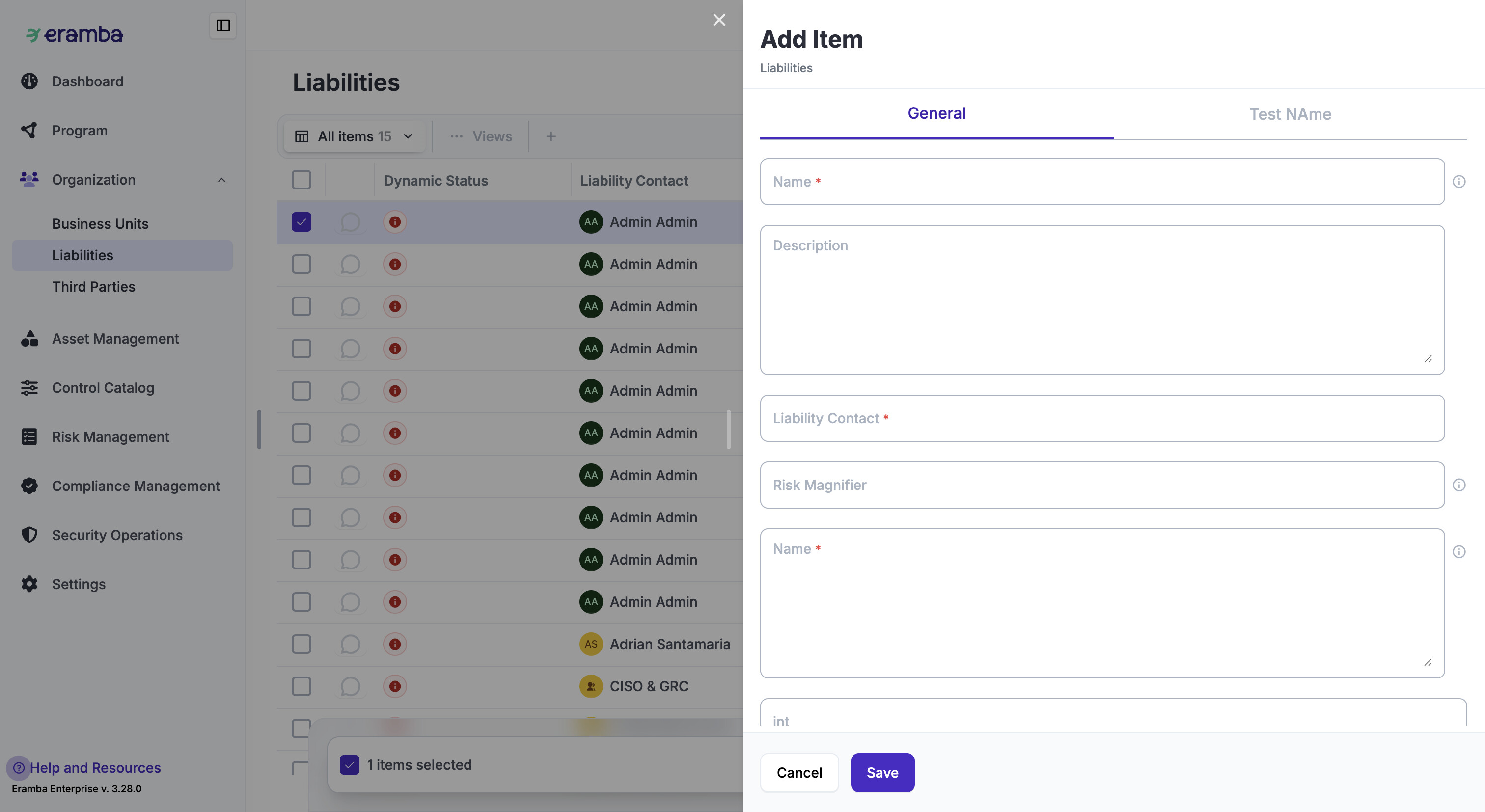
The biggest visible change is the form used to add new items. Instead of opening in the center of the screen, the form now slides in from the right as a drawer. All mandatory fields are shown immediately, so you don’t need to click Save just to see what’s required.
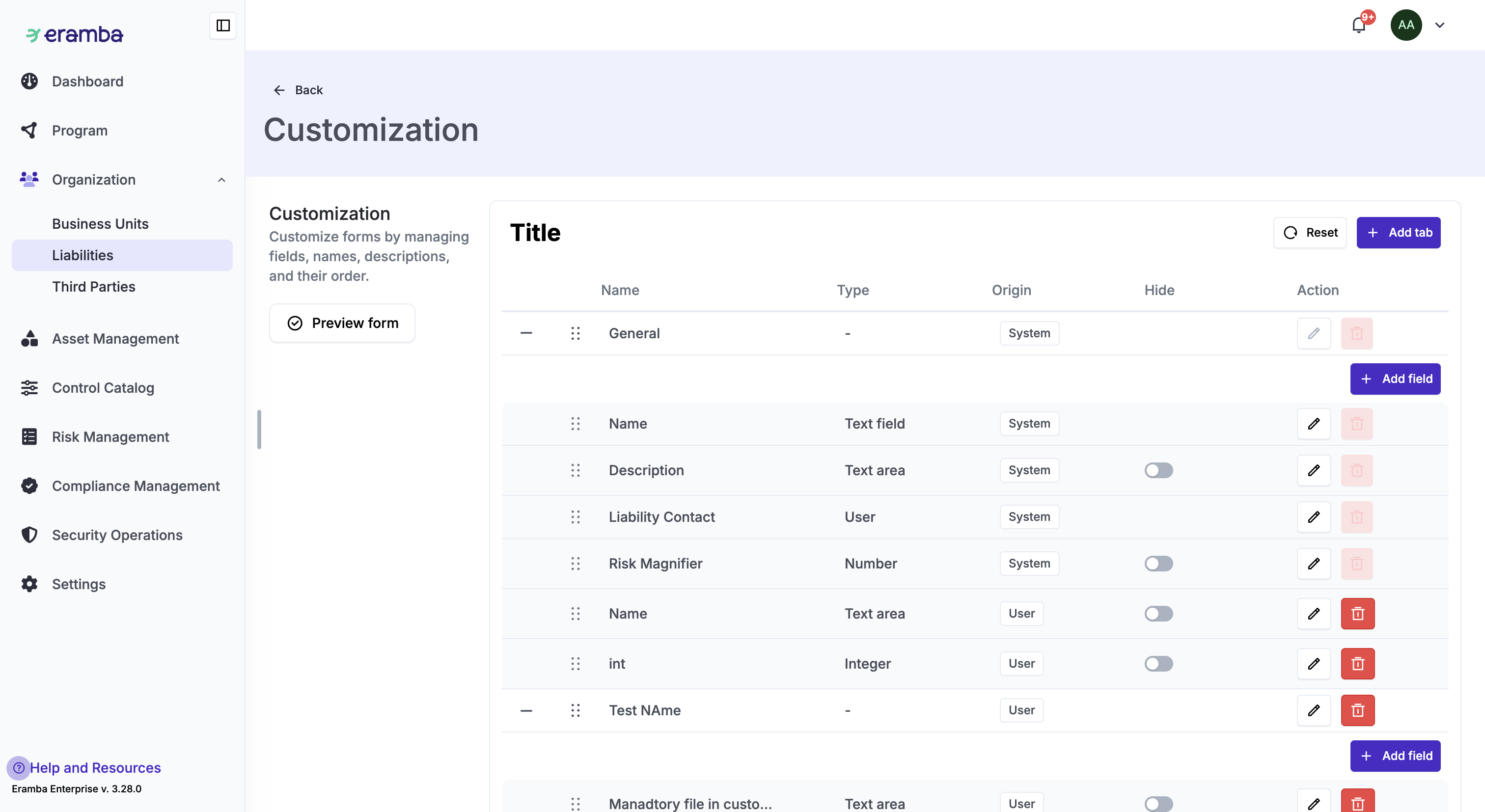
Customization has also been redesigned. As you can see in the screenshot, the UI is cleaner and you can preview the customized form.
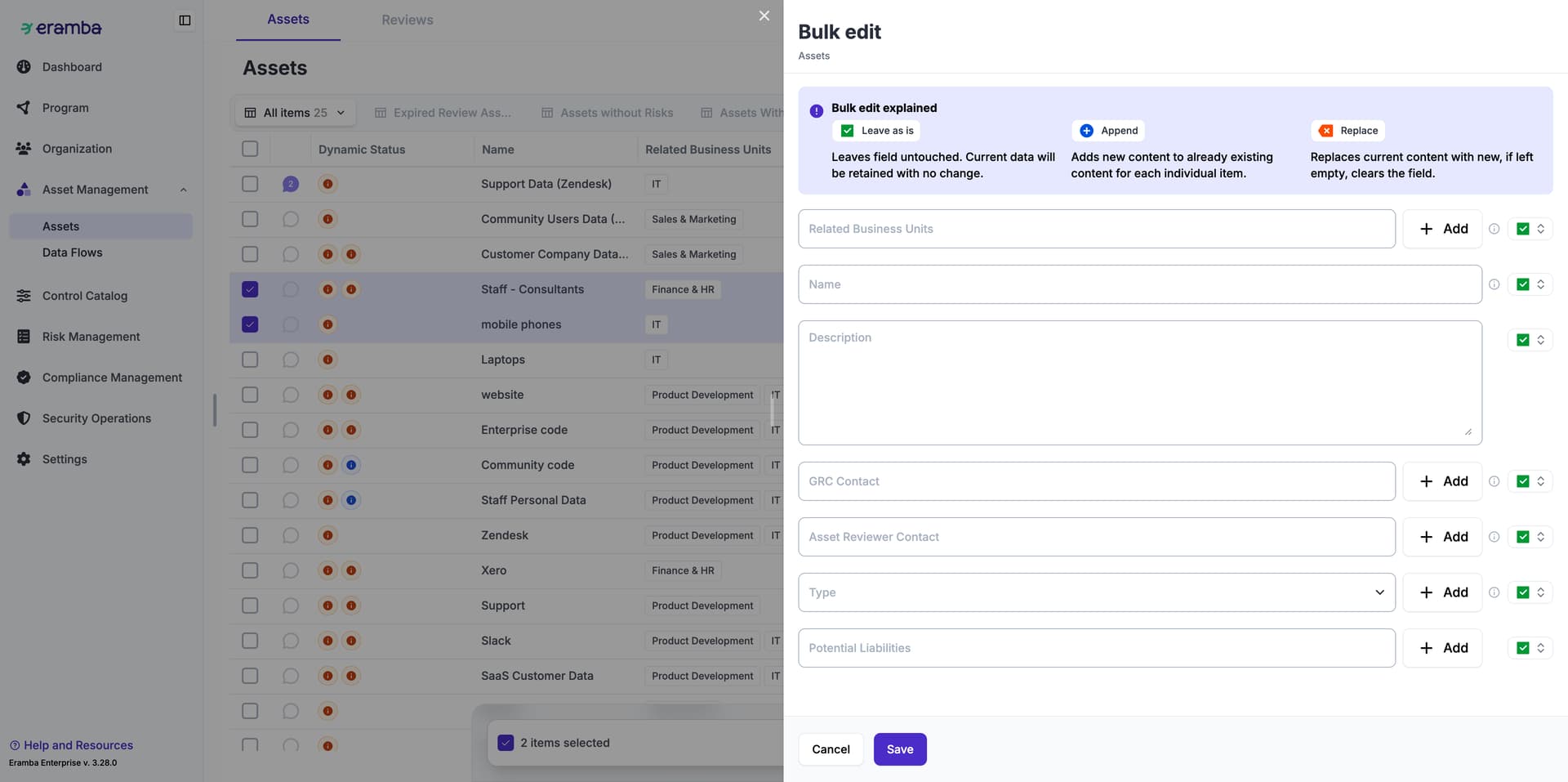
Bulk edit has received a UI update as well. The functionality remains the same.
Imports in migrated sections still use the old upload form, but processing now runs fully in the background. The job is handed over to the worker, and you’ll receive a notification once the import is complete.