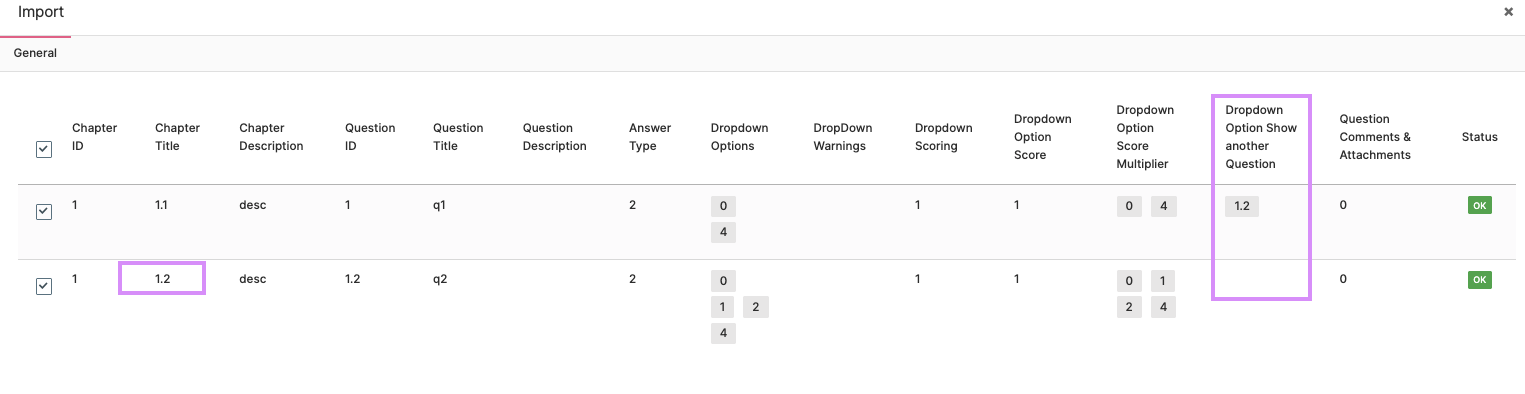
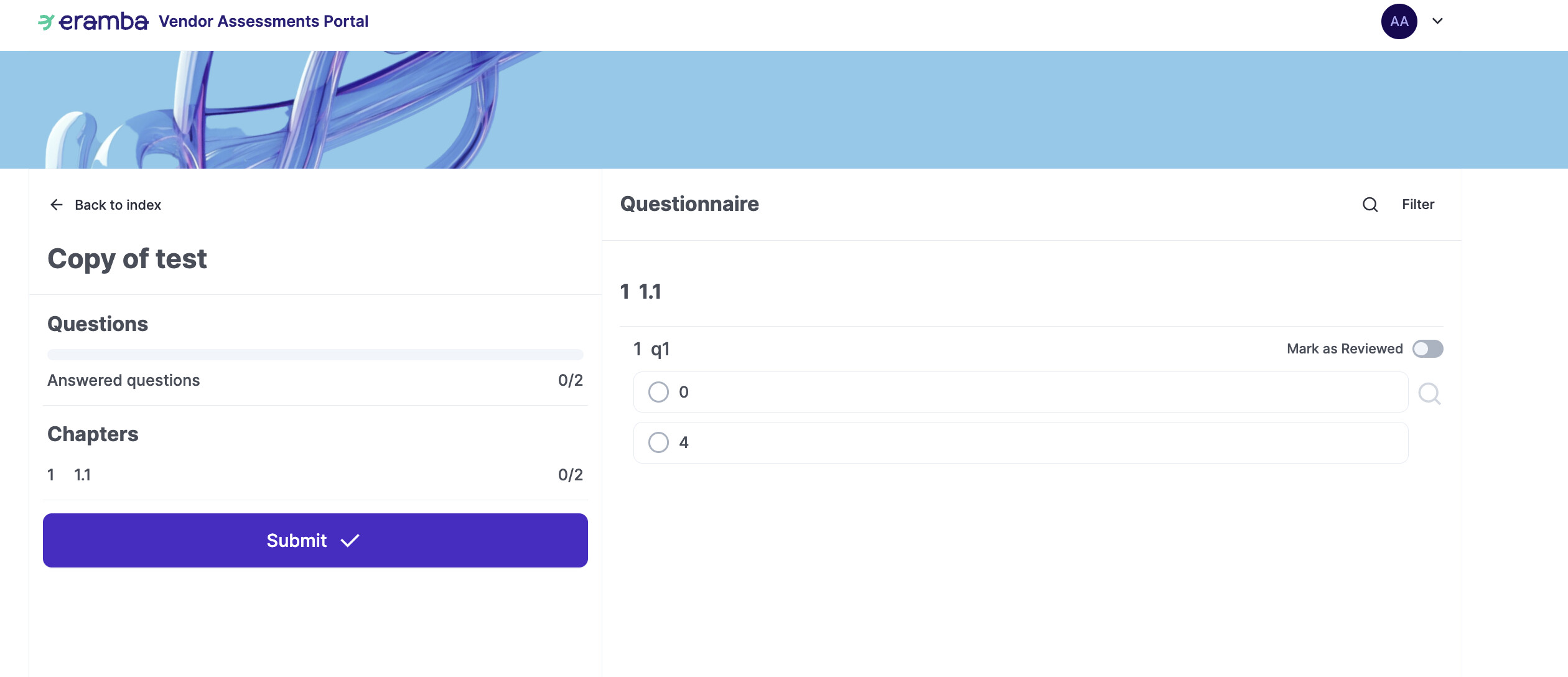
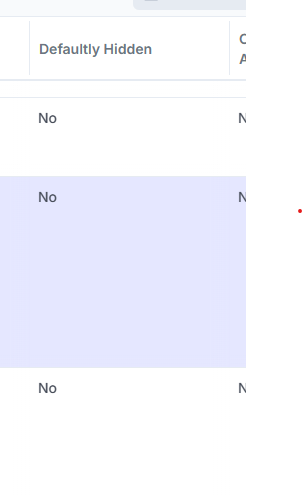
There is a field in OA Questions called “Defaultly Hidden”. When creating questions it does not appear as an option but on the main view it exists. In older versions this could be used to make sure that questions did not show up however now it appears that there is no longer a way to edit this field from No to Yes. Is there a way to edit this that I am not seeing?
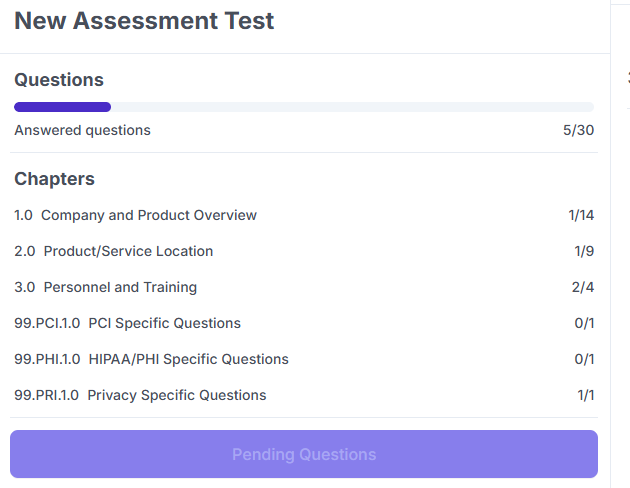
As a secondary question, is anyone aware of a way to make Chapters in OA not visible or minimally change the number of questions showing in the answered questions section to show (and accurately reflect in the count) that no questions are currently needing to be answered. The use case here is that instead of sending multiple assessments for different categories of data, we would like to leverage the front part of the single questionnaire (1.0 in the image below) to gather information about the company and the services and determine whether specific parts of the assessment need to be completed by the Vendor. Using the image below as an example, section “99.PCI.1.0 PCI Specific Questions” would either not appear at all or would show “0/0” instead of “0/1” if the Vendor does not select an option that indicates they would be handling PCI related data.
Thank you everyone in advance for your input on the two questions above.