Question about the "Document View" button on the policy reviews page

If I go to a review and these are the buttons below:

image

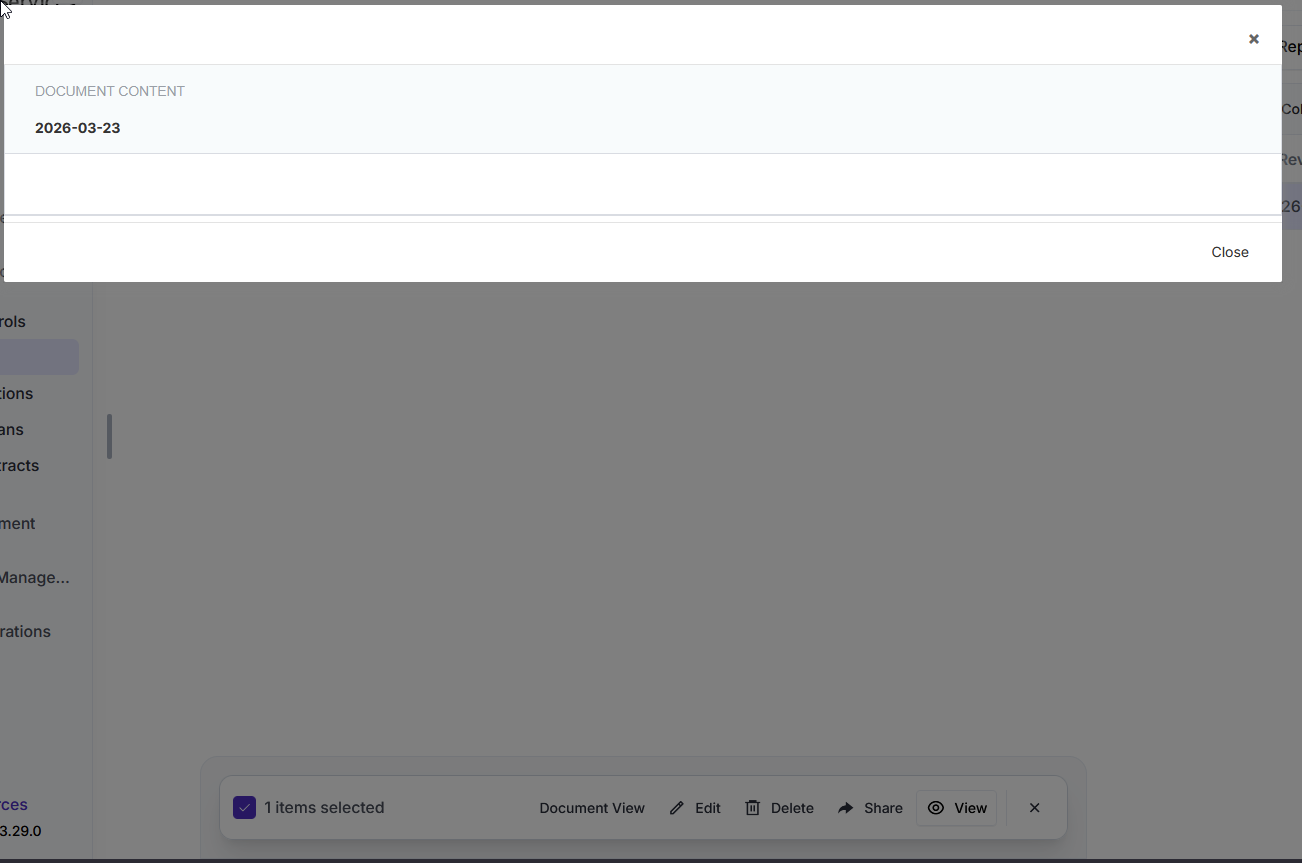
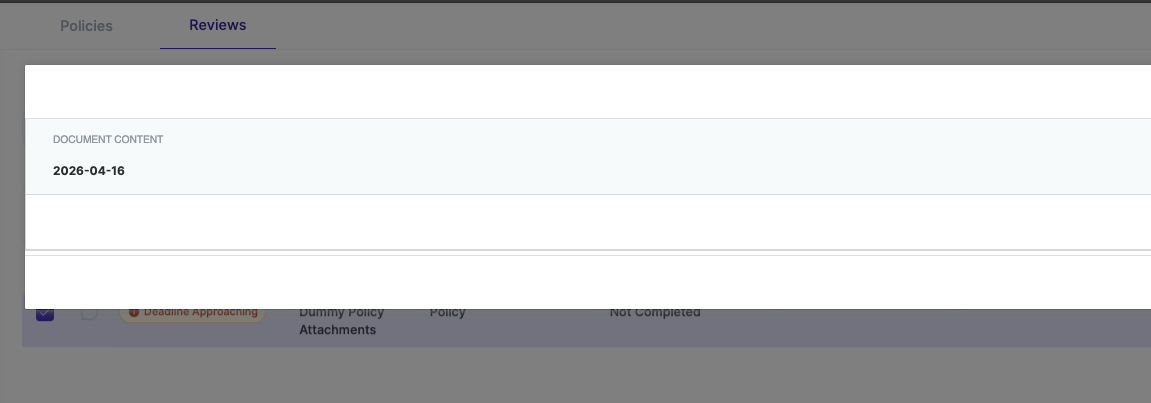
Clicking “Document View” results in this:

The browser console shows no errors, just a warning:

This page is in Quirks Mode. Page layout may be impacted. For Standards Mode use “”.

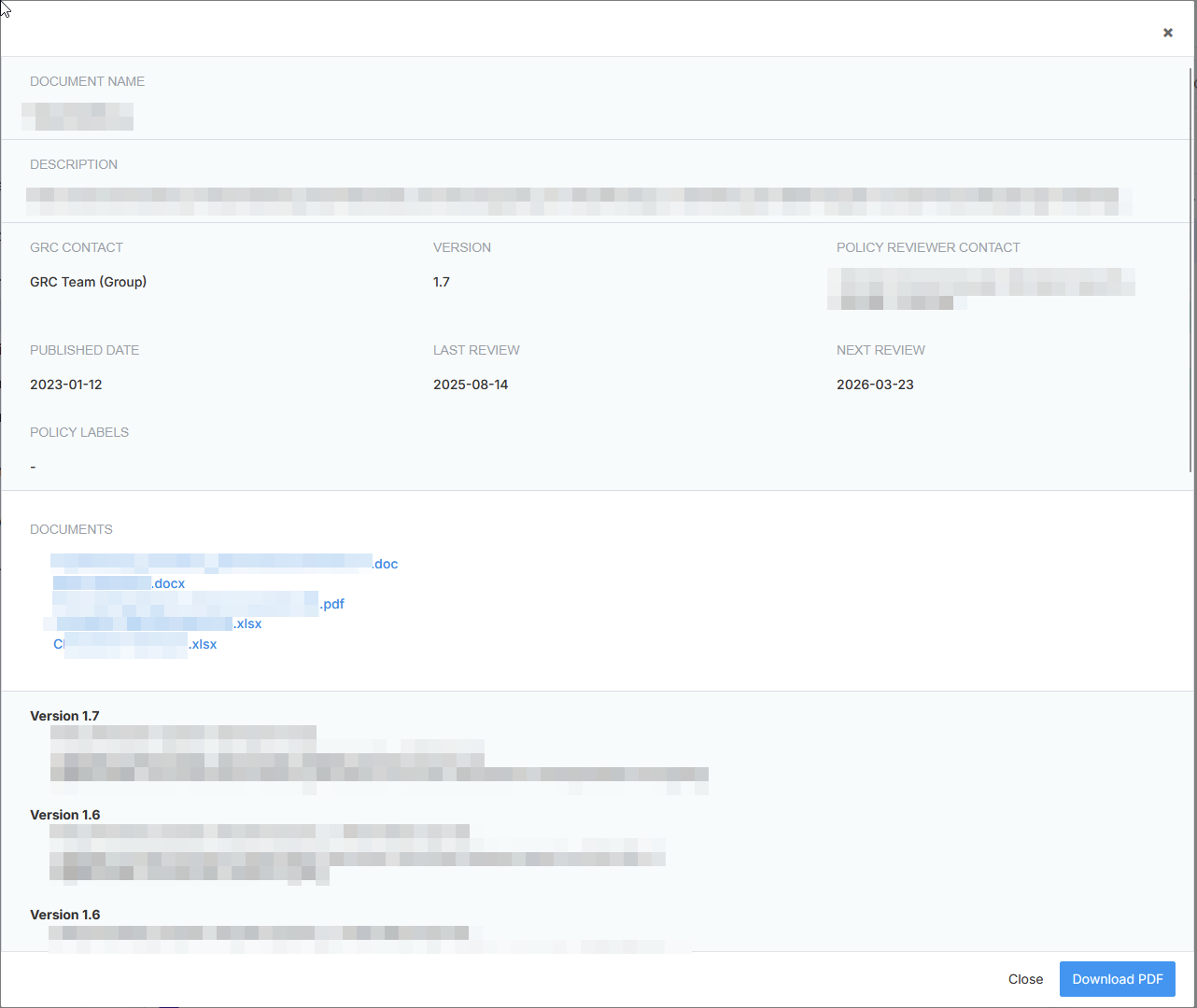
If I go to this specific policy, that “Document View” button however correctly displays as it should be:

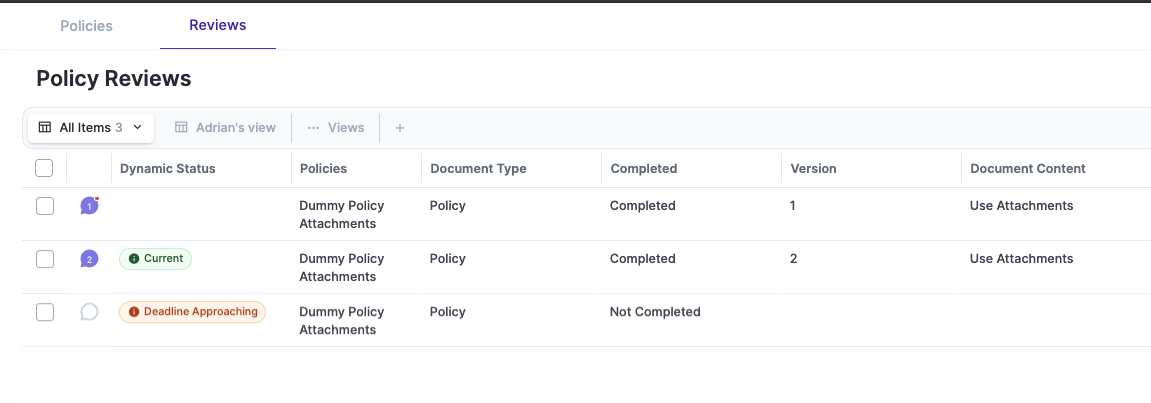
Is the review completed? The idea here is that if it’s not completed, then the review itself is empty.

For example, I have three reviews for this policy: two completed and one upcoming.

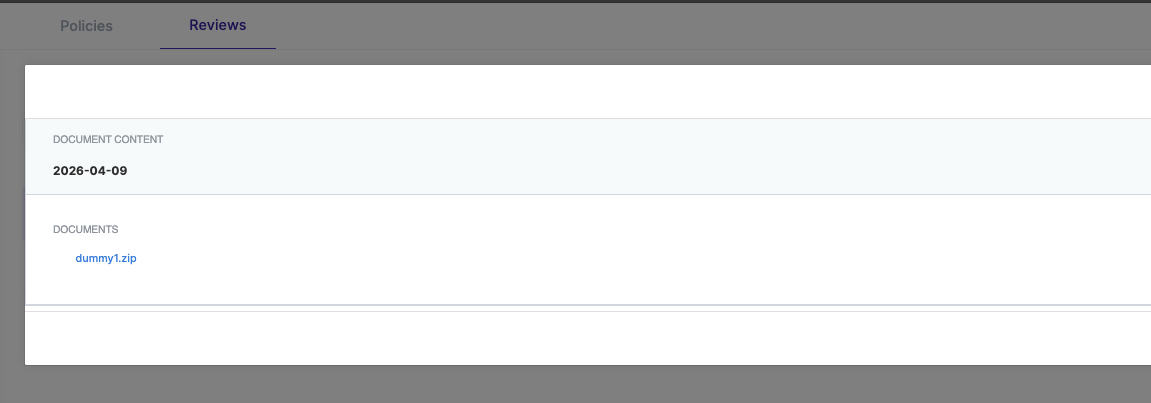
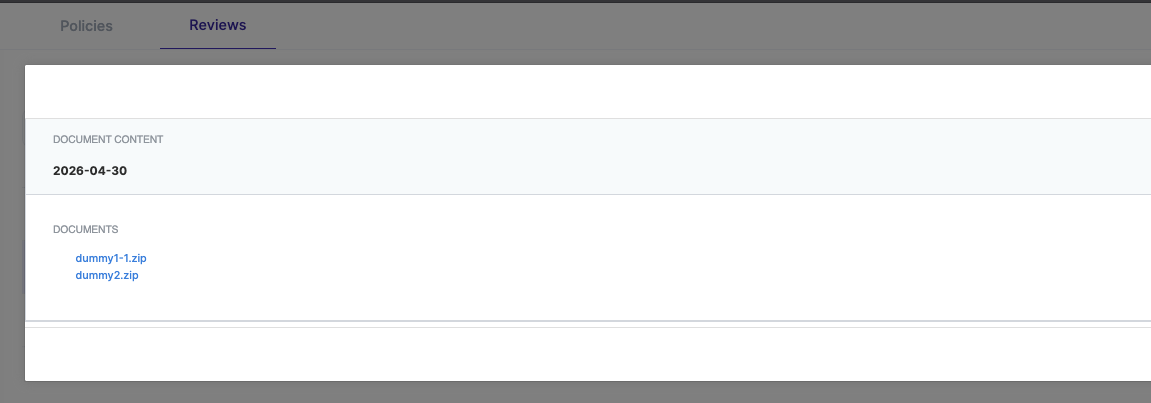
If I click on the “Document View” for the version 1, I see the content of that review (in this case an attachment).

Same for Version 2 where I added another file.

Now when I click the document view of the not-completed review, the content is empty because the review does not hold any attachments, as those are added on completion.

Ah, thanks, I understand. My review was indeed not completed. I was just confused by the wording “document view” - but I now understand its meant to show the “Review”.