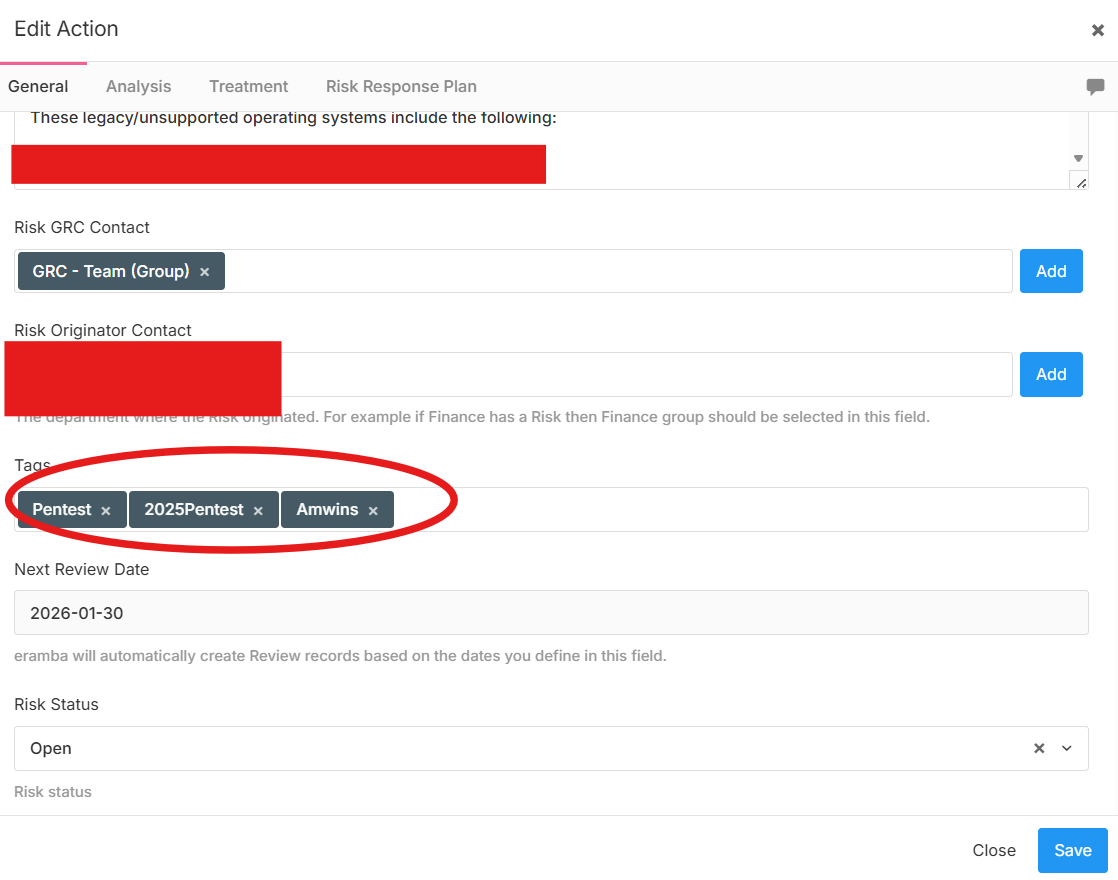
How does one add/edit tags that can be used in asset risks
Hello,
You can simply start typing a new tag and confirm it with Enter, and the new tag will be created. Unfortunately, there is no option to manage these tags, so it’s not possible to delete them—everything that is created stays there.
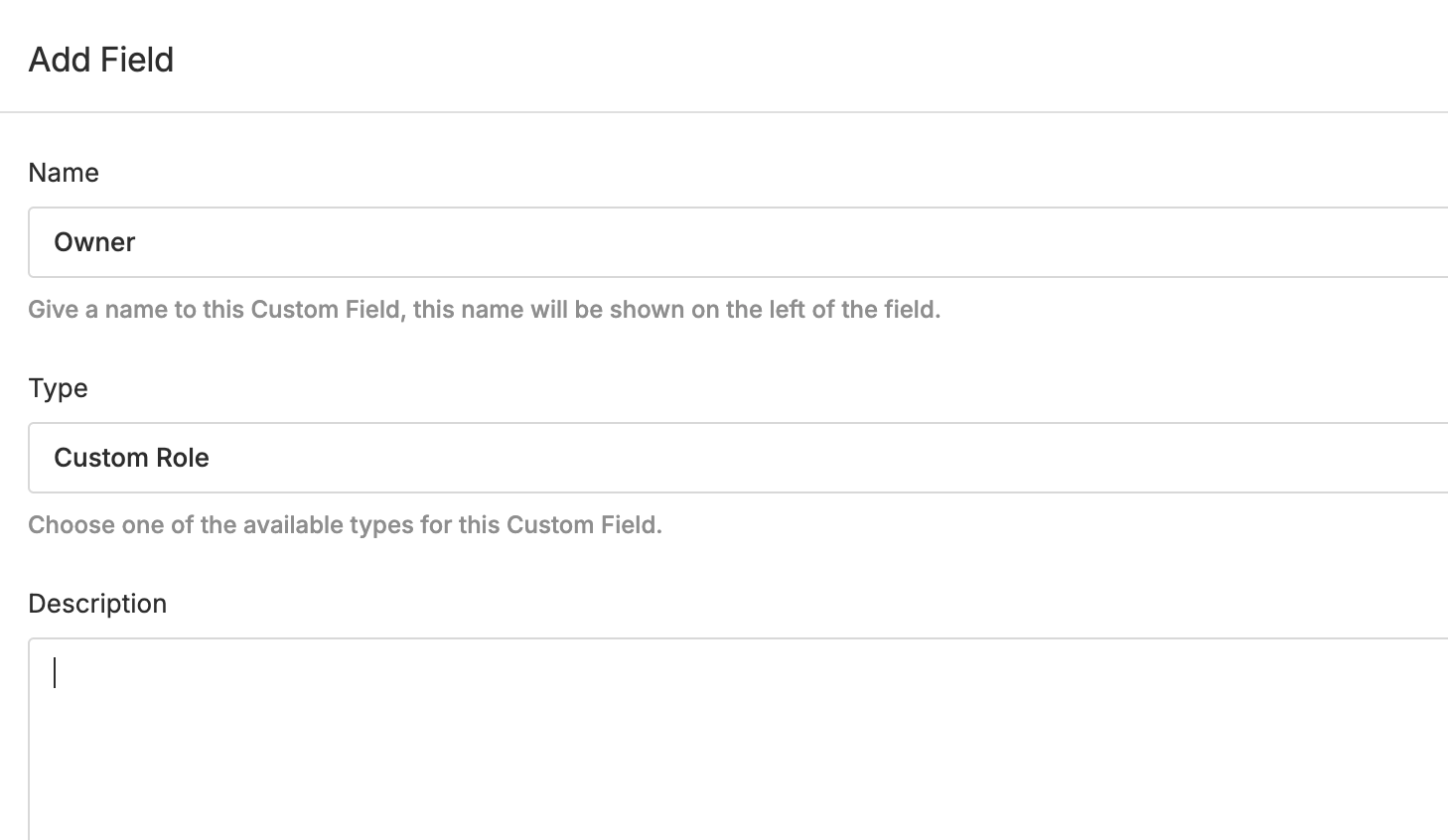
I would instead recommend using a custom field, where you have full control.
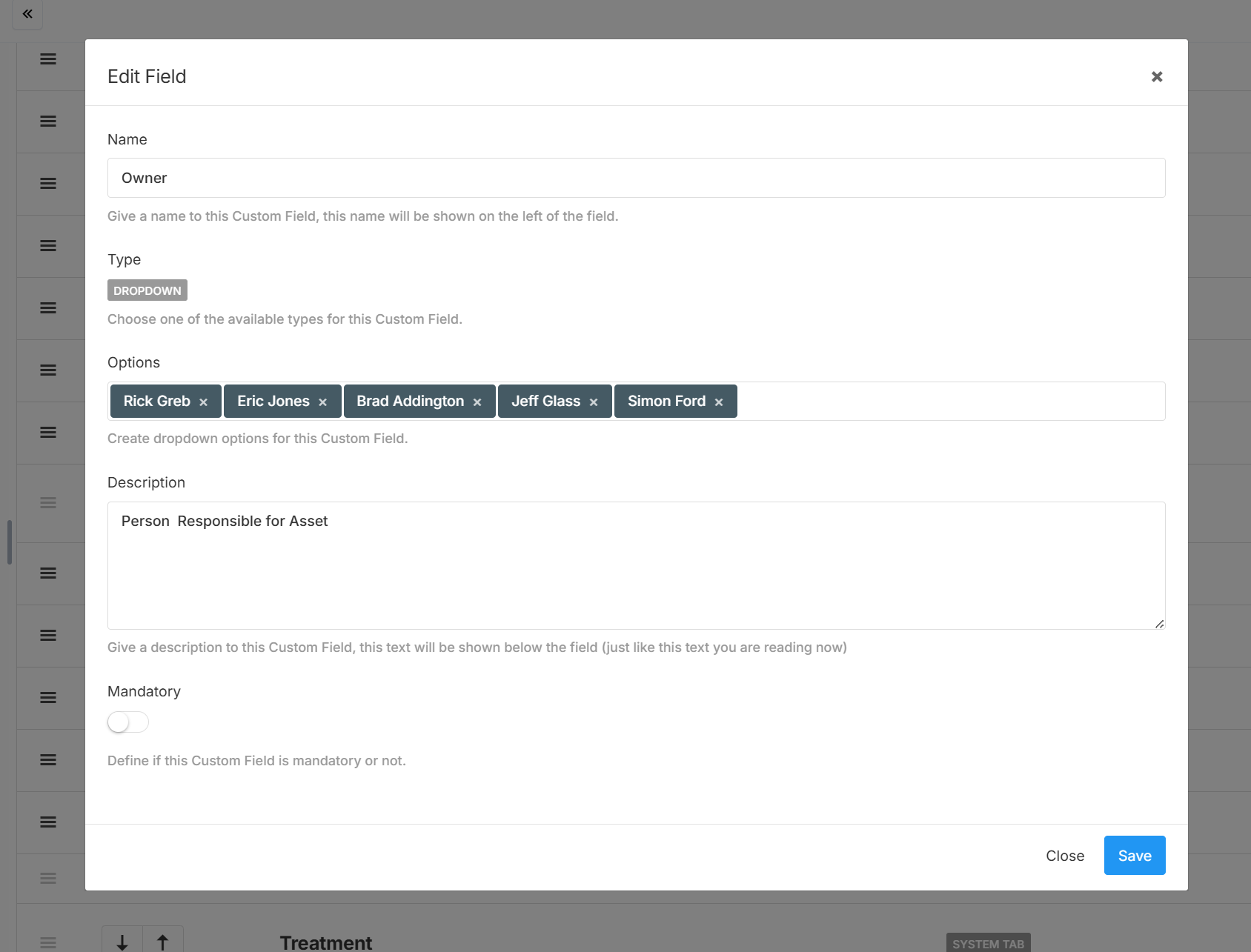
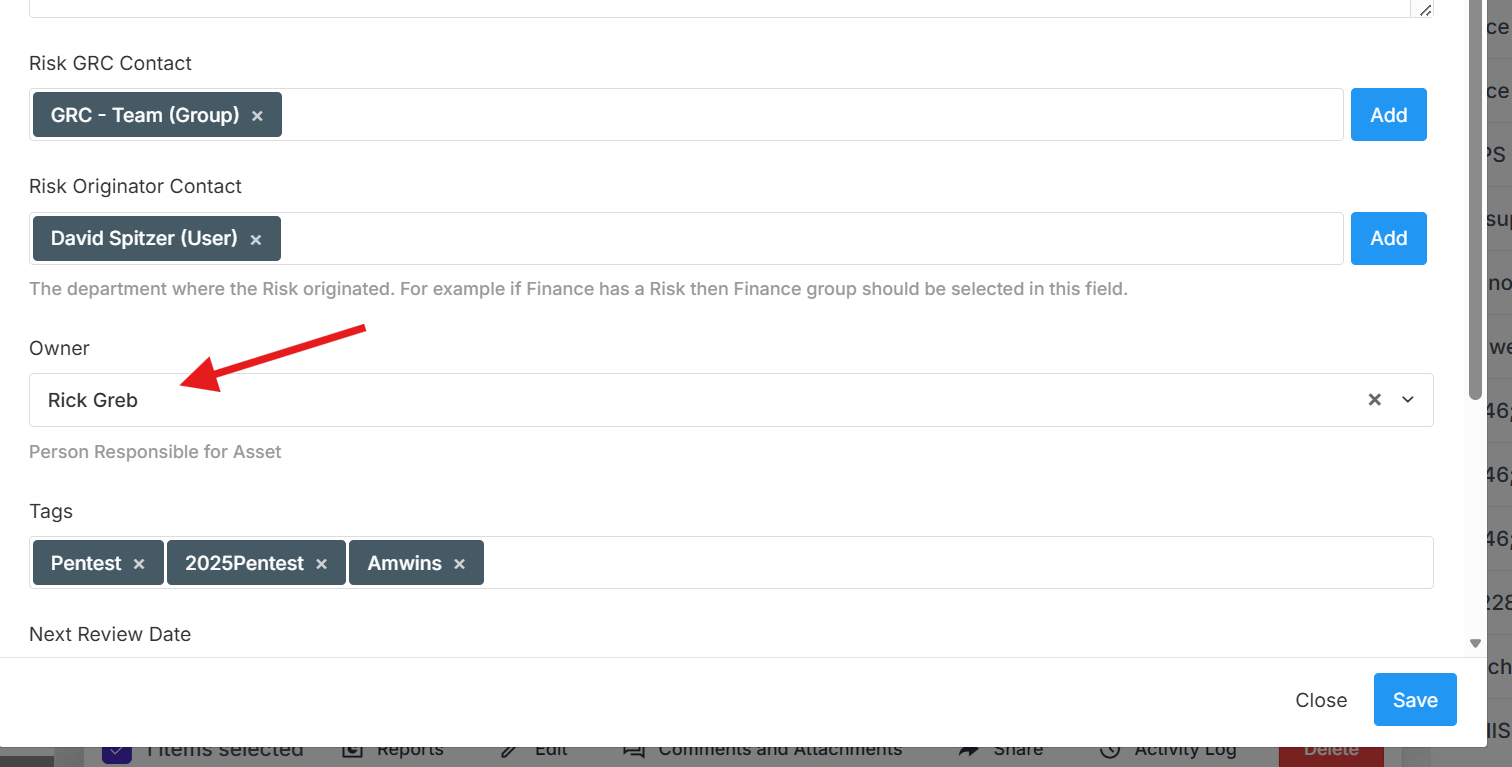
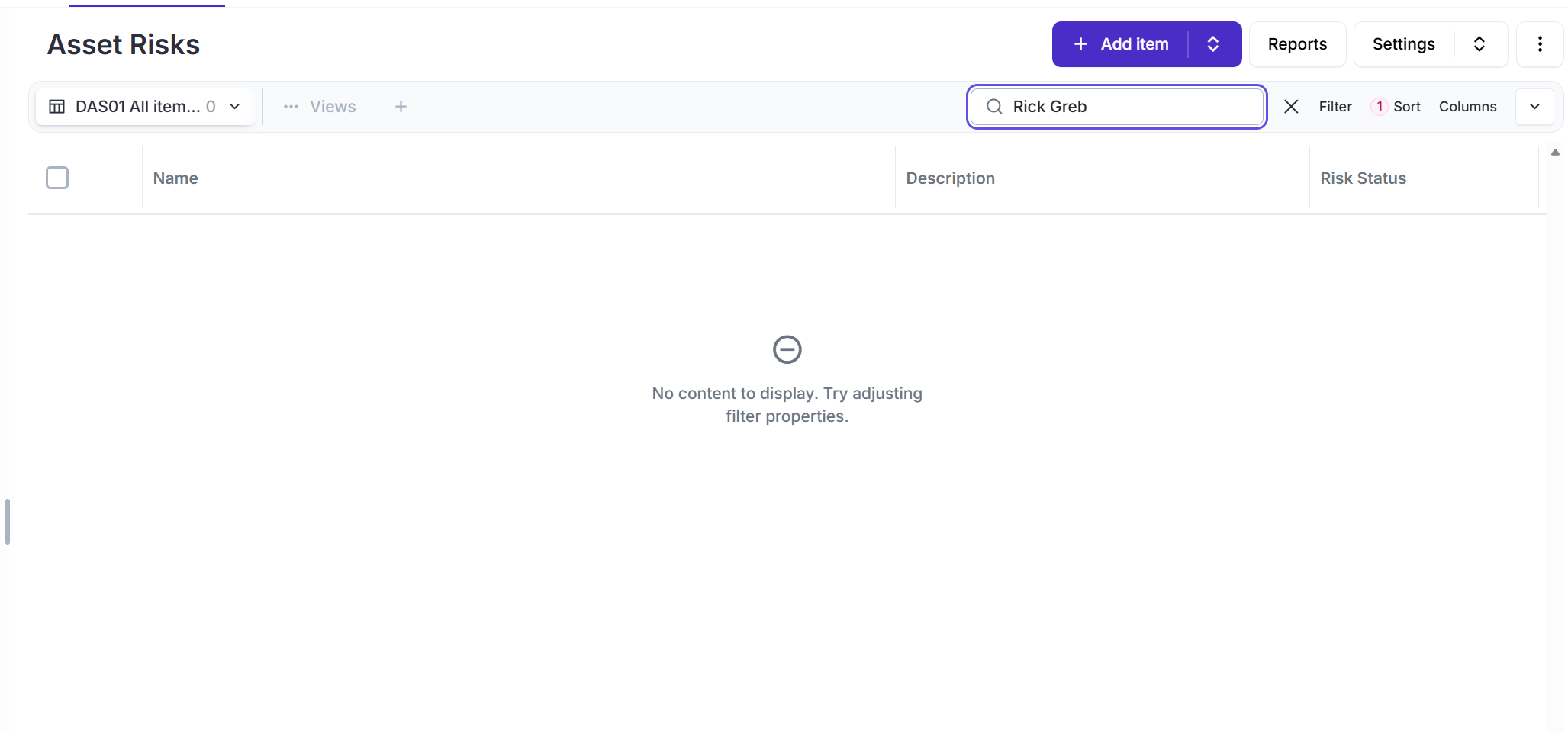
I created a custom field for owners and added a drop down list of names - when i search for that name it does not find them - is there something special one needs to do in order to search for text in a custom field from the asset risk register. I select on of the names, save the risk then search for it and nothing comes up
Two things here:
- You can also create a custom field where you can select users that already exist in Eramba.
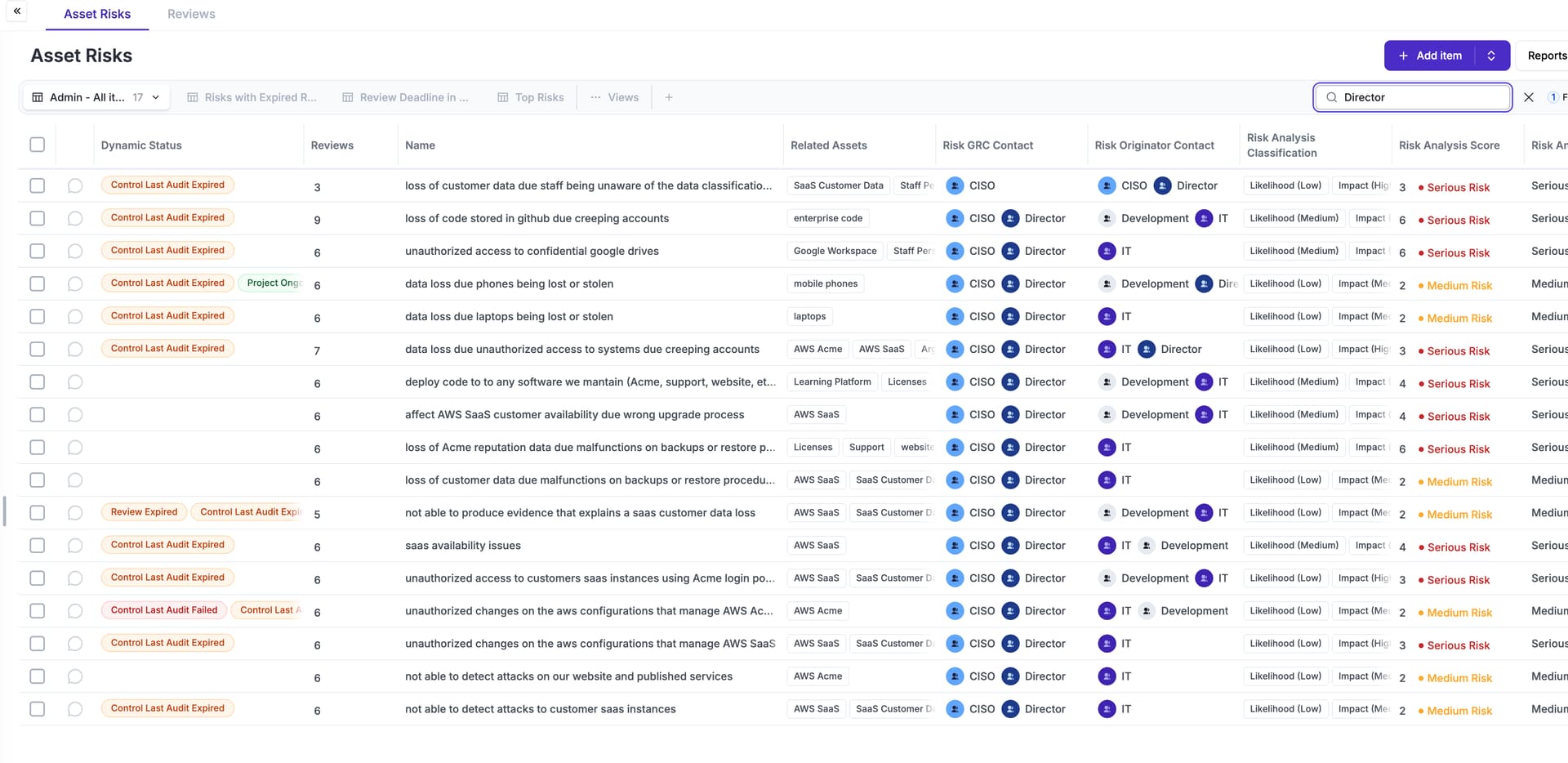
- You need to add a column with that custom field to the view; once you do that, the search will apply to it as well.
awesome thanks
1 Like