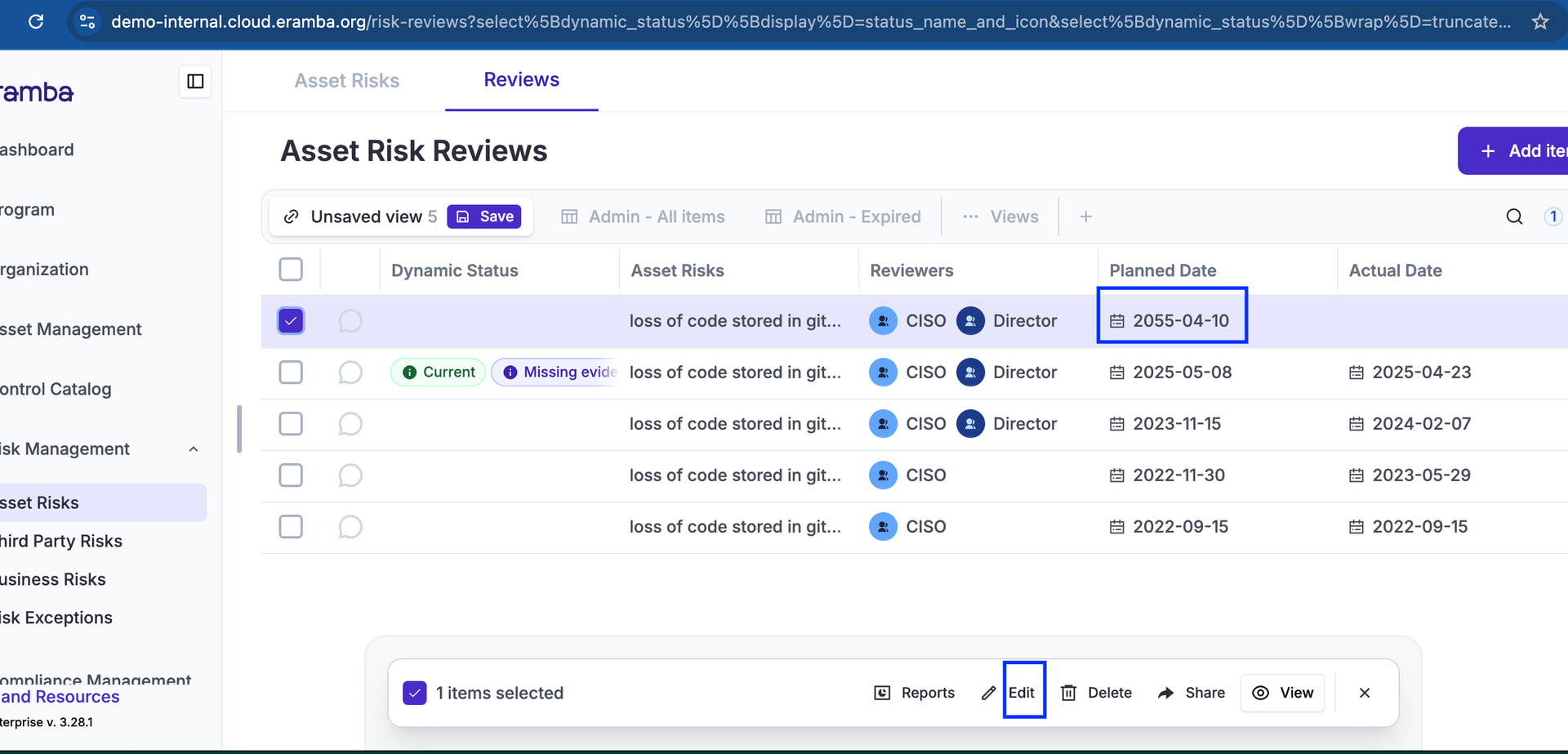
i have some risks whose reviews expired - now I cannot edit the date at all - how does one update the review and date so that it is not sitting as expired?
The Next Review Date field is not editable
i have some risks whose reviews expired - now I cannot edit the date at all - how does one update the review and date so that it is not sitting as expired?
The Next Review Date field is not editable
Do you mean you can’t edit the “Planned Date” for an existing/expired review?
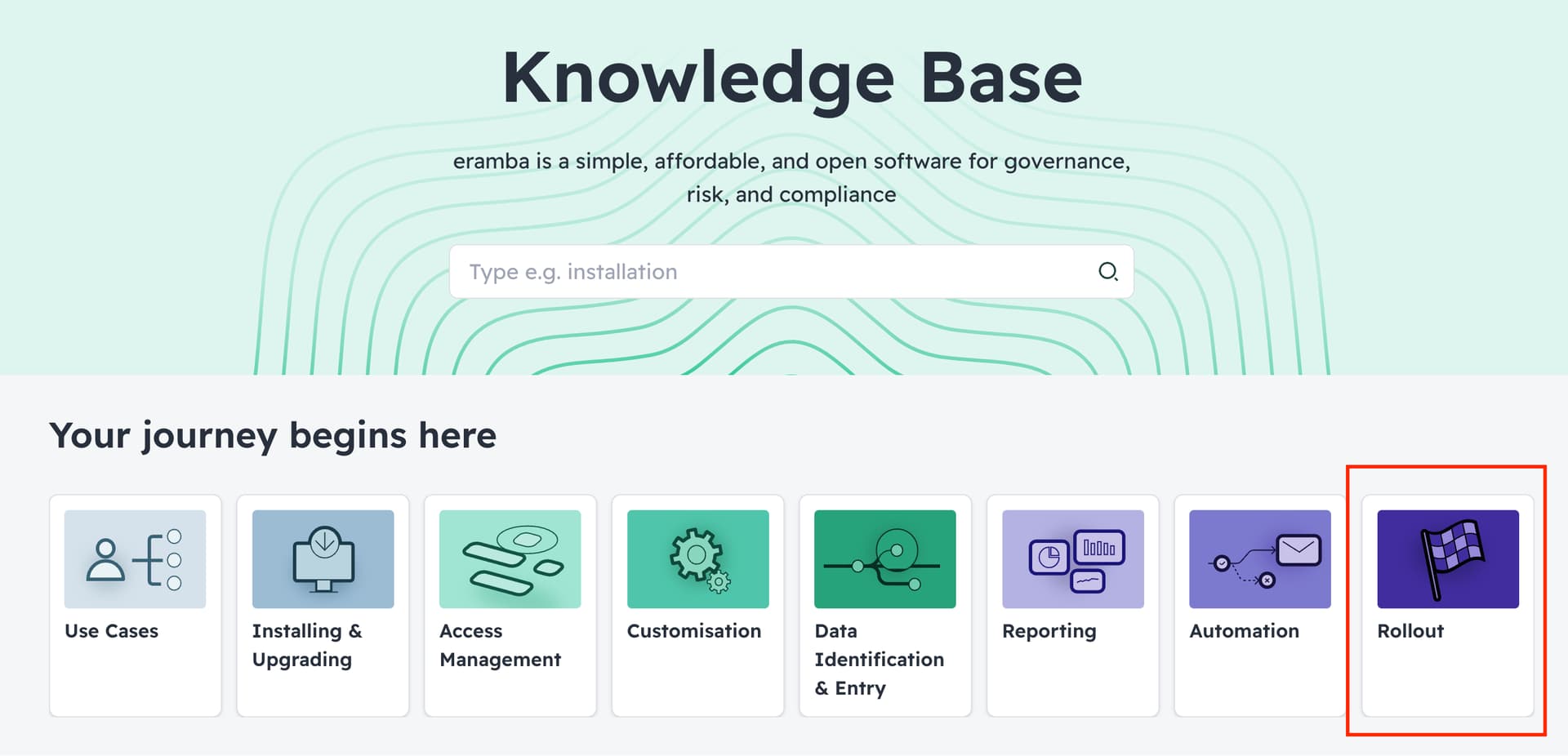
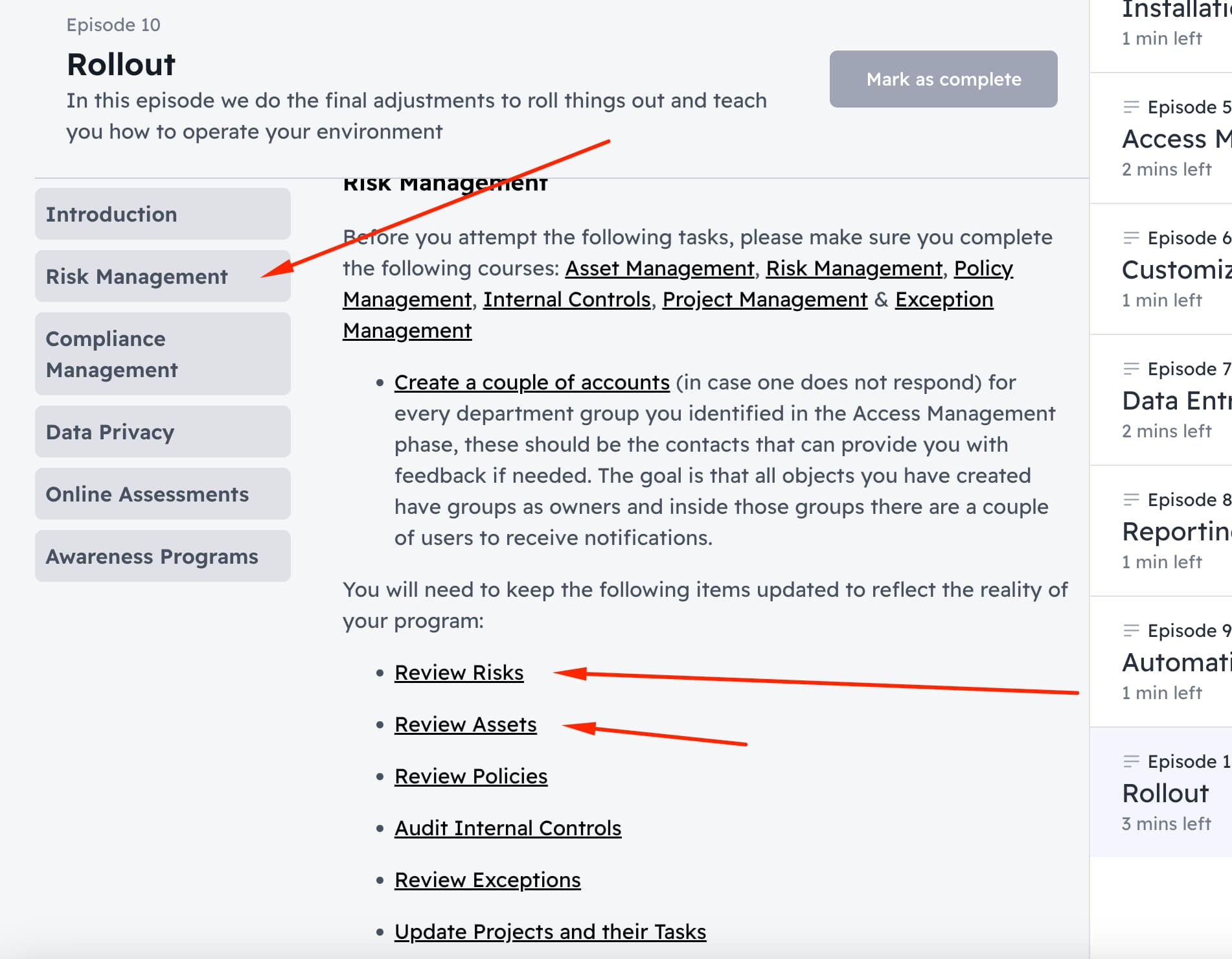
on the roll out phase of an eramba implementation we explain the final operational tasks required to mantain data in eramba relevant.
depending on the use case (yours seem to be risk management) , you have to cover the following tasks, just follow the links and review the doc, it should help.
New issue now i can only edit reviews that are expired - if i want to edit a review that is not expired i do not get the edit button
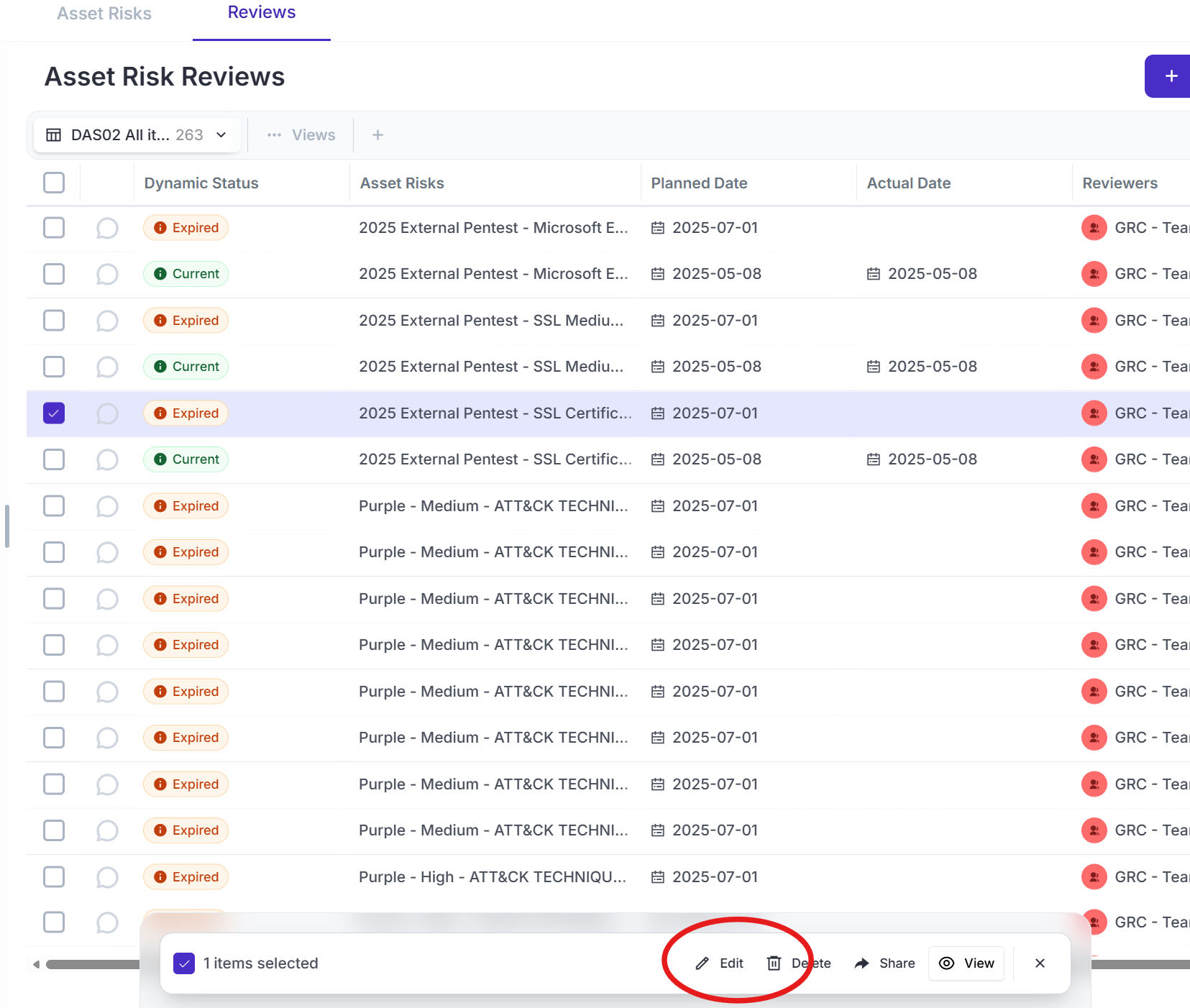
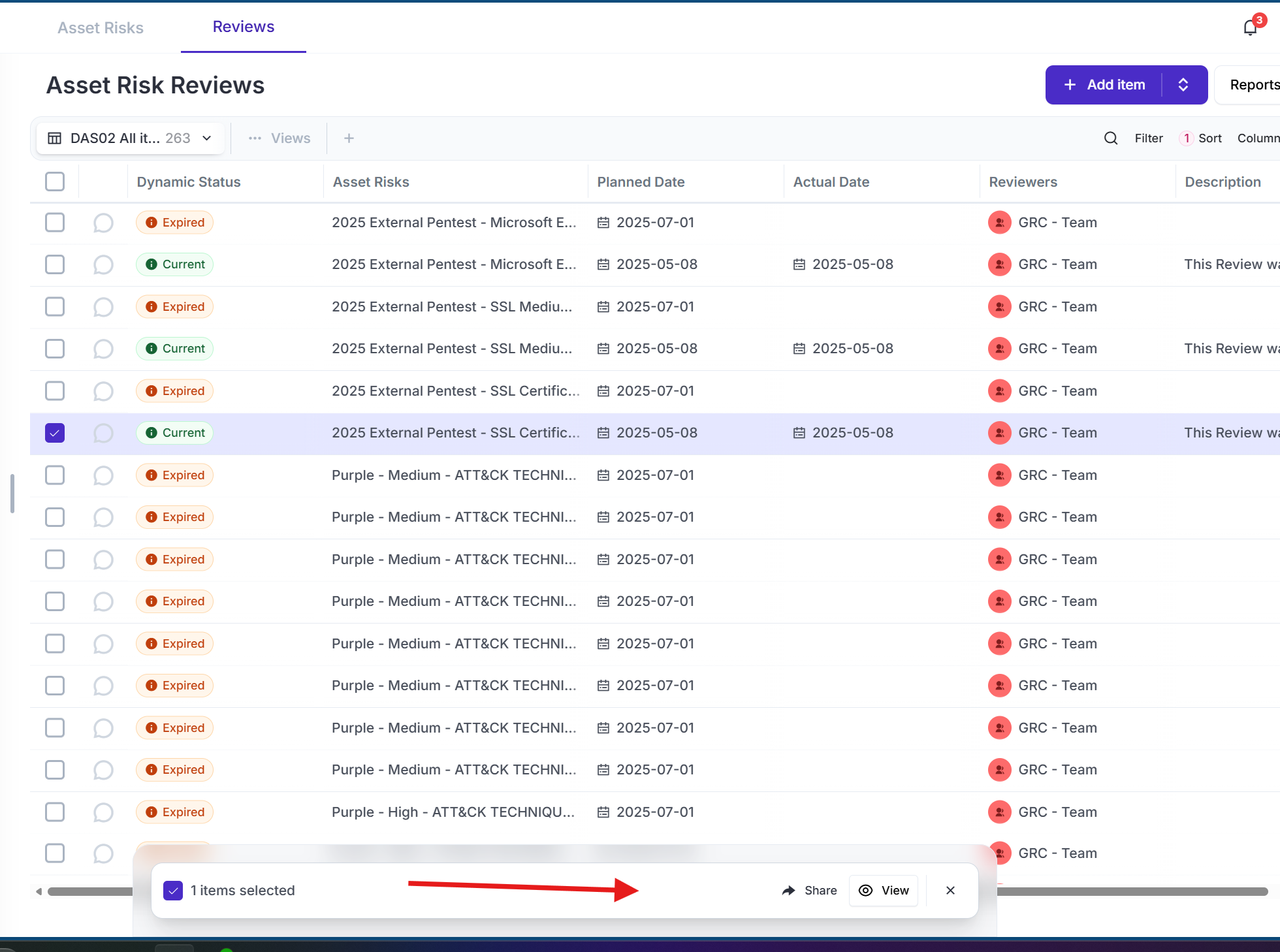
ere is an example - i can edit the review for the expired risk but not for the non-expired risk - does that mean we cannot review risks early now?
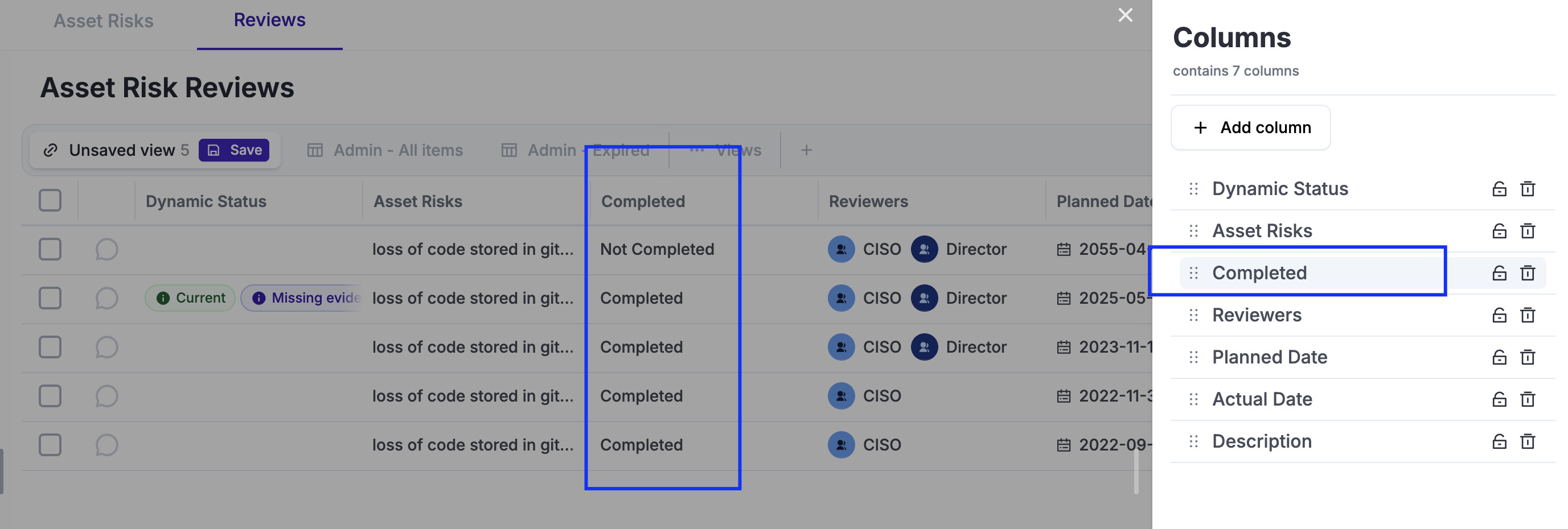
The second screenshot shows a review that is completed, this is why i can not be edited. I know that because i see the completed date field is completed.
You can edit reviews that are not completed, see screenshot above. If you are lost if a review is complted or not , you can include on the table a column called “Completed”, this should help.