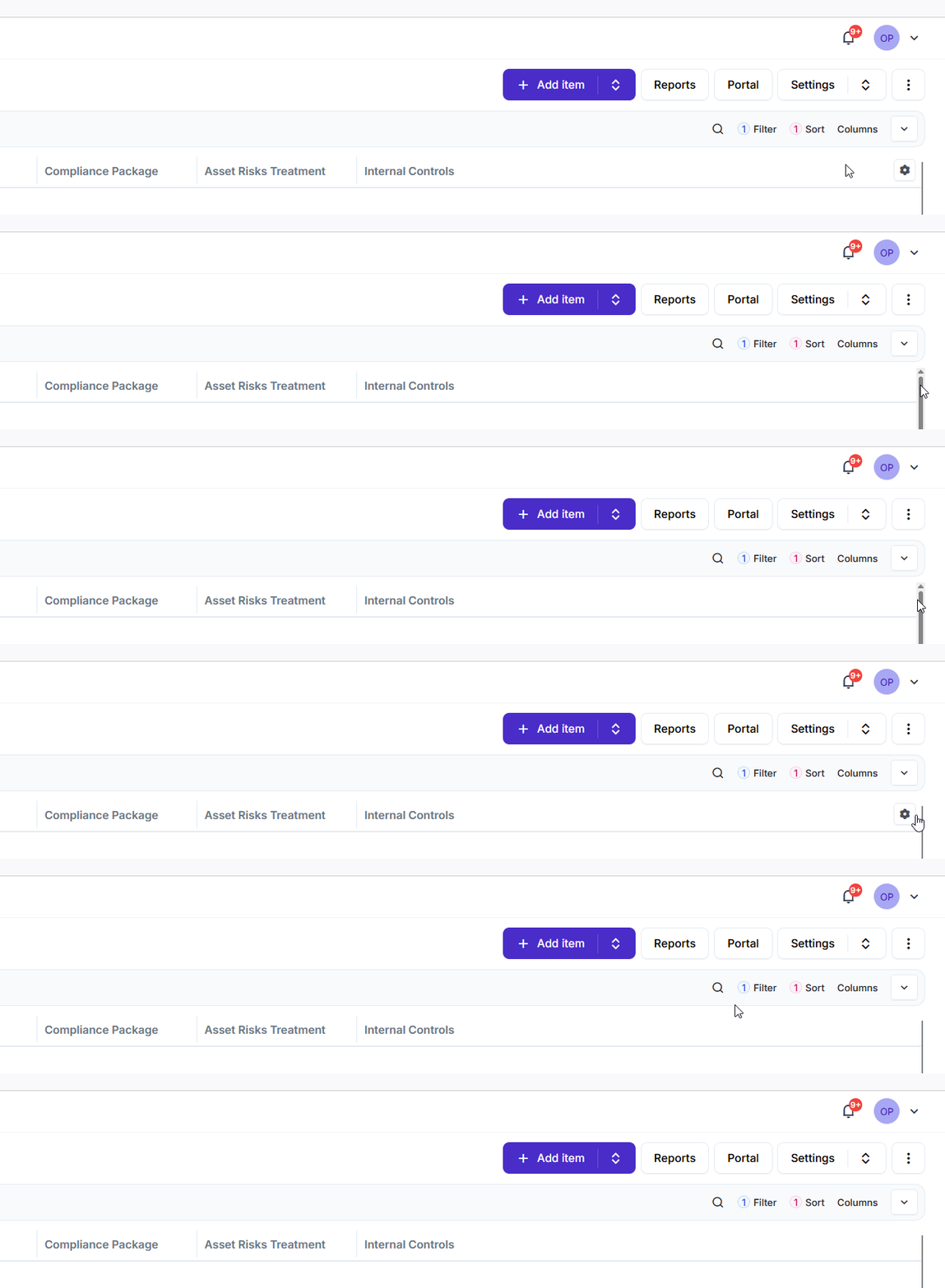
This might be just me being dense but how do I resize the last column marked yellow? Dragging the handle on it’s left does nothing except reload the view. I basically need to double its width as I want to glance over the content of that column while scrolling down.

There’s a handle on the right that you can drag. It’s next to the sidebar, so it’s a little tricky to spot.
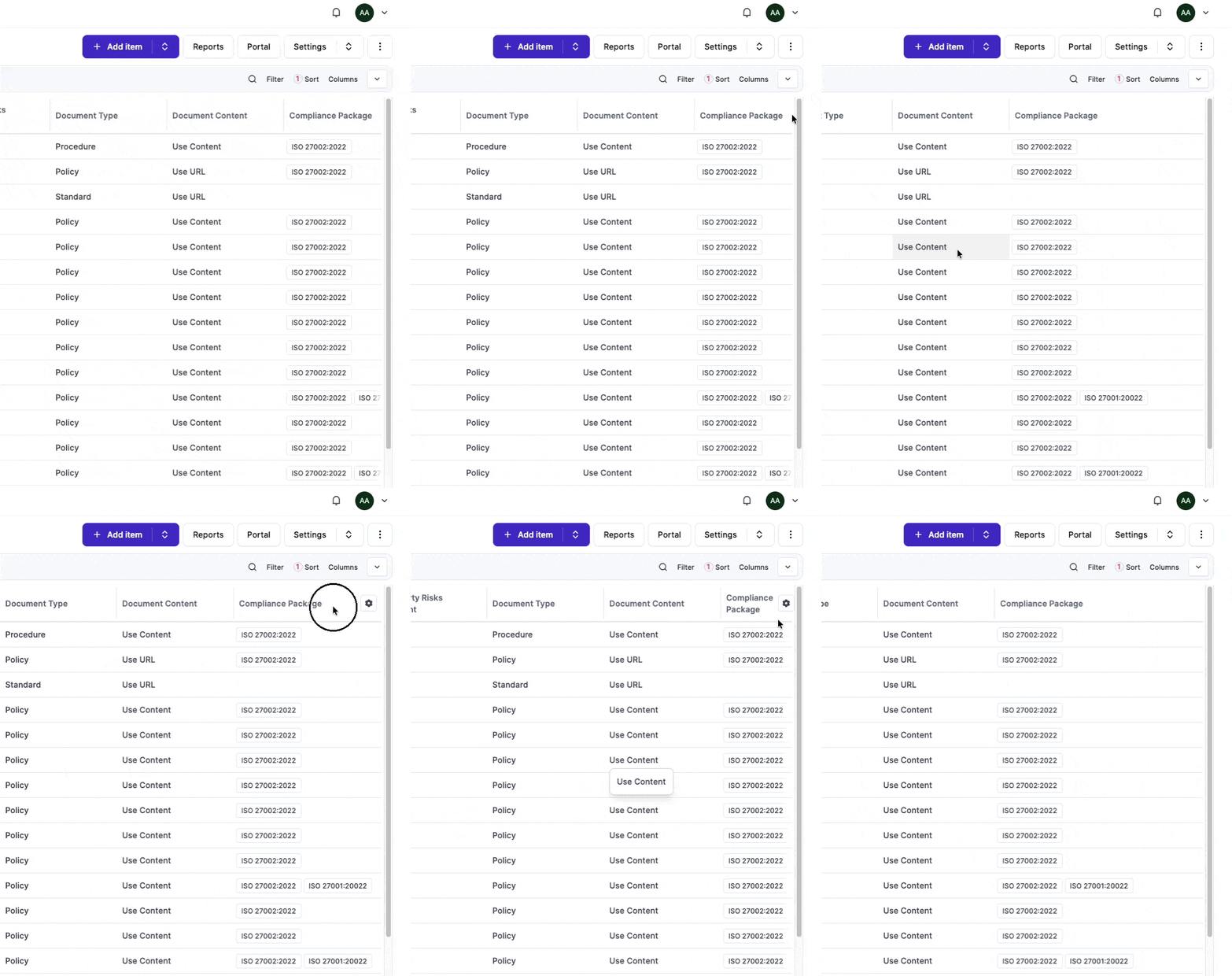
Thanks but I do not see the handle. See gif gelow. I just double-checked with Chrome and there I do see the handle.
The GIF below is when using Librewolf, a Firefox based browser. Maybe its an issue with Firefox?