Question - Maintaining Group Email Addresses

Hello, I’ve reviewed the learning portal and the forum but am unable to find any guidance for how to maintain group email addresses. Currently we have email notifications sent to a group email address and need to update that address since it has changed but I’m unable to figure out how to do that.

When I access Settings>Organization & Access>Groups then select the group I want to maintain and choose Edit, I am only able to update the group name and not the email address.

Will you please point me to this guidance or explain how to update the group email address?
Thx!

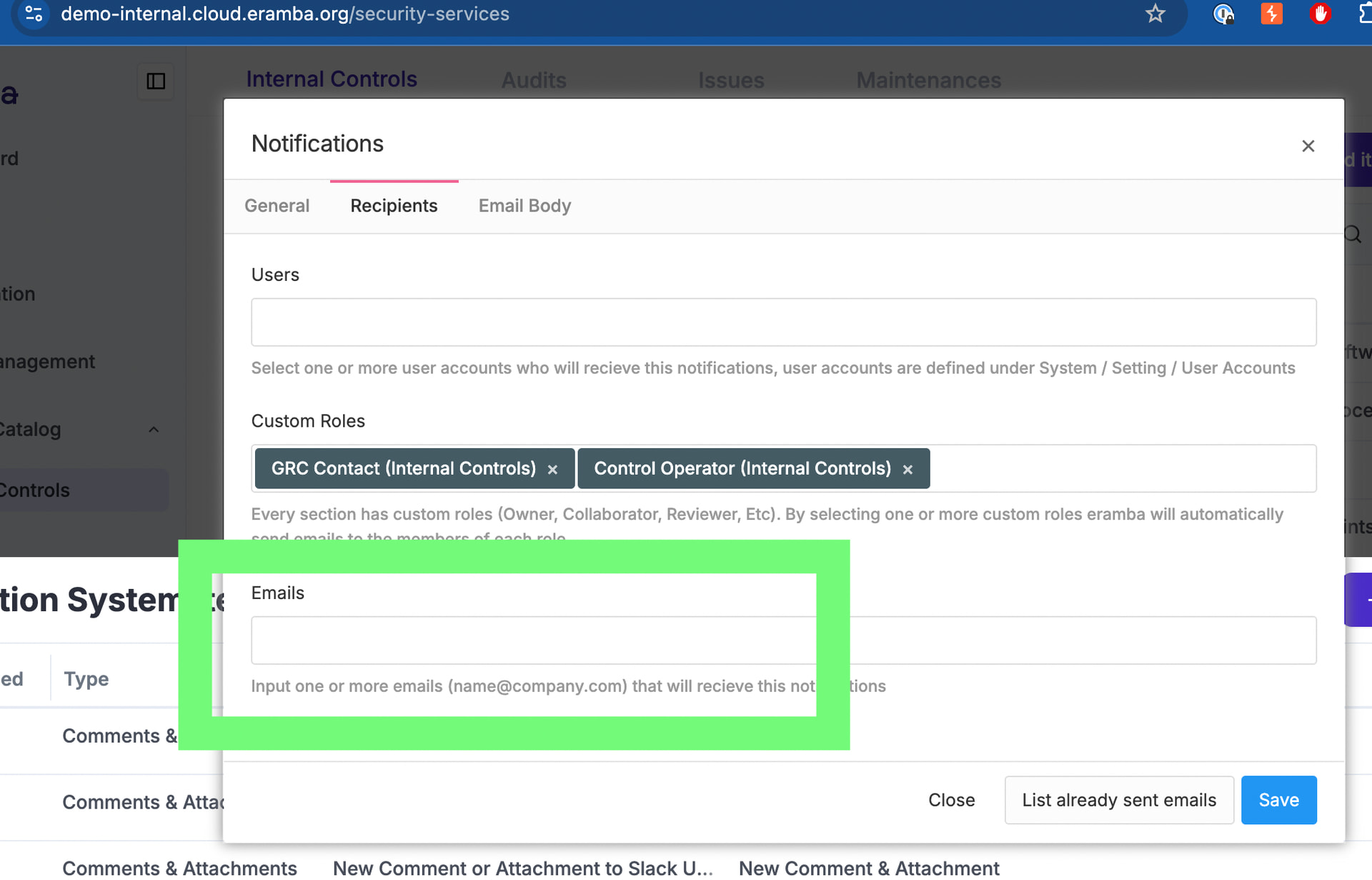
you need edit the notification and change the recipient, most likely the email address field as group emails are not advised for individual accounts

groups don’t have email addresses, they are used to group user accounts.

Thank you, understood. For some reason I thought we had an email address tied directly to the group, but that makes sense.

I’ll just add this email address as a user and then link it to the group that needs to be notified.

you can also add the mail to the notification without the need of linking any account