how to fill “related document” in policy portal?
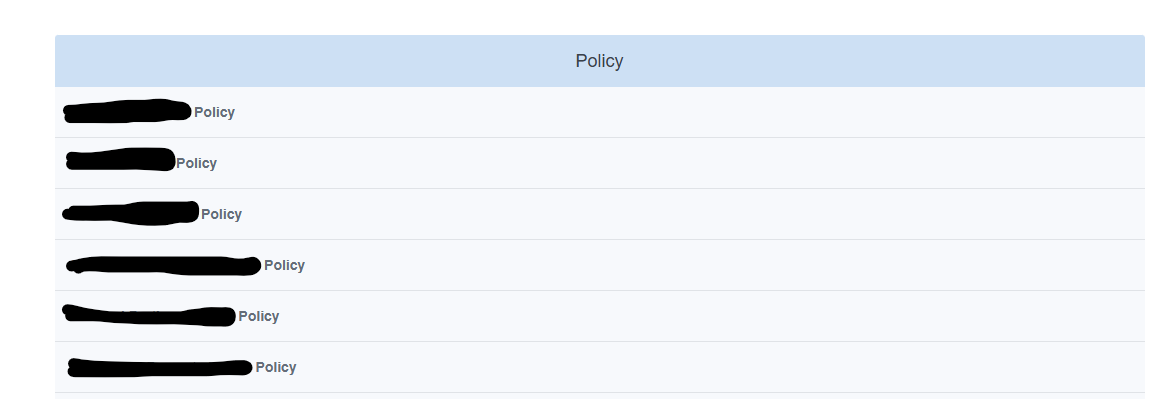
If i understood you correctly you are looking for something like the screenshot,
Which can be done form:
Control Catalog - > Policy → Action → Add - Policy portal permission
Then you select if it will be public or after long Private or only for specific groups/Users
If you need to add more categories you can do that from Settings → Document Types
In our case we need it two more document types internally we use
Note: Am not sure if this change available in the community version.
IF i misunderstood you please explain more what are you looking for
the related document field is hidden by default when creating a policy, you need to:
- go to control catalogue / policy / custmisation
- unhide related fields
then the field will appear when editing a policy and you can related documents in between them
Related question:
The related documents seem to have disappeared from the policy portal even though my documents are mostly linked to others.
Is this a regression in a recent version of Eramba or has anything changed I need to reconfigure?
Great spot… I hadn’t noticed that 
You’re right is not there right now, we’ll bring this back. Added to the backlog.