today we got this question:
We have a policy that has been replaced by another policy. Is there a way in Eramba to retain it for our records without needing to continue to review it?
int ref: https://eramba.zendesk.com/agent/tickets/15811
retiring im sure means different things to different people … like everything in this bloody industry, but based on the immediate translation of the word and the question i would:
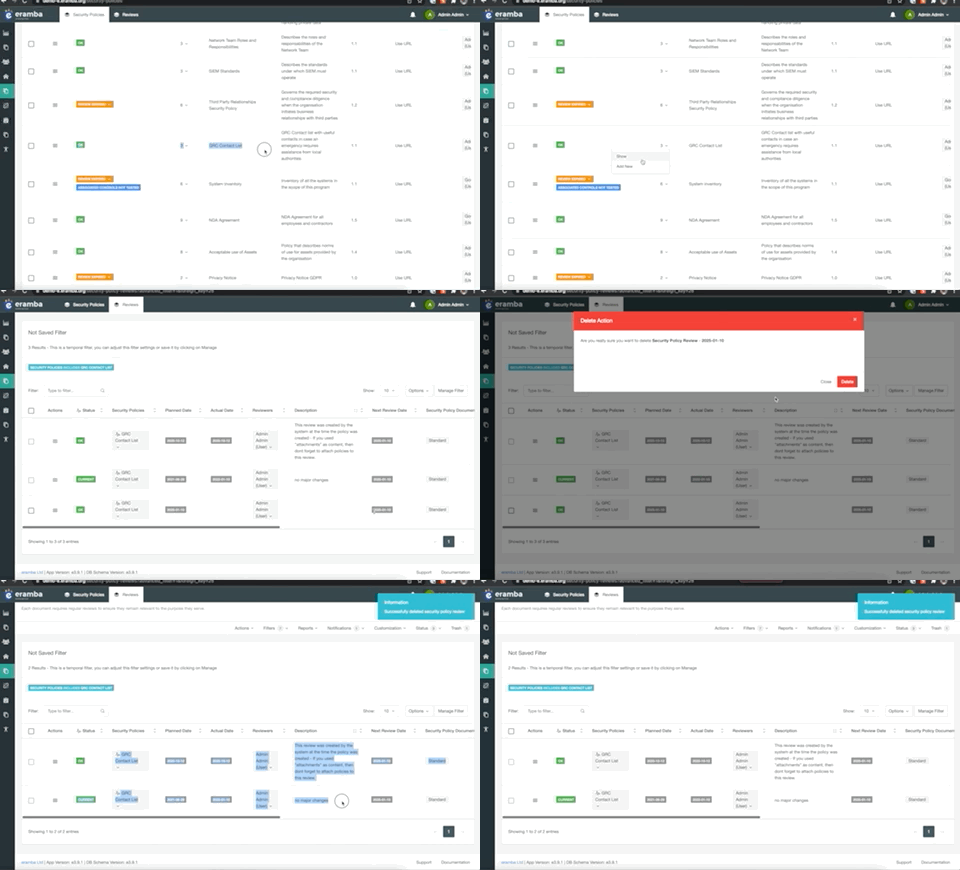
1/ delete all incomplete reviews in the future , that will make sure the polcy is never going to miss a review in the future and you will therefore never hit a yellow status (incopmlete review)
2/ i would create some custom field (you can also use tags) to highlight this polcy as retired (lucky policy, i would like to be retired too!)… i do it with tags now but you can do it with custom fields too.
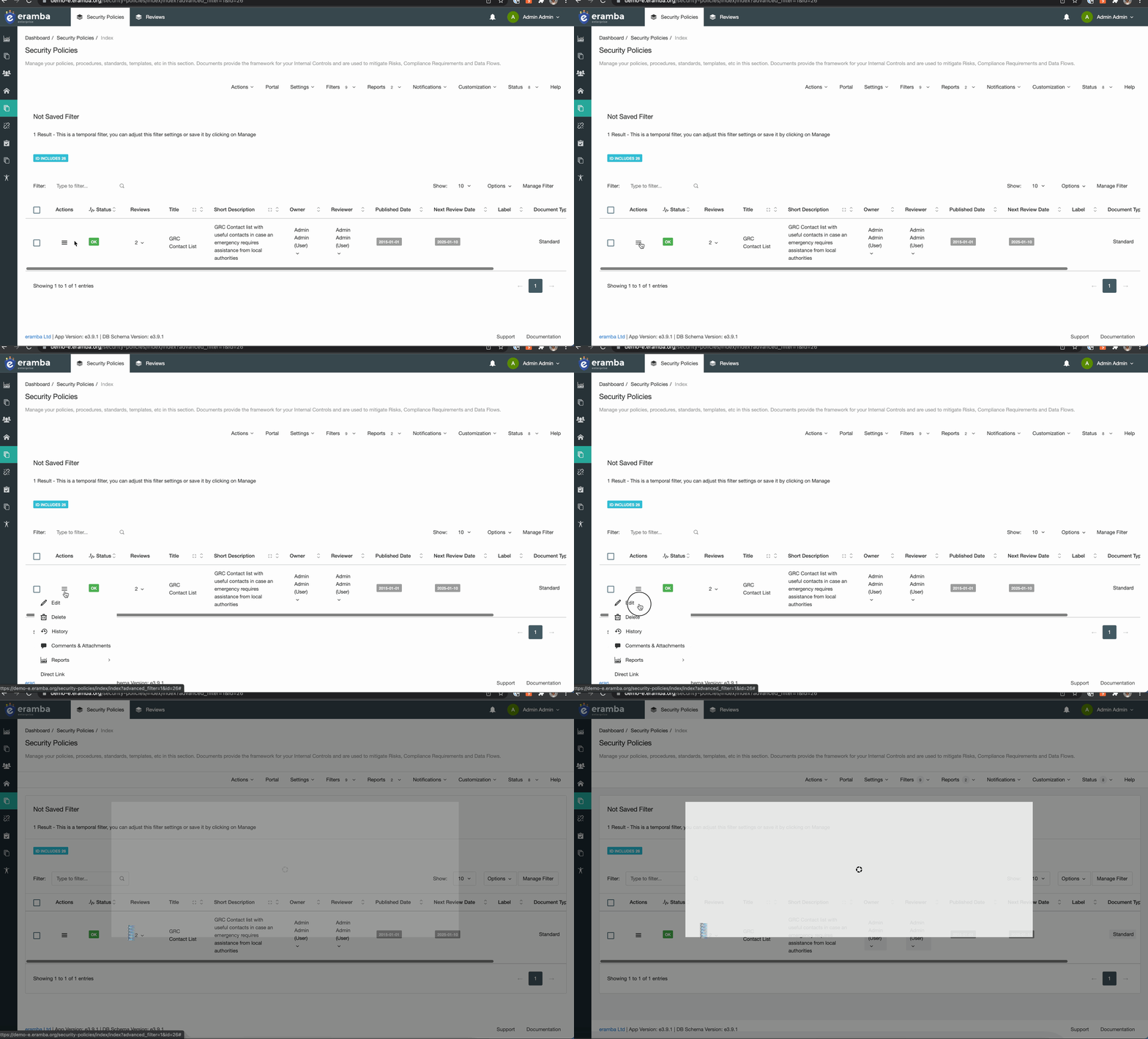
I think that is at least one way of doing this … im sure there are other ways. you can also creaet a notification that triggers when retired status switches on (or off) and notify the policy roles…
i hop this helps
