With release 3.27.0, we need to update the versions of the containers (Redis, MySQL) that are pulled when Eramba is built. To do this, we must ensure that the Docker repository is running the latest version.
This short guide explains the required steps.
Step 1: Stop running containers
Before updating, stop the containers.
For Community edition:
docker compose -f docker-compose.simple-install.yml down
For Enterprise edition:
docker compose -f docker-compose.simple-install.yml -f docker-compose.simple-install.enterprise.yml down
Step 2: Navigate to the Docker repository
Most often, the Docker repository is cloned directly from our GitHub repository, as explained in the installation guide.
If that’s the case, simply go to the docker directory using the cd command.
Step 3: Check for local modifications
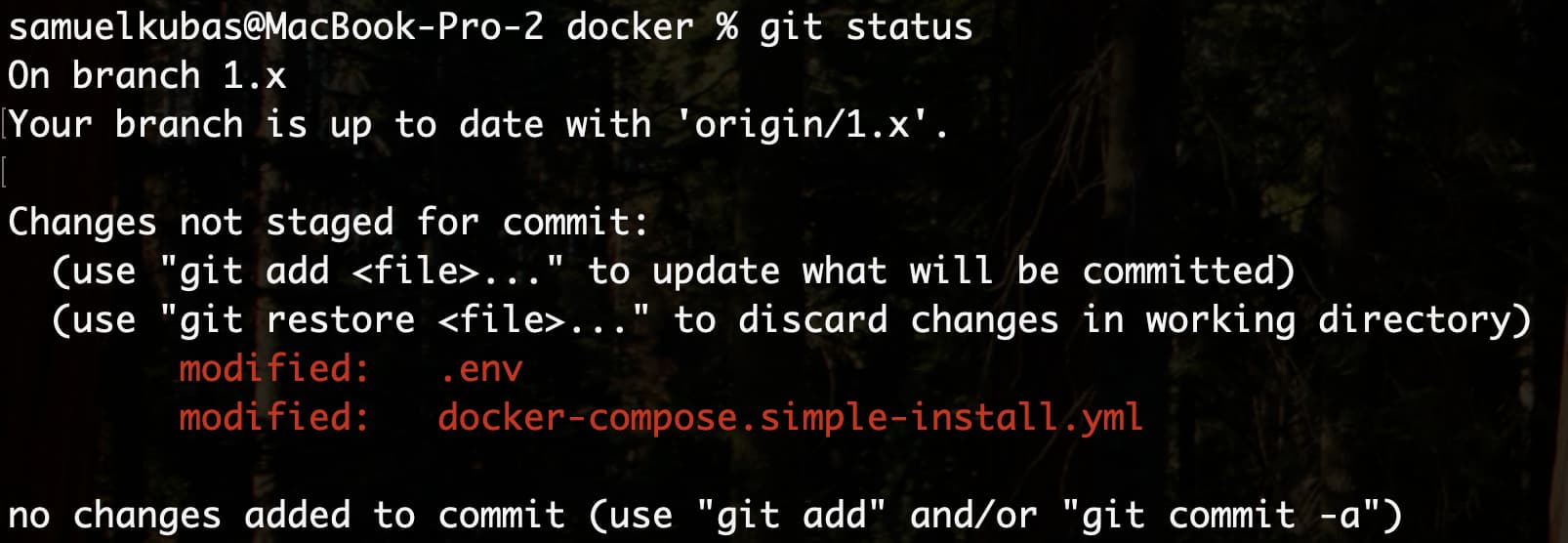
You may have made local changes (such as updating the public address or reconfiguring ports). To check for these, run:
git status
For example, here we can see two modified files. This will prevent us from directly pulling the updated version:
Step 4: Stash your local changes
Save your local modifications temporarily with:
$ git stash

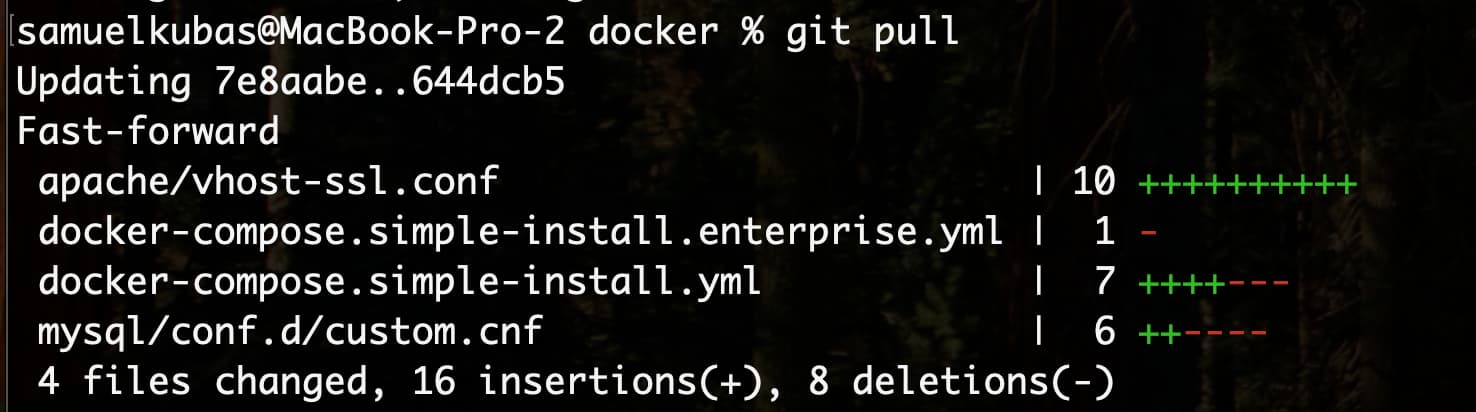
Step 5: Pull the latest version
Now you can safely update your repository:
$ git pull
Step 6: Reapply your local changes
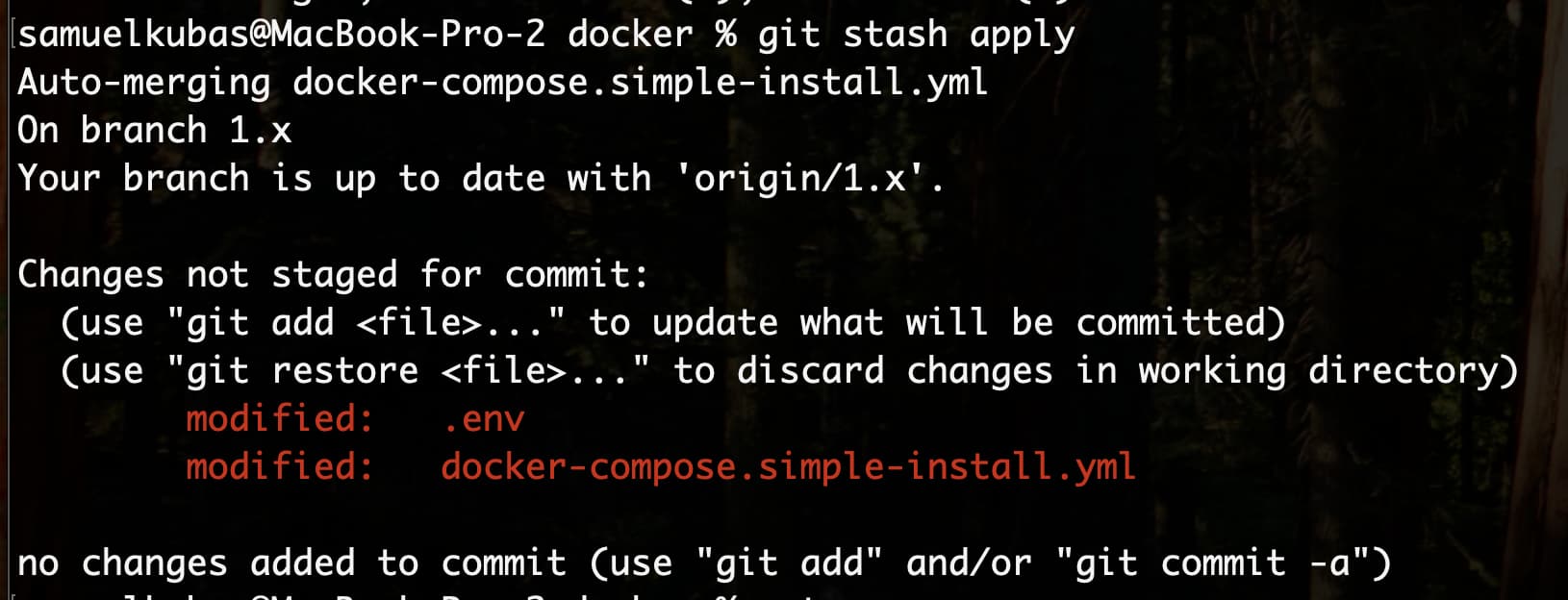
Finally, reapply your saved changes:
$ git stash apply
Step 7: Do “image switch” procedure
Step 8: Start the containers again
Once the update is complete, start the containers.
For Community edition:
docker compose -f docker-compose.simple-install.yml up -d
For Enterprise edition:
docker compose -f docker-compose.simple-install.yml -f docker-compose.simple-install.enterprise.yml up -d