Introduction
The aim here is to improve the Settings / Access Management / User Management menu by:
- Limiting permissions using ACLs so you can control who can click where
- Migrating the Add User Form
- Updating the Password Reset and complexity Settings
- Defining which Group can create what type of account so is not just admin doing the work
- Reviewing notifications
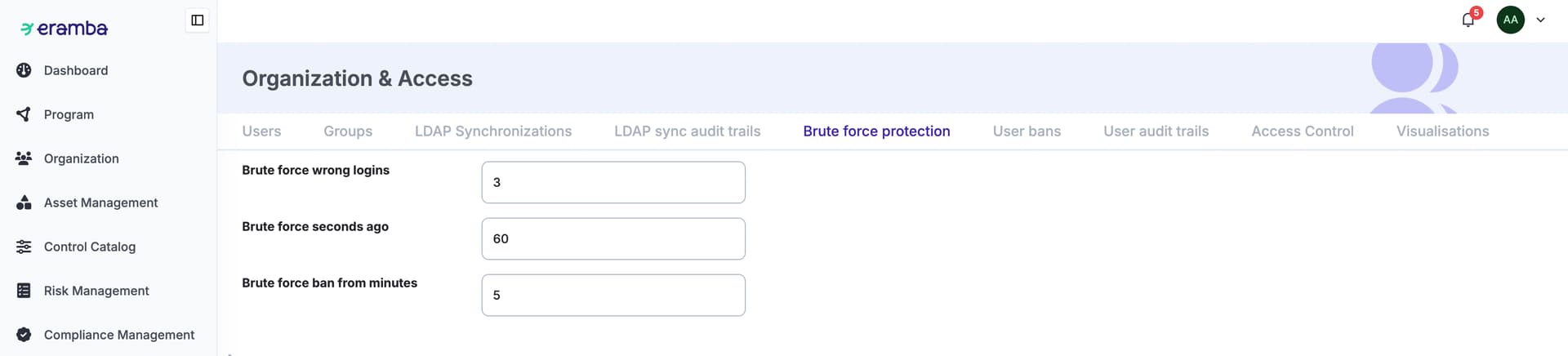
- Brute Force settings
ACLs (OA Phase Two)
The entire settings module needs to be under ACLs:
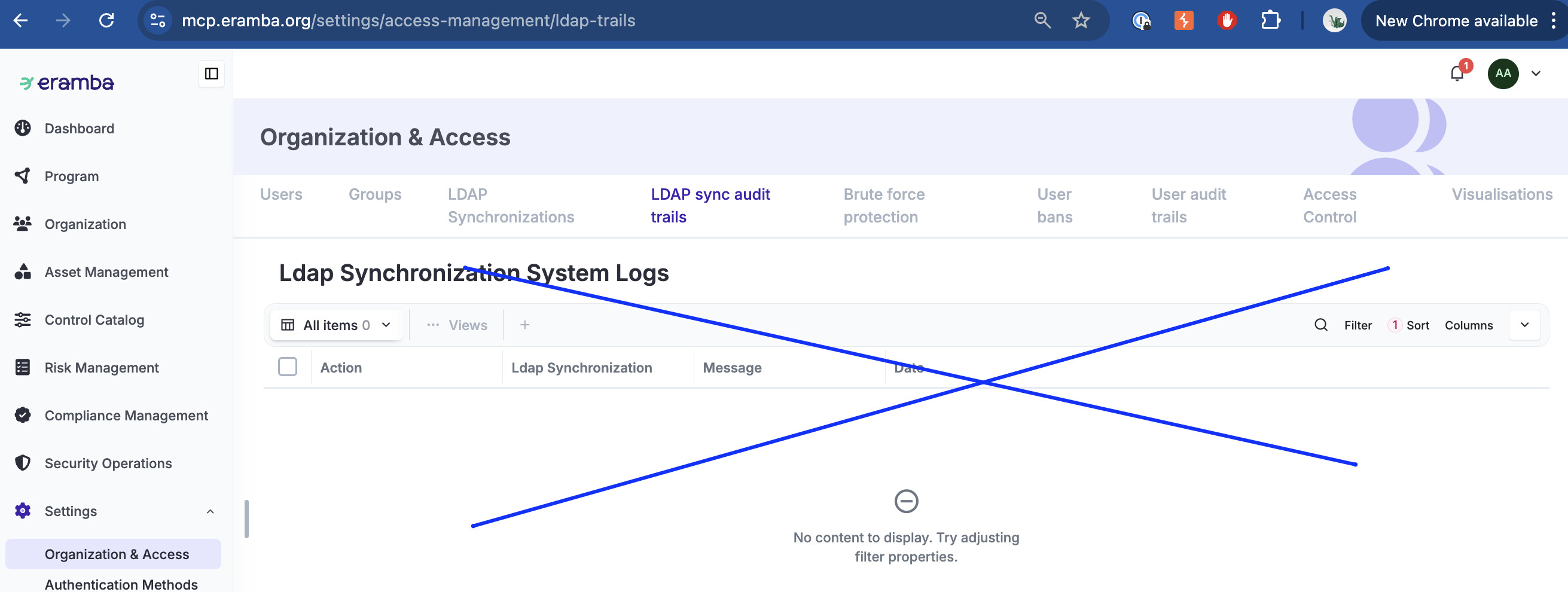
- control the top bar (if shown or not), this is important some section as ldap sync trails have no crud but still we can not openly show it
- once you access a top bar, the options there must have crud too
Form Migration (OA Phase Two)
The form we use to create user accounts must be migrated, fields are all fine except:
- Portals, i prefer them to be checkbox rather than multiple select option. By default we only checkbox the main portal.
- The the password fields. We need a way to check password complexity on real time and let the user know what is wrong when they are typing it, we could re-use the logic we use on the portal on their first login.
- When someone needs to have their password changed, we no longer want to edit the account. We need a button called “Change Password” when an account is selected. We show there three fields (two for passwords, one for checkbox that we will logout people logged in already or not). This needs an ACL.
Settings (OA Phase Two)
We need settings under User Management, we would like to be able to define “Account Templates”, so the user can define:
- Template name
- Default Portal, Group and API settings for the template
- Which groups/users can create, edit, change password and delete these accounts
Imagine you define a template:
- Name: Online Assessments Accounts
- Default Portal: Online Assessments
- Group: No allowed permissions
- API: Disabled
- Managed by Group: CISO
The idea is that for example, people that is member of the group “CISO” can:
- Go to the user management (if ACLs allowed)
- See accounts that match THE EXACT template settings
- Click on Add, Edit, Reset Password or Import (if ACLs allowed) accounts that MATCH the exact template settings
FAQ:
- If someone outside the group CISO changes an account that was created by CISO by adding or removing groups, portals, etc. Can CISO still manage the account? NO, CISO members can only manage accounts that meet the exact definitions of the template.
Bans
I would:
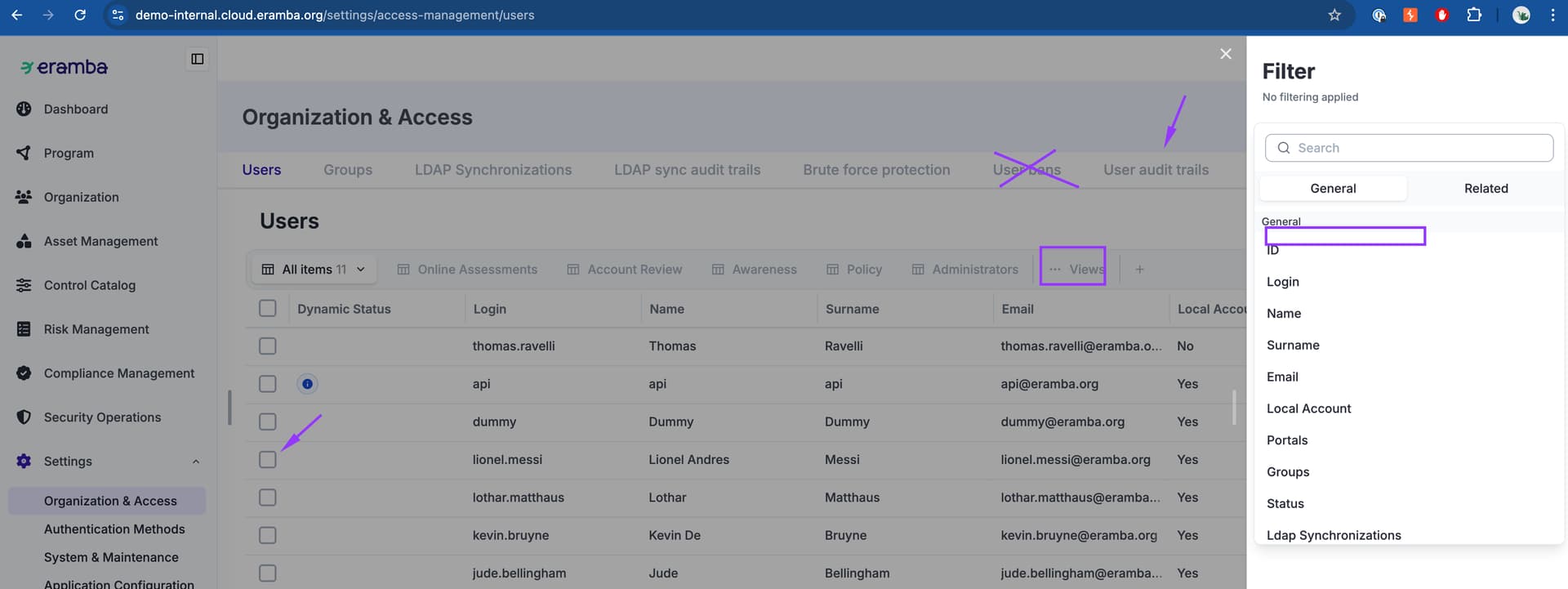
- Remove the user bans alltogether
- make sure the audit log tracks when a user got banned (including a filter you can search against)
- on the Users tab make a filter option to search for users that are currently banned
- make a view ith banned users on that tab
- make a click option that “Unlocks” the account , this only shows if the account is banned
- make a notification that triggers when a user is banned, by deffault disabled
I would instead make an attribute on the
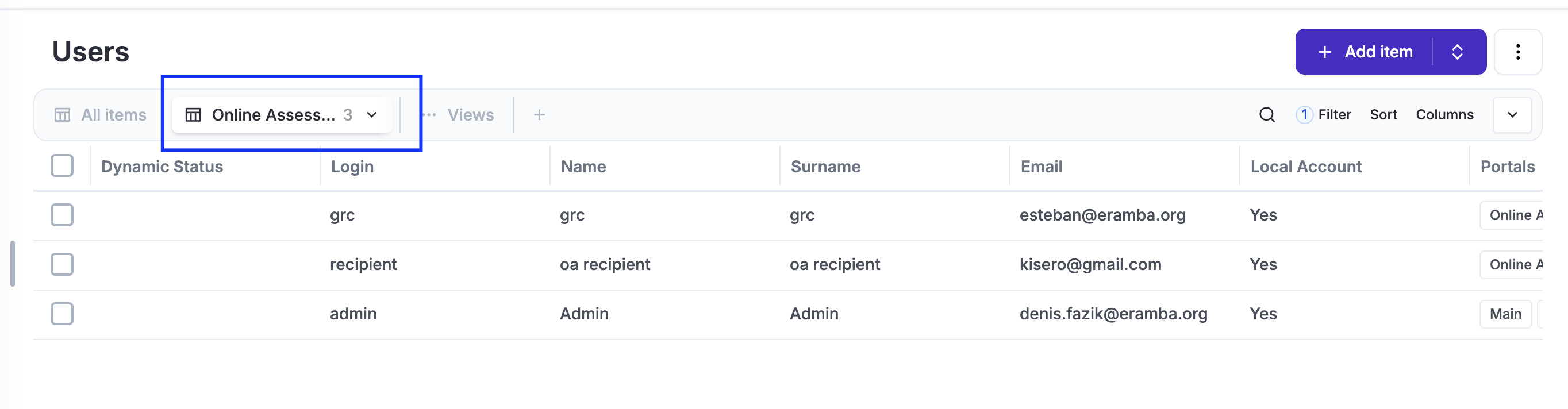
Default Views (OA Phase Two)
Main Portal Dropdown (Roles)
When you access the main portal and add/edit some item, the roles dropdown should only list accounts that have access to the main portal , there is no point in listing accounts that do not have access to the main portal.
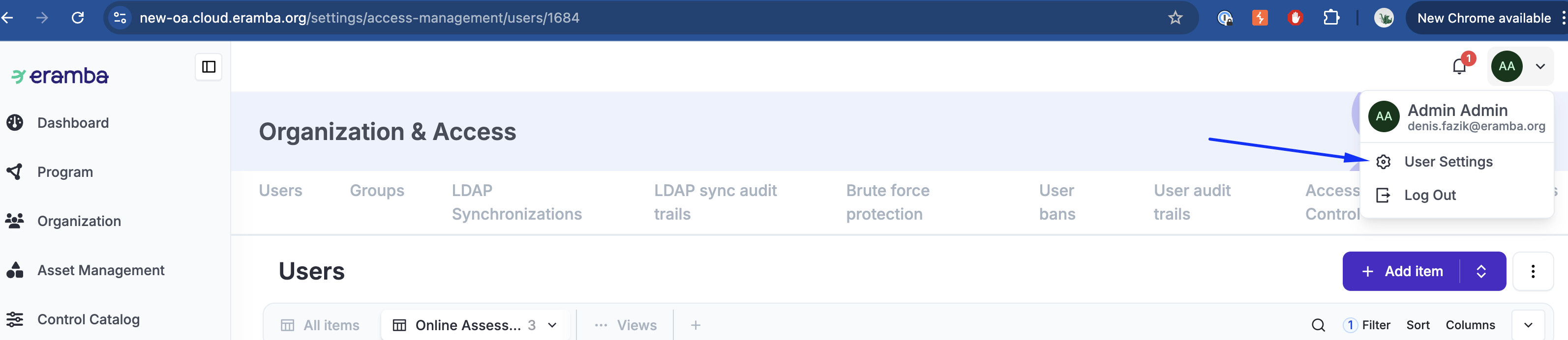
Improve Profile Icon (OA Phase Two)
We need to define what will be shown here
Notifications
tbd
Brute Force
tbd
Password Complexity
tbd