Policy Attestation - acknowledge selected Eramba policies inside the training
Questionnaire pool - random questions, configurable per attempt
Direct video link - embed via iframe, not just upload
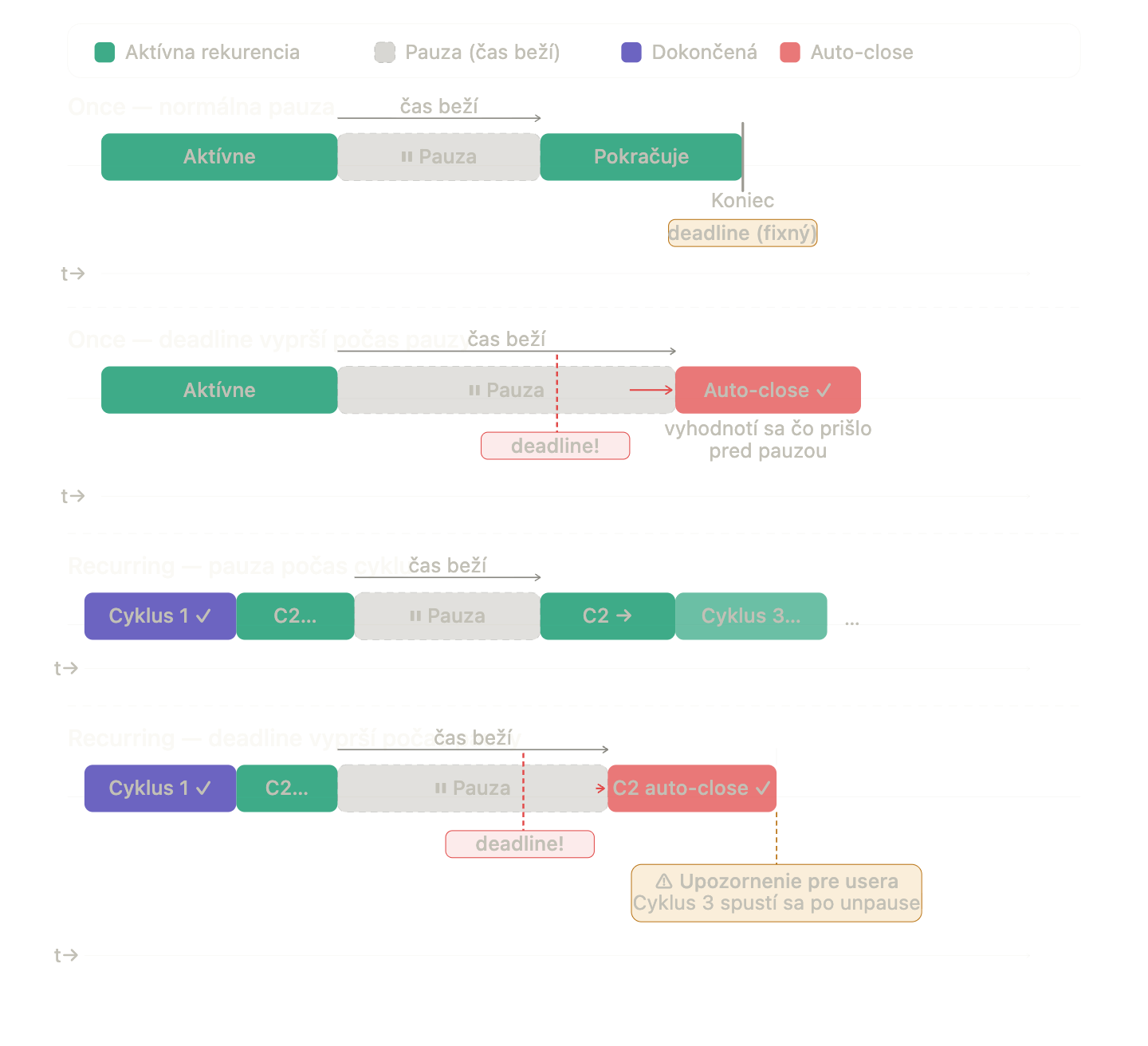
New schedule - Once or Recurring (recurring spawns Cycles)
Advanced reminders - repeating After Start, Before End, Non-Completion
User accounts:
the main fix here is that we will stop listing users in user lists when they do not have Main portal assigned - after we fix this it should resolve the performance of the system as well
should be considered here: Feature - Access Management Updates
Final Field Names
Tab
Section
Field
General
Title
Description
Audience
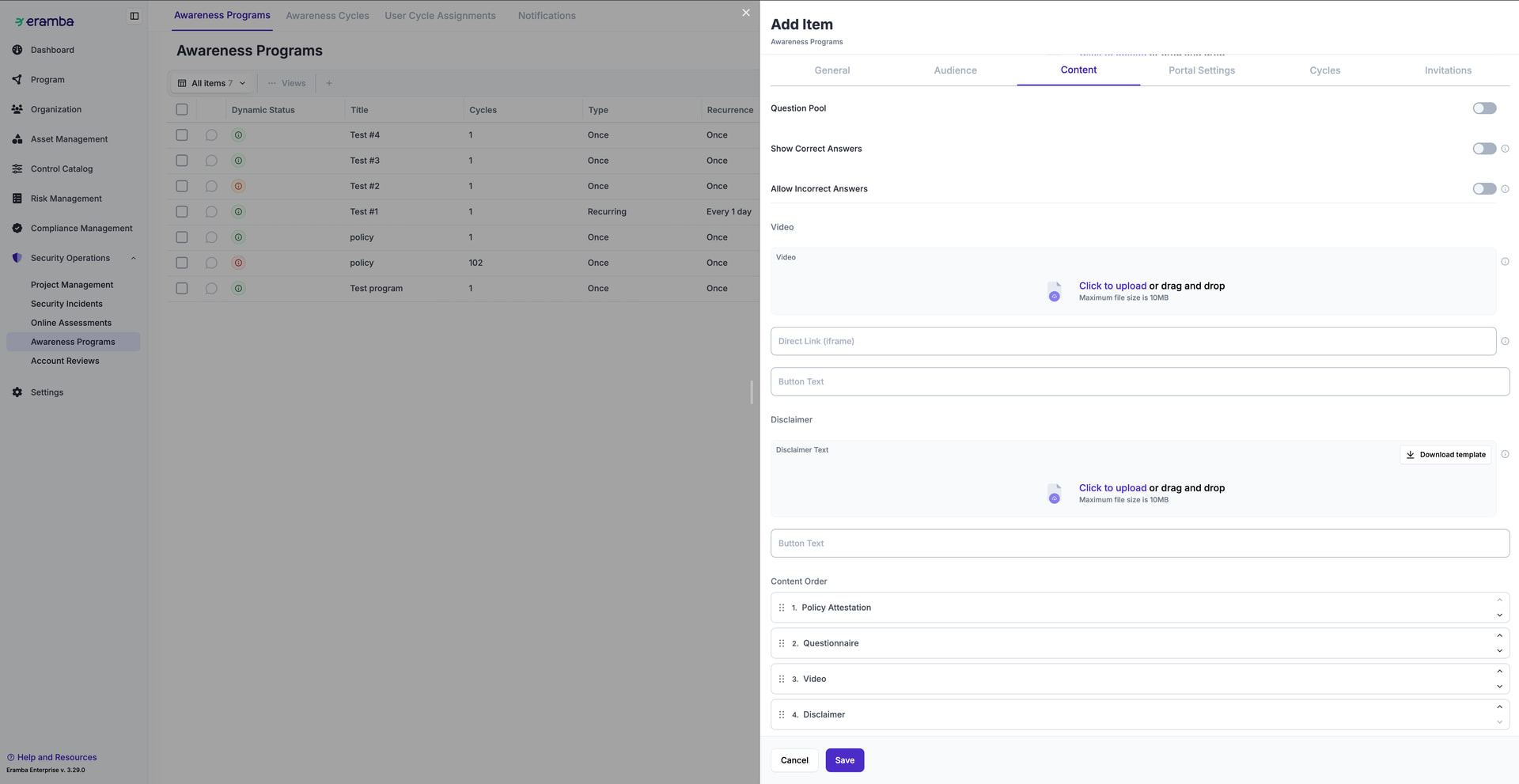
Content
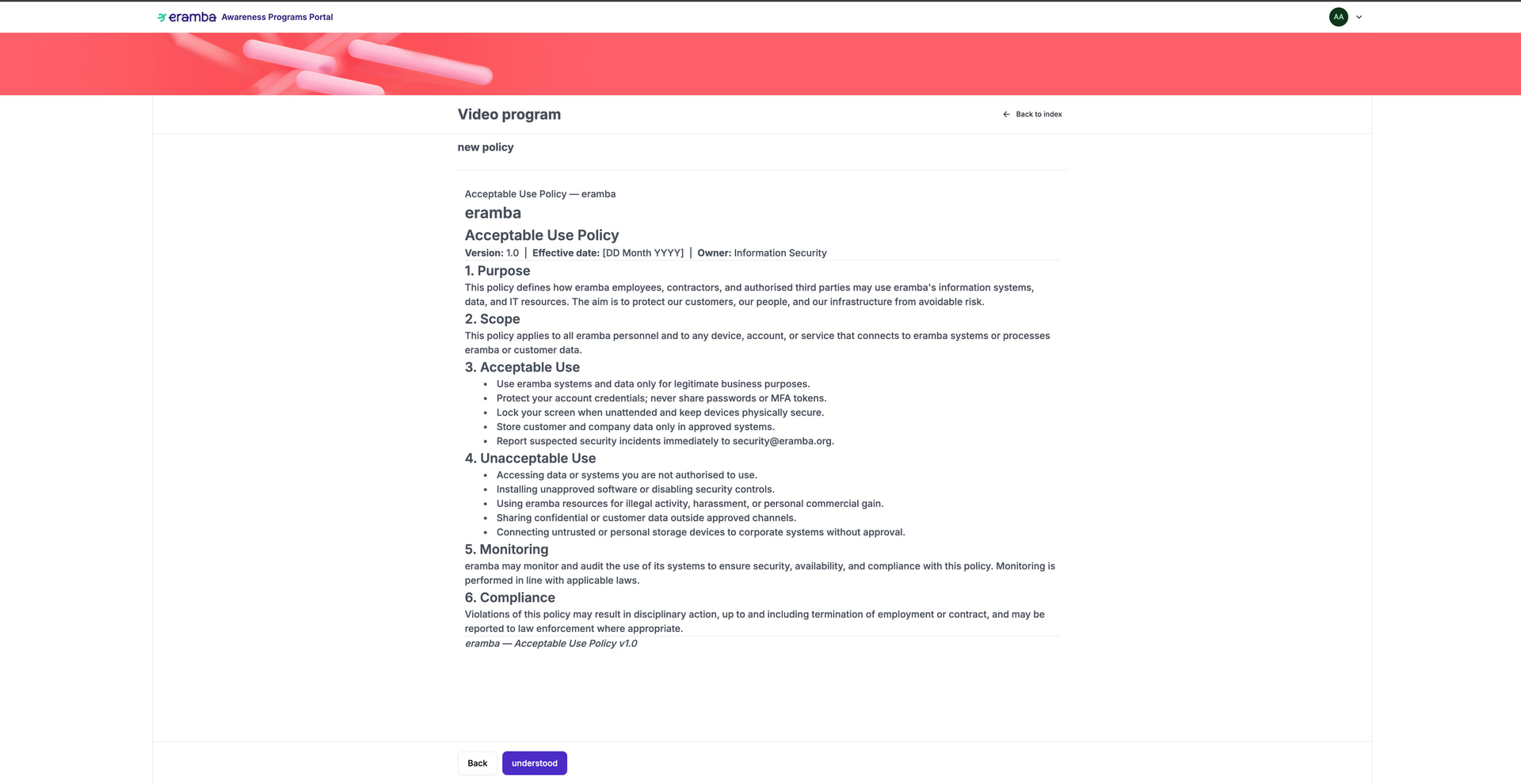
Policy Attestation
Associated Policies
Button Text
Questionnaire
Questionnaire (upload)
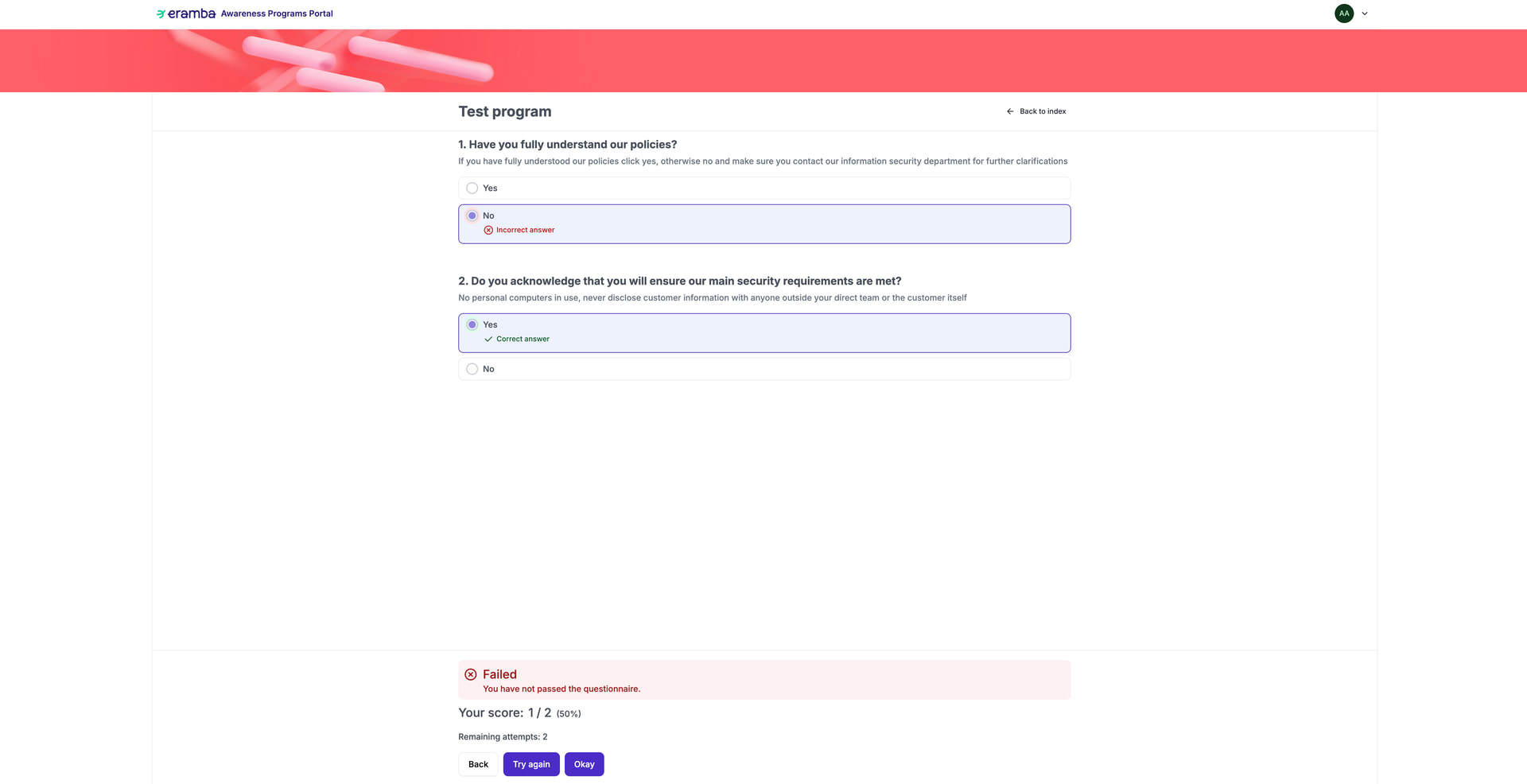
Question Pool (toggle) → Questions Per Attempt
Show Correct Answers (toggle)
Set Passing Score (toggle) → Passing Threshold, Max Attempts
Button Text
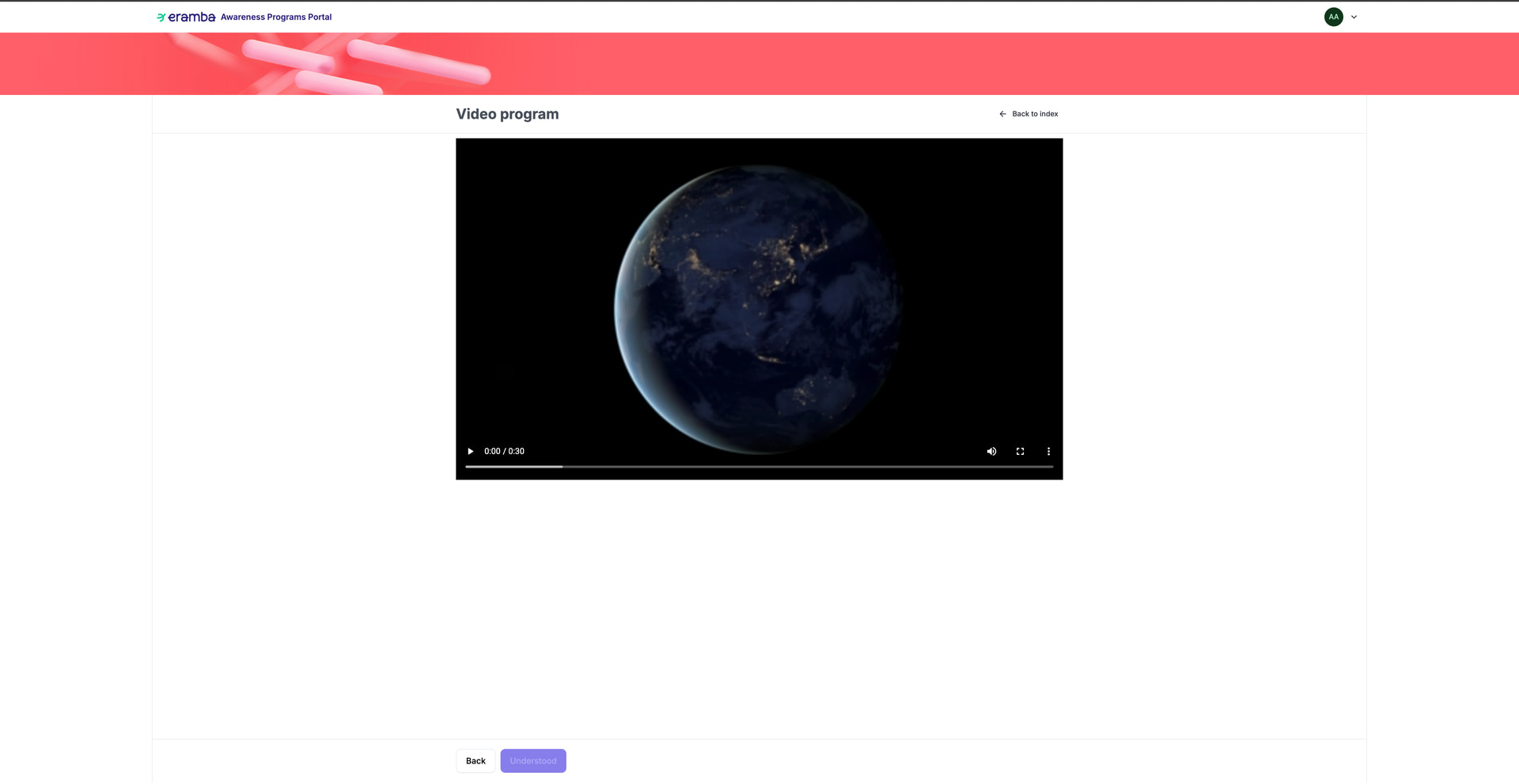
Video
Video (upload)
Direct Link (iframe)
Button Text
Disclaimer
Disclaimer Text (upload)
Button Text
Portal Settings
Welcome Message (toggle + rich text)
Thank You Message (toggle + rich text)
Content Order (drag & drop)
Schedule
Type (Once | Recurring)
Repeat every
Period
Start Date
End Date
Notifications
Invitation
Email subject
Email body
After Start Reminder (toggle)
First reminder after (days)
Repeat every (days)
Maximum reminders
Subject
Body
Before End Reminder (toggle)
Days before end date
Subject
Body
Non-Completion Notification (toggle)
Subject
Body
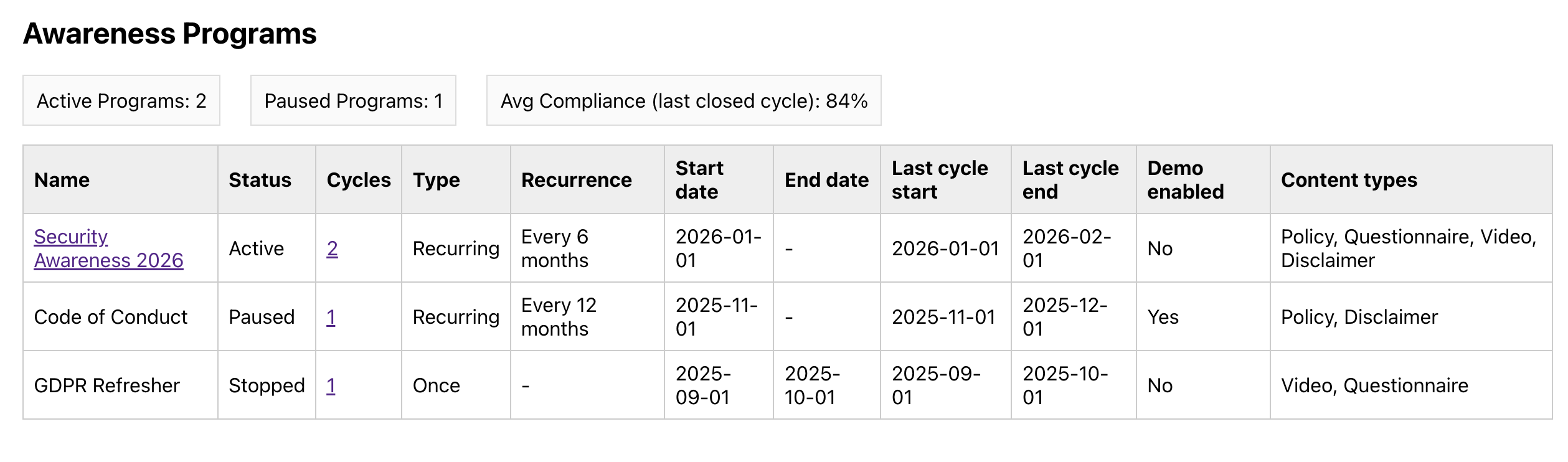
Views: Awareness Programs
Purpose
what awareness programs exist and what state are they in?
One row = one Awareness Program.
Update - this shipped with release 3.31.0 (Enterprise).
The final implementation follows the design in this thread, with a few changes worth flagging:
What changed from the design above
The Before End Reminder and the Maximum Reminders cap did not make it. Notifications ended up as three types:
Invitation (sent when a user’s cycle starts, and automatically to anyone who joins the audience mid-cycle)
repeating Reminder (first one X days after the cycle starts, then every Y days until the user completes the training or the cycle ends)
Non-Completion notice (sent once, when a cycle closes with the training unfinished - requires an end date)
Questionnaires are imported from a CSV file - a template and a filled example are downloadable from the form. The question pool serves N random questions on every attempt.
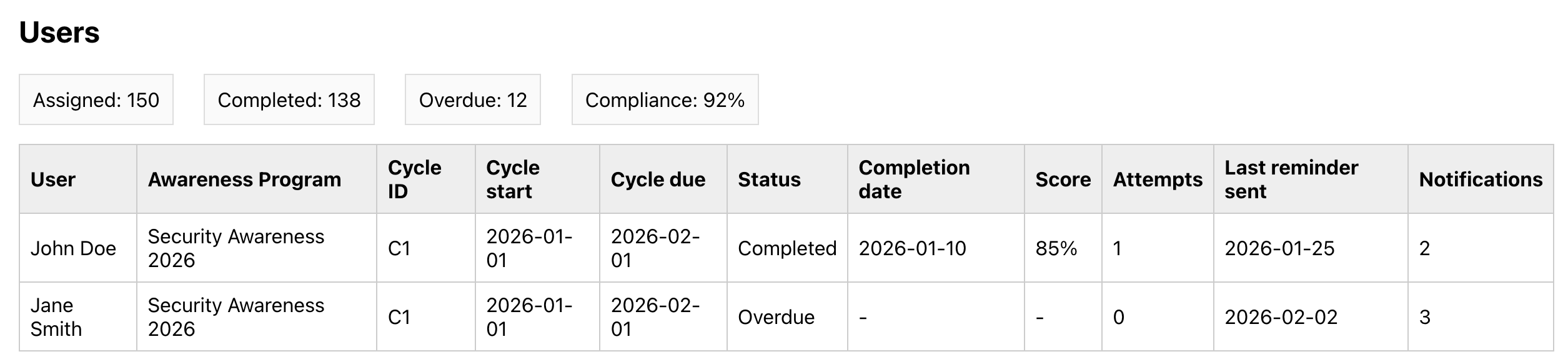
“User Cycle Assignments” ended up as User Records - same object, better name.
The Schedule tab got two things the design did not have: a Start immediately option, and a “What will happen” box that lists the exact cycles and dates before you save.
Every program has a Demo Mode: you preview the whole training as a participant.
If you used the old awareness module: your existing programs are migrated as read-only historic evidence. Their cycles, user records and notification logs stay browsable for audits, and the uploaded content (video, questionnaire, disclaimer) can be retrieved with Download Content. To continue training, you create a new program from that material.
The mental model is exactly as described above - Programs → Cycles → User Records, with every email logged - and the four scenarios (onboarding, remedial, recertification, role-based) are the intended usage patterns. Both are covered in the documentation: [TBD].



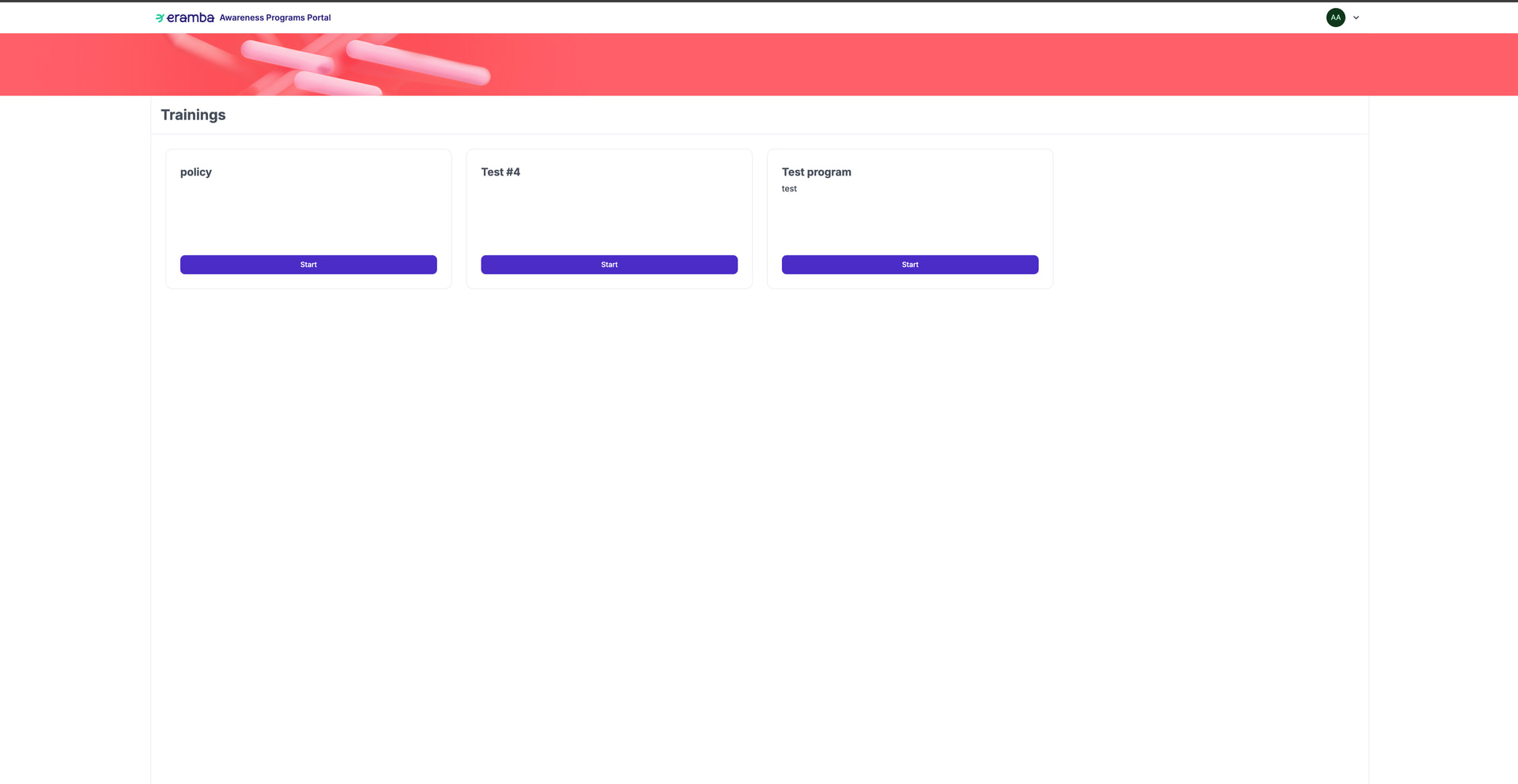
 If you used the old awareness module: your existing programs are migrated as read-only historic evidence. Their cycles, user records and notification logs stay browsable for audits, and the uploaded content (video, questionnaire, disclaimer) can be retrieved with Download Content. To continue training, you create a new program from that material.