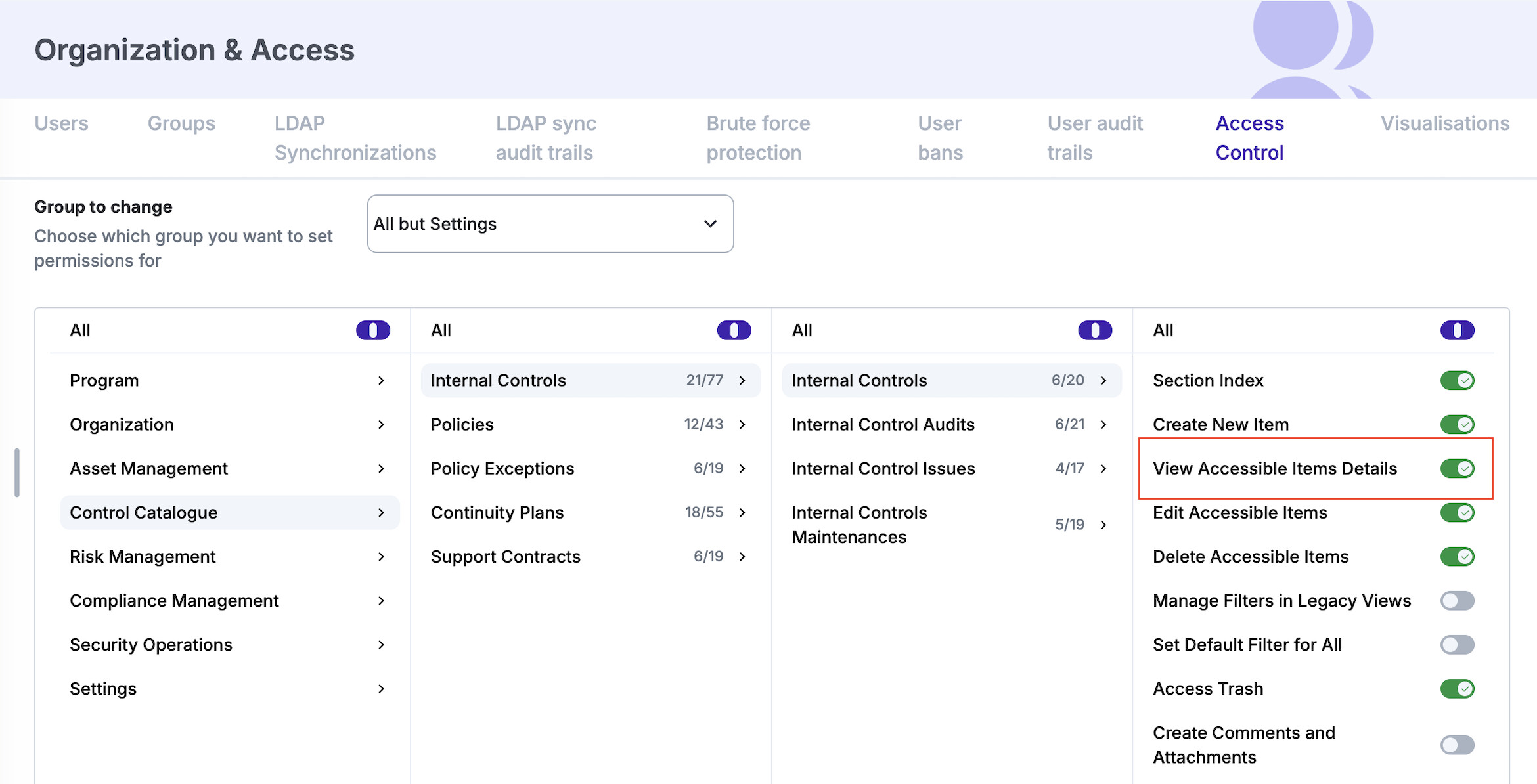
This post aims to introduce a new feature that we are implementing in Release 28: the new detailed view.
The detailed view provides a more comprehensive and interactive way to work with individual items. It is split into two main areas, allowing you to manage item data and review its history in one place.
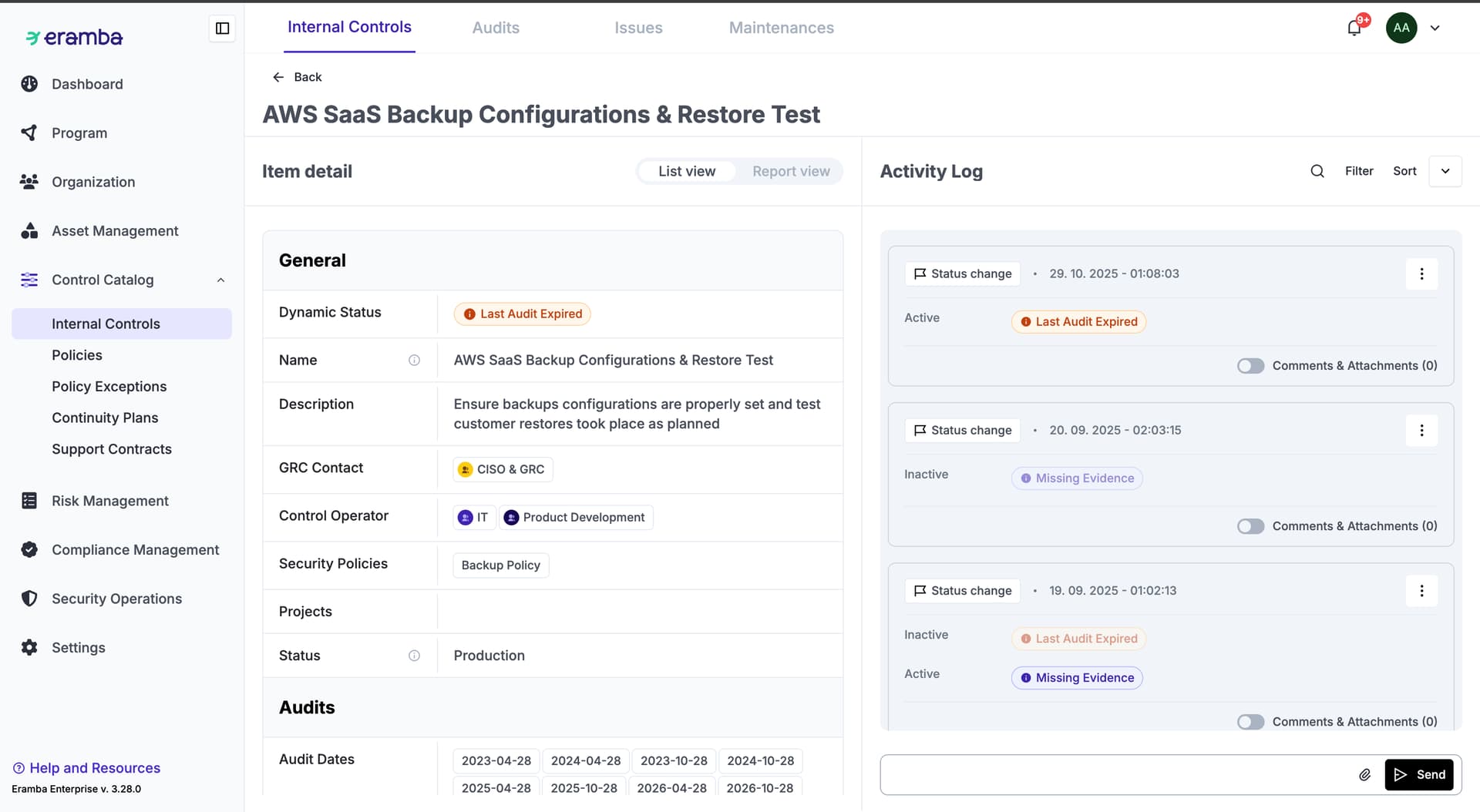
On the left side, you can see all the fields of the item. This view is similar to the form used when creating or editing an item, but it is optimized for reviewing existing data. From here, you can also switch to the report view and run item-specific reports directly, without leaving the page.
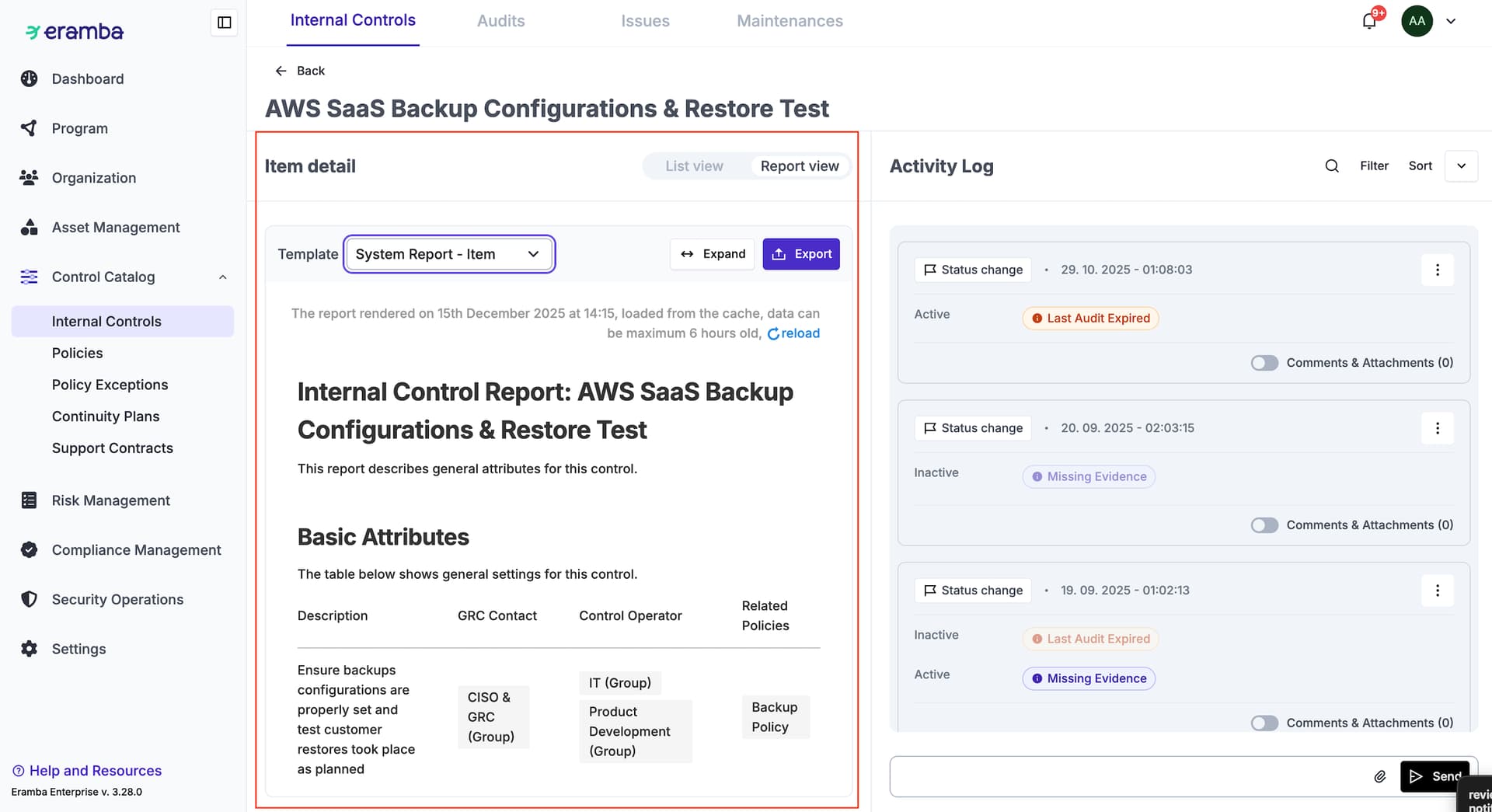
On the right side, you will find the activity log for the item. The activity log is presented in a clear, user-friendly, and chronological format, making it easy to understand how the item has evolved over time.
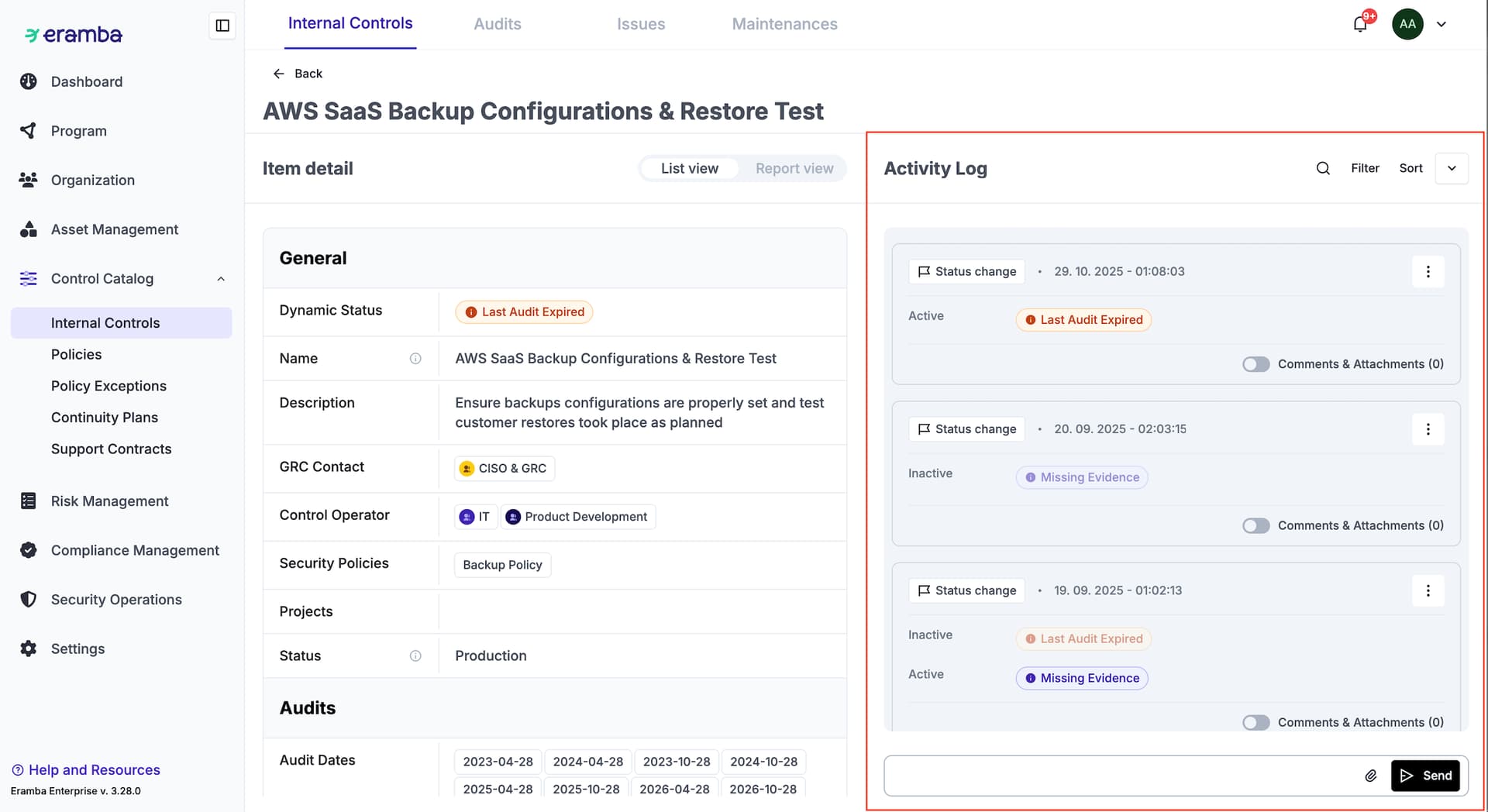
The activity log supports searching, sorting, and filtering, in the same way you are already used to from index views. This allows you to quickly locate specific changes or events, even for items with a long history.
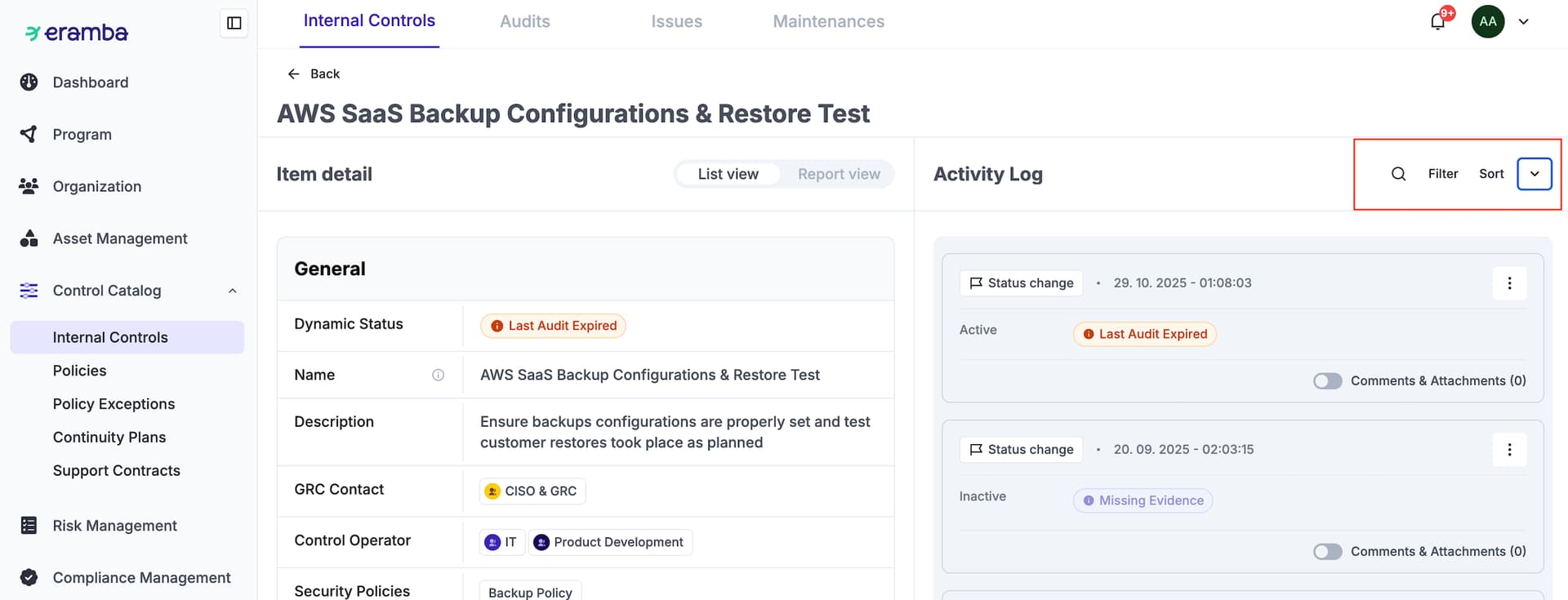
The activity log currently includes the following types of events:
- Create
- Edit
- Dynamic status change
- Notification
- Comments and attachment
Each event is displayed as its own widget. These widgets can be directly shared and commented on if needed, making collaboration and communication around specific changes much easier.
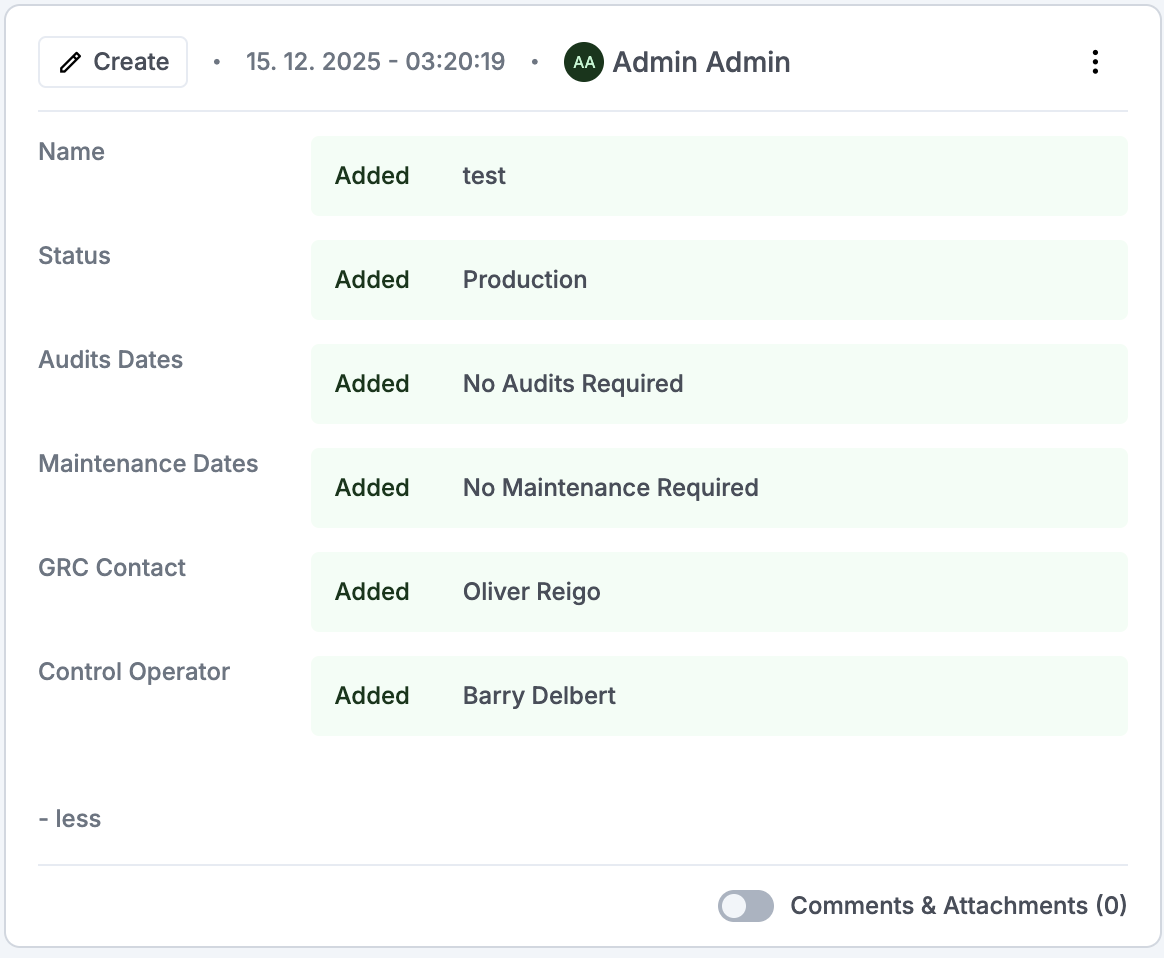
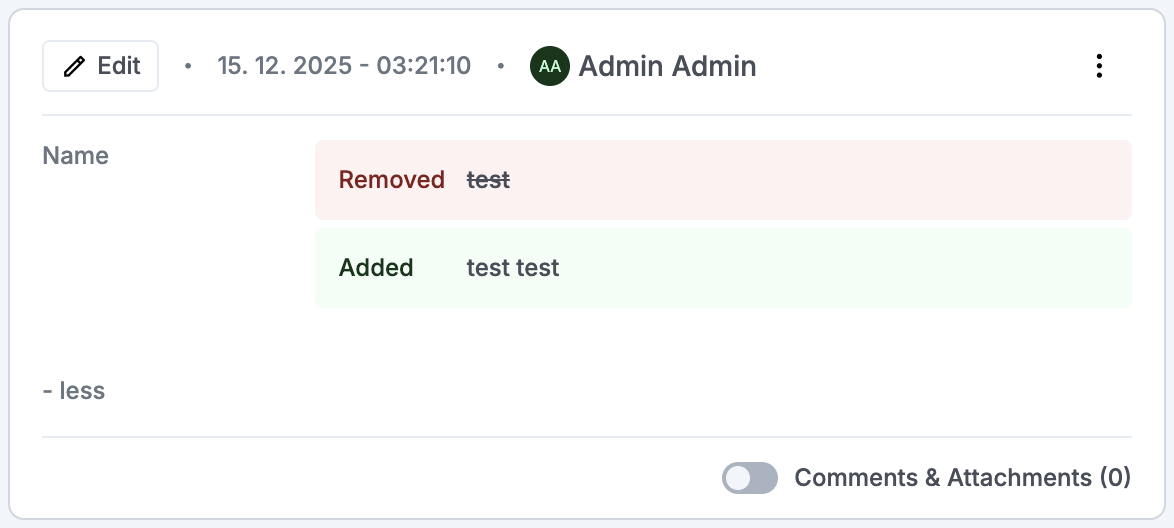
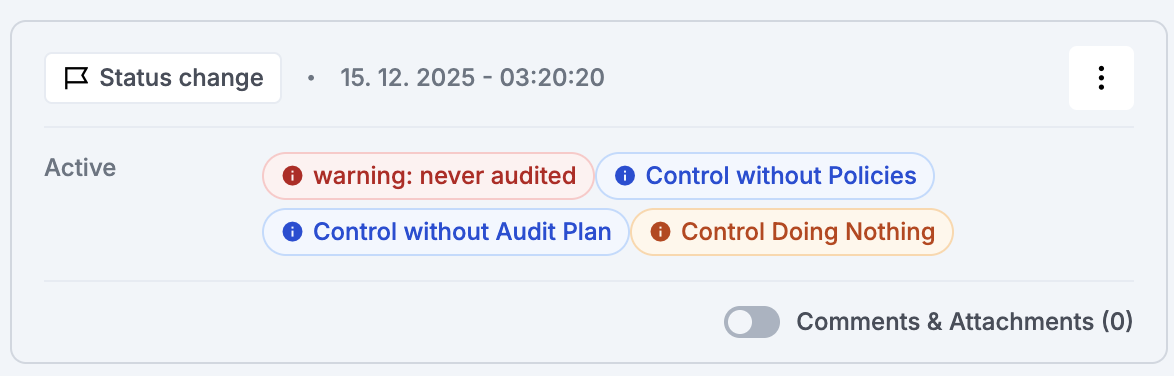
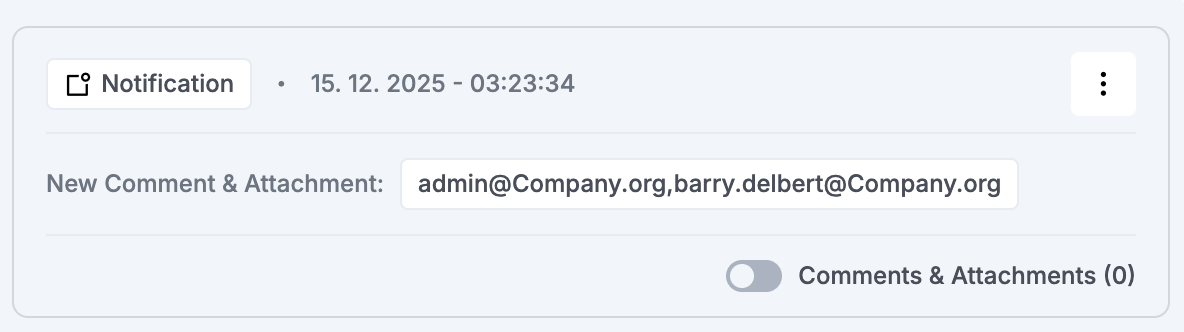
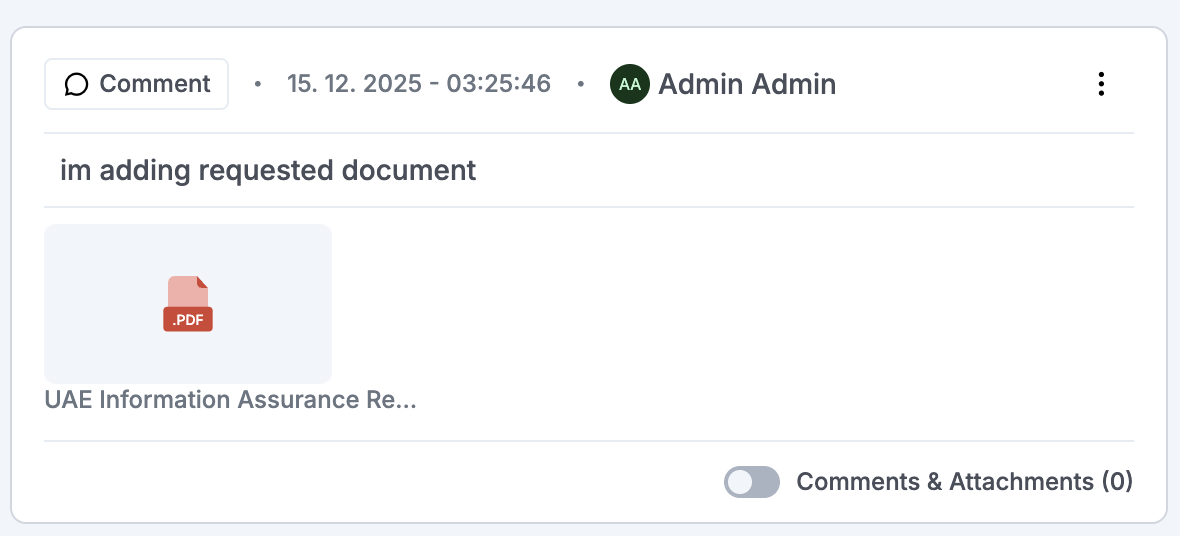
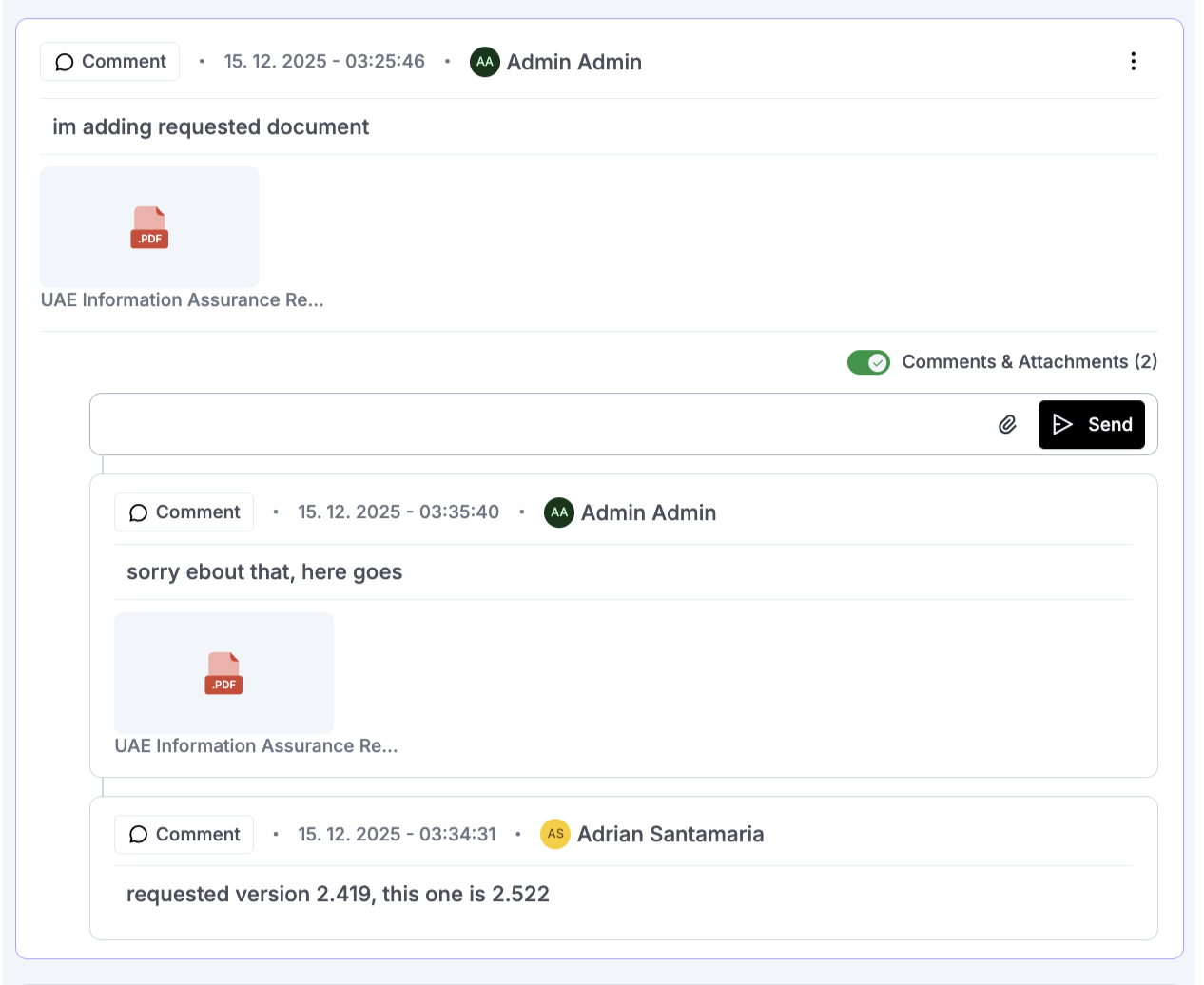
This is also the biggest change in the user flow. Comments and attachments are no longer opened in a separate modal. Instead, selecting them will take you directly to the detailed view of the item.
Any unread or unseen comments are highlighted, making it easy to identify new information that requires your attention.
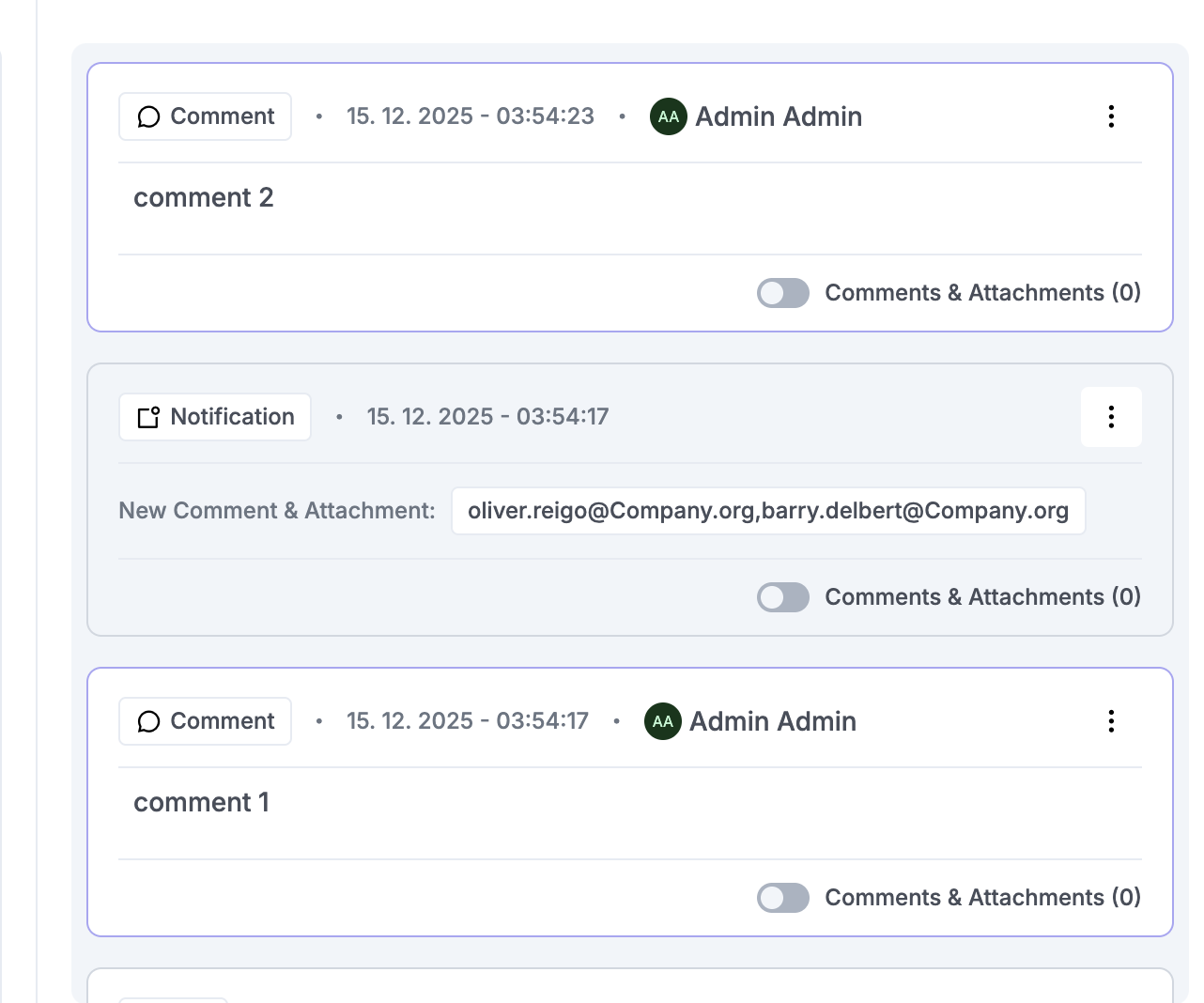
This capability will become even more important with the upcoming review-related improvements we are preparing. In the future, records related to reviews or audits will be handled directly from this detailed view. The goal is to further reduce the gap between asynchronous review processes, which are currently performed in separate windows, and bring everything into a single, unified workspace.
You can read more about the upcoming review improvements here:
This modal also has its own access control rules. You can explicitly allow or restrict user access to this view through ACL settings, giving you full control over who is able to see the detailed view and its contents.