We just upgraded from 3.27.3 straight to 3.29.0 and I have questions about the new UI when it comes to Dashboard => Control Catalog => Policies
I have checked the announcements here but couldn’t find any details so if I have missed them, please help me find them. This is all I found but it didn’t help much => Feature-Detailed view
What I don’t quite understand is:
Did you really leave the “View” button at the bottom as is but replaced its functionality or am I missing something?
That button seems to only show policy Metadata and one has to use the new button “Document View” to actually view the policy content?
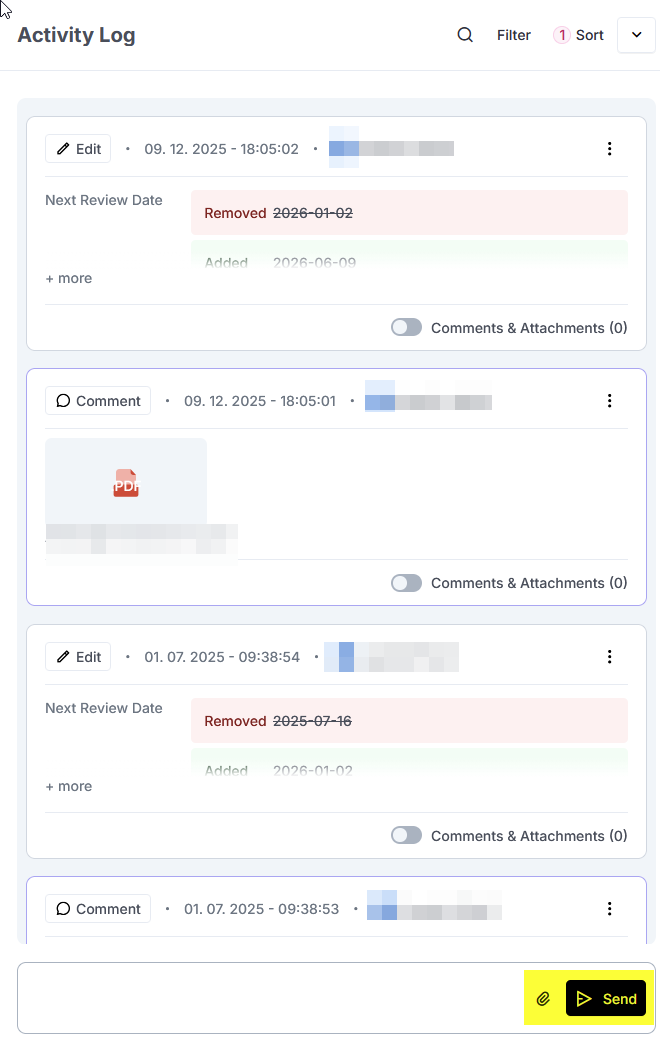
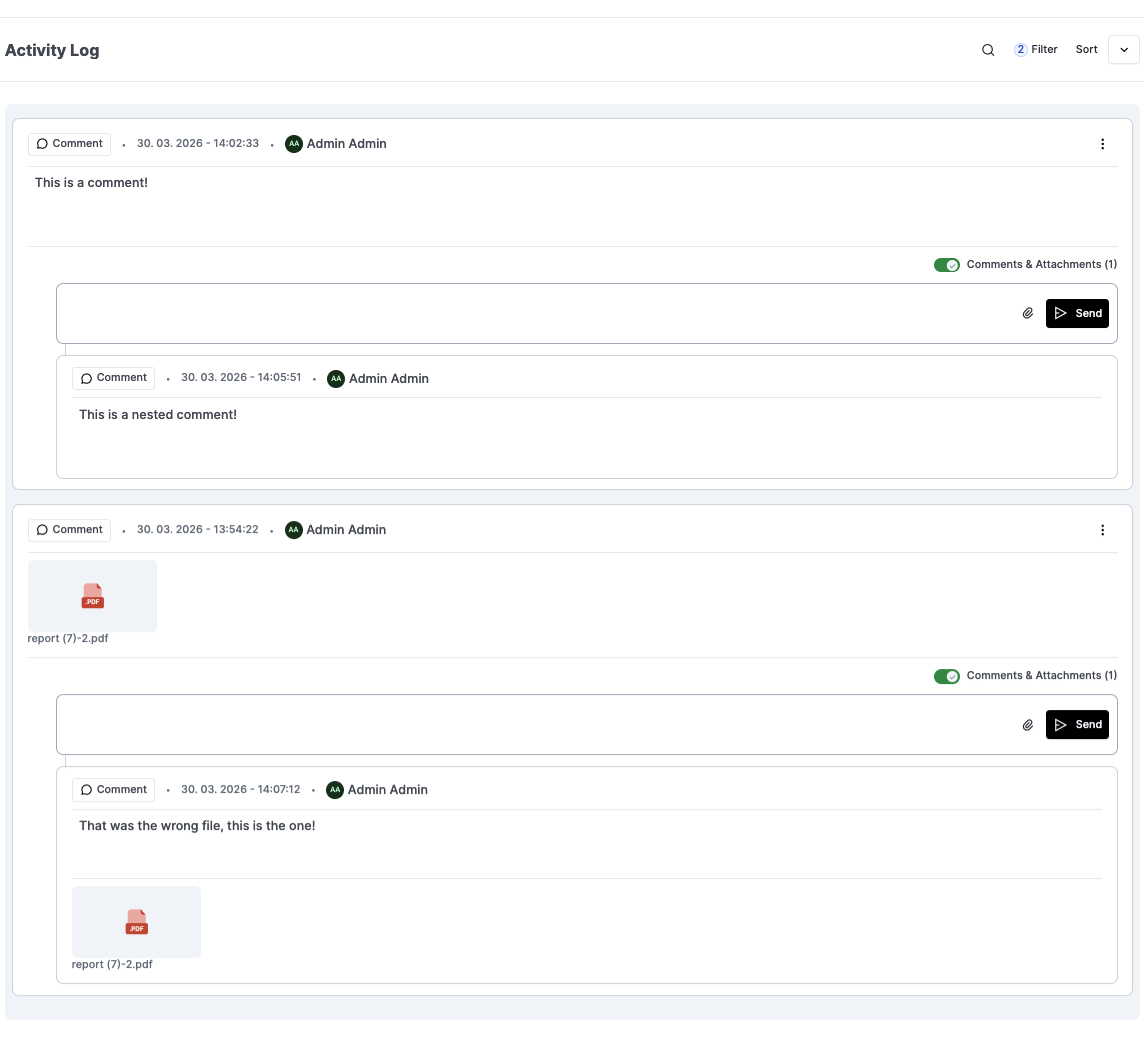
Also, when in the “view” mask, on the right is an activity log. What is the button “Send” supposed to do? What am I sending? This is an activity log, do I send log entries? At a first glance, the existing entries here are logs of older changes, this send button makes no sense to me. I’d expect this section to automatically get filled with previous activities.
“Document View” is now the button to actually see the policy content.
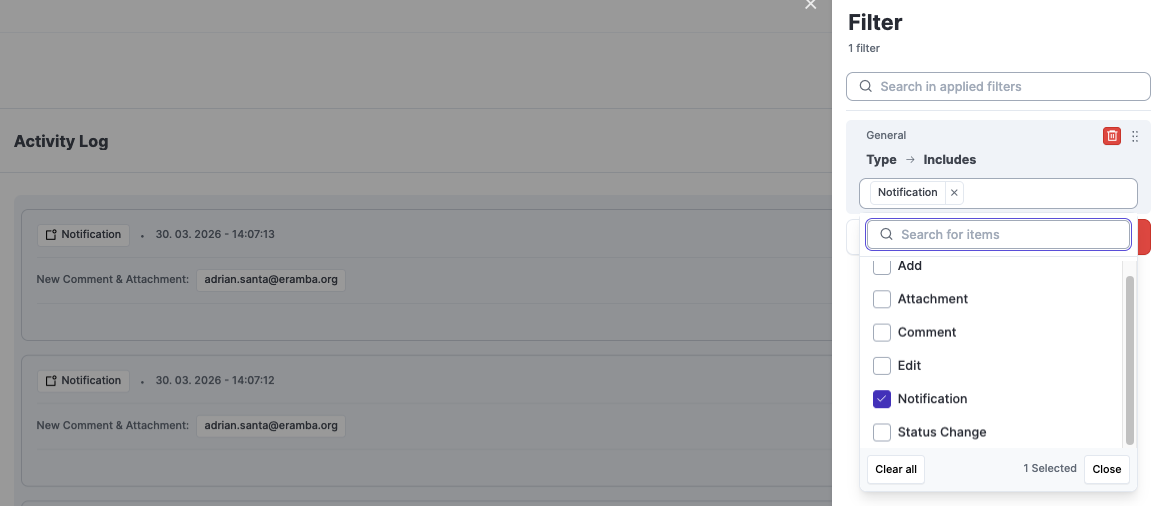
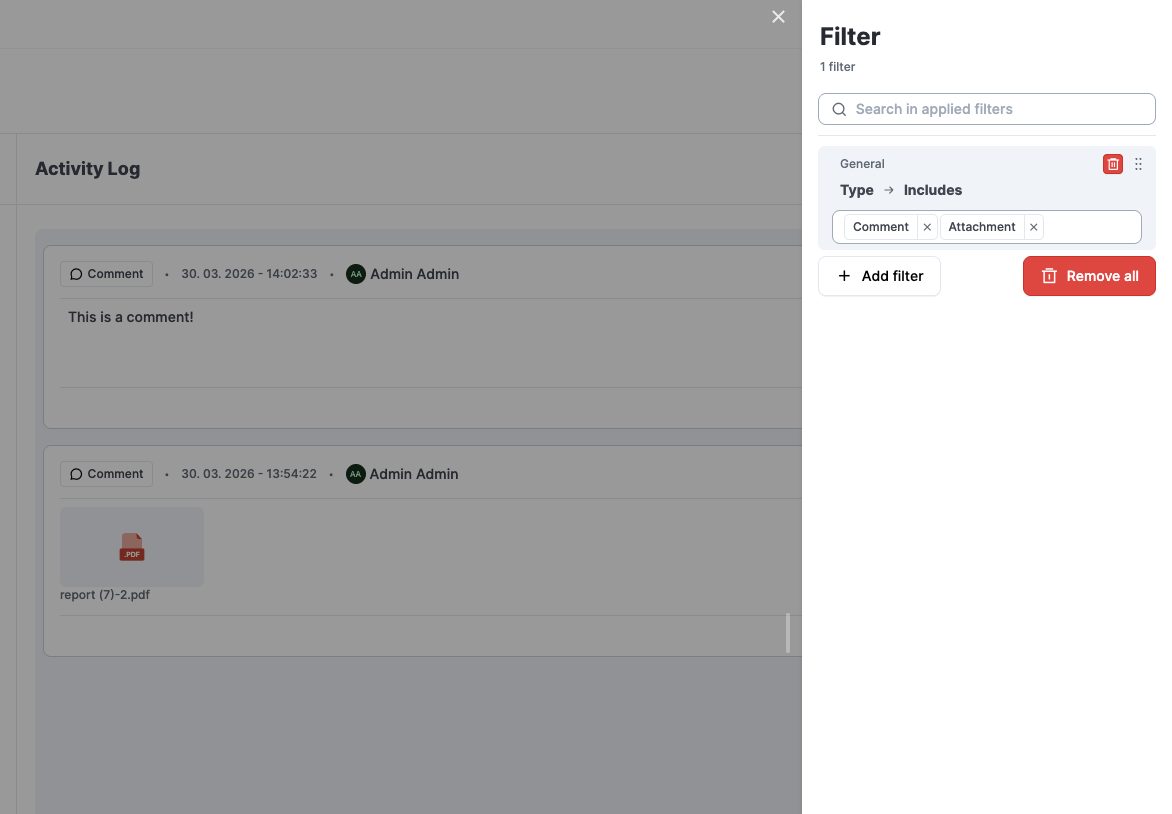
The “View” button is meant to be used to view the “Item Details”. You will see this button across all sections. Clicking there will lead to the “Item Detail”, where you will see the fields as well as all entries for the comments/attachments and the activity log. These entries can be filtered and sorted.
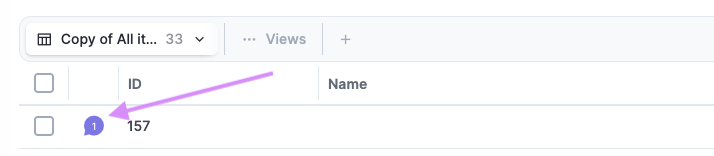
This “Item Detail” is where you add the comments and attachments. Clicking the regular comments and attachment button will get you to the “Item Detail”, but with a filter applied to only see comments and attachments. (You won’t see notifications, statuses changes, etc.)
On the bottom field with the Send button is where you write and attach comments and attachments that will be added to the item. This is only meant for comments and attachments, you can’t other entries.
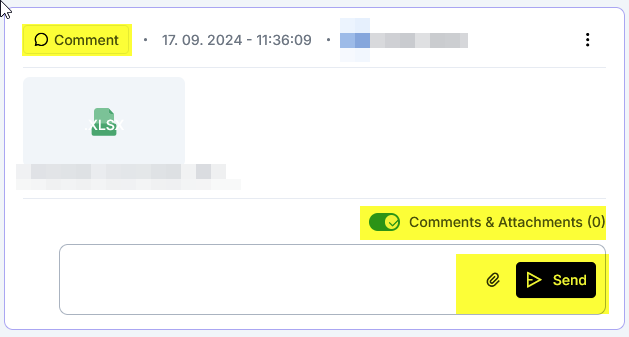
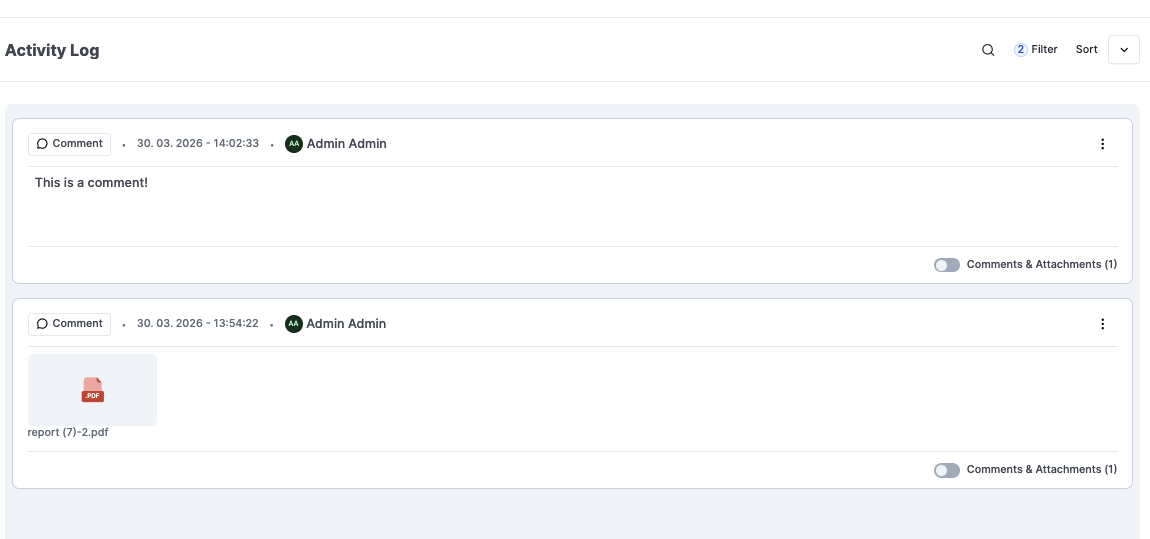
The checkbox on the comment is to add/display nested comments. Once enabled, you are able to add comments and attachments directly to that entry, so you can have a proper trail and follow up.
Hey Adrian, thanks for the detailed walk-through. Much appreciated.
I think I got it this time. The most important part was that we can filter the entries shown under “activity log”, I had missed that part.
I also got the part with comments and threaded comments.
The point I am still unsure about is this one where you said:
On the bottom field with the Send button is where you write and attach evidence that will be added to the item.
The word “evidence” is confusing. We usually used it when auditing an internal control, where evidence is submitted. Anyway, I have verified, and it seems in this activity logs, we see all comments and attachments from all policy reviews.
Anyway, I’ll go check your docs to see if there is a new video suggested to watch regarding the new UI.
You are right! “Evidence” wording might be confusing in this context. I’ll change it to comments and attachments.
The evidence you submit on the IC audits will also go to the “Item Detail” with any other comment/attachment. But indeed the intended way to add evidence is during the audit edit.