Int. ref.: Jira
We want to have a way to define notifications that are shown directly inside eramba. Think of it as a very lightweight internal messaging channel.
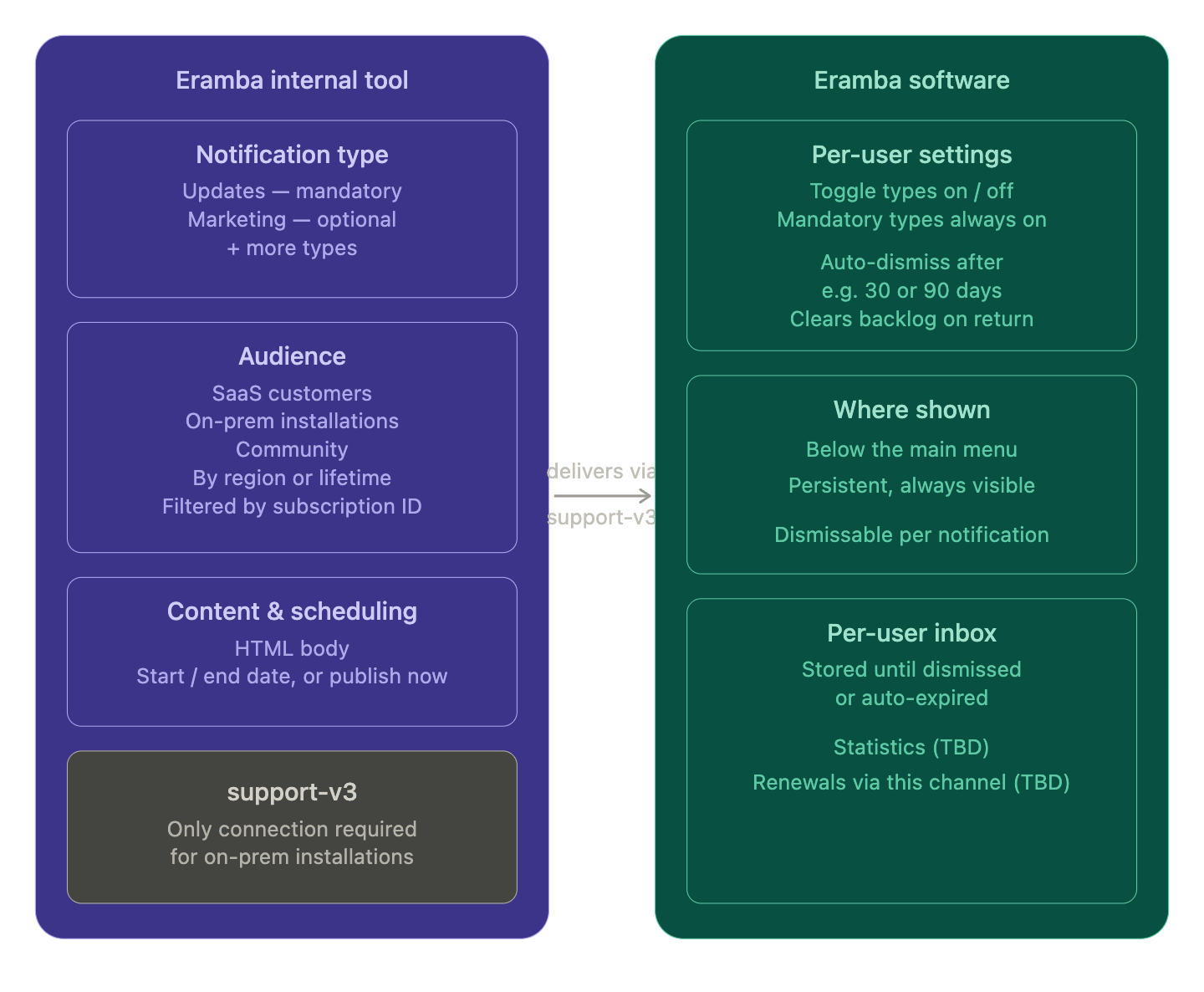
Eramba internal tool side
1. Notification types
Each notification belongs to a type. The initial set we’re planning:
| Type | Description | Mandatory |
|---|---|---|
| Updates | Release notes, new features, improvements | Yes |
| Marketing | Webinars, tips, promotions | No - yes by default |
2. Audience setting
When composing a notification, we need to select who receives it:
- SaaS customers
- On-prem installations
- Community
- Customers segmented by region
- Customers segmented by lifetime
Similar concept to an email campaign, but much lighter.
Audience targeting is handled by filtering on subscription IDs - the notification is shown based on the subscription associated with each installation. The exception is Community, where subscription-based filtering is not possible.
3. Content
Write the notification body as HTML.
Everything routes through support-v3 - this is the only connection required for on-prem installations, so we don’t need to open any additional channels or ask customers to change their network setup.
4. Scheduling
Each campaign can be scheduled with a start and end date. For example, a campaign could start tomorrow and expire at the end of the year. If no end date is set, the notification remains active until manually disabled.
5. Examples
- Instructor Led Training May
- Q1 product Roadmap
- Migrate to Enterprise - December
- Live Demo
- Early Access - Automation Feature
Remaining questions
- Statistics - is it possible to track interactions (views, clicks)?
- Renewals - should renewal reminders be handled through this channel?
Eramba software side
Per-user settings
Every user will have a notification preferences page where they control two things:
-
Which types to receive
Toggle each notification type on or off. Mandatory types are shown but cannot be disabled. -
Auto-dismiss after
Users set a personal window for example 30 or 90 days. Notifications older than this are automatically marked as read so that someone returning after two months isn’t overwhelmed.
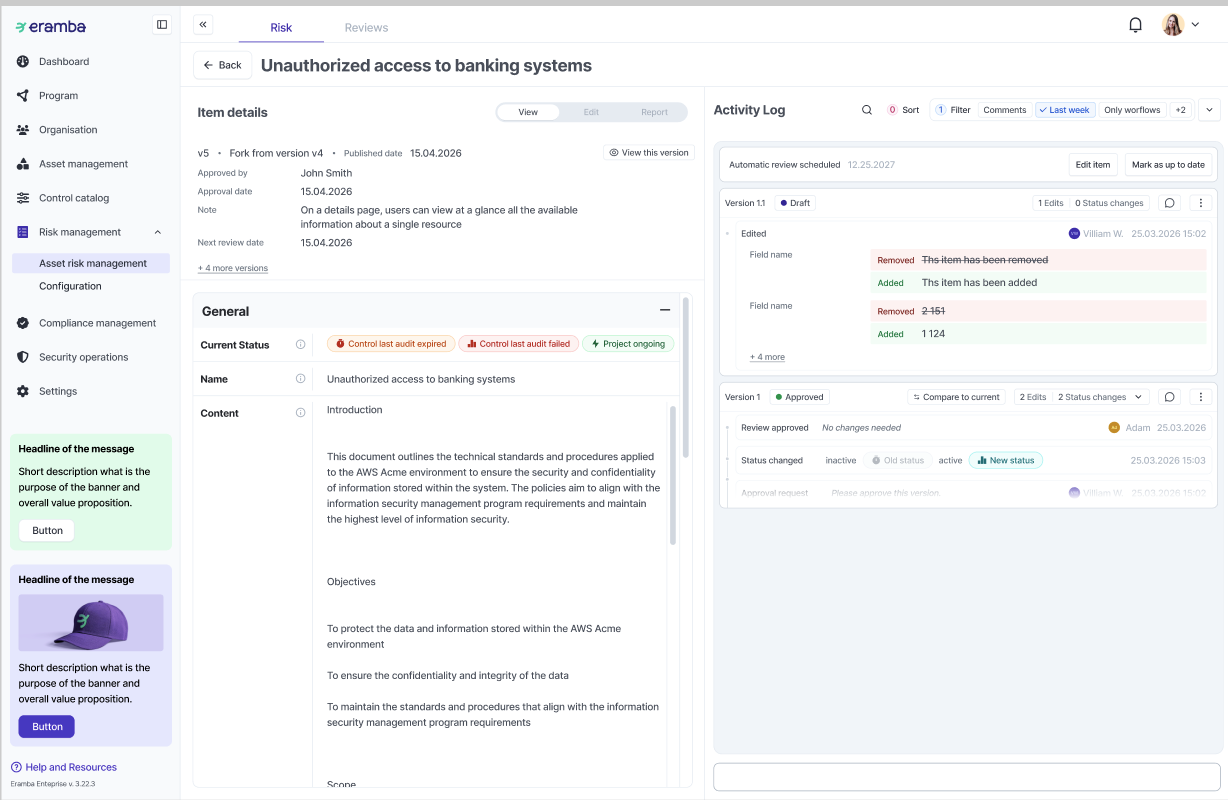
Where notifications appear